

QBCore | QBox


🤔 Frequently asked questions
When will I receive the scripts I purchase?
How to transfer a script?
Where will I receive my scripts?
🚗 Boosting Creator: Car Boosting Contracts for FiveM, From the Theft to the Buyer
Most boosting scripts are a waypoint and a payout
Steal the car, drive to the marker, get paid. Nobody guards it, nobody chases you, the police never know it happened. After three runs your players have seen everything the script has to offer
Two weeks later nobody opens the laptop anymore, your car thieves are back to robbing the same convenience store, cops have nothing to chase and mechanics sit in an empty shop
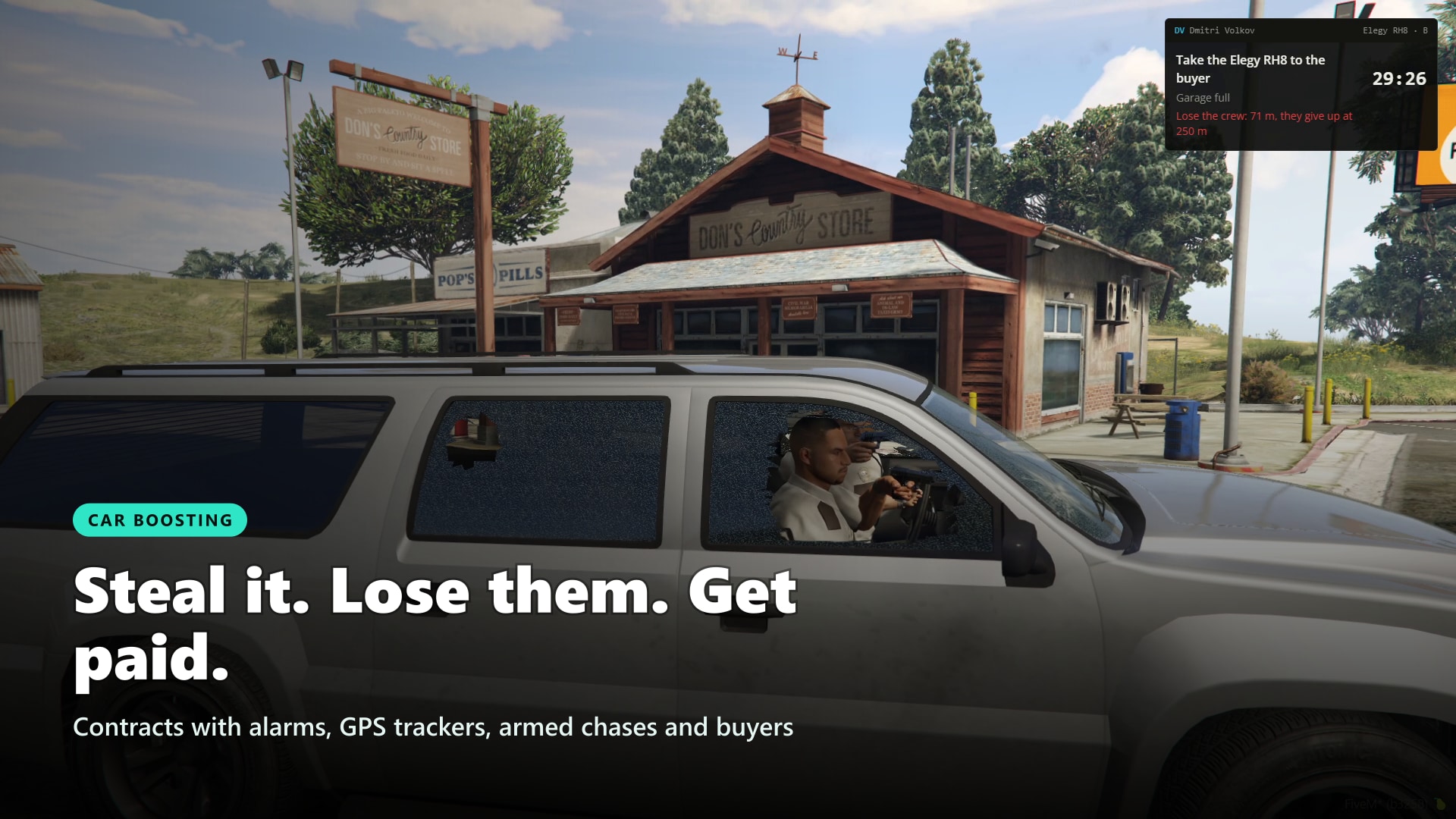
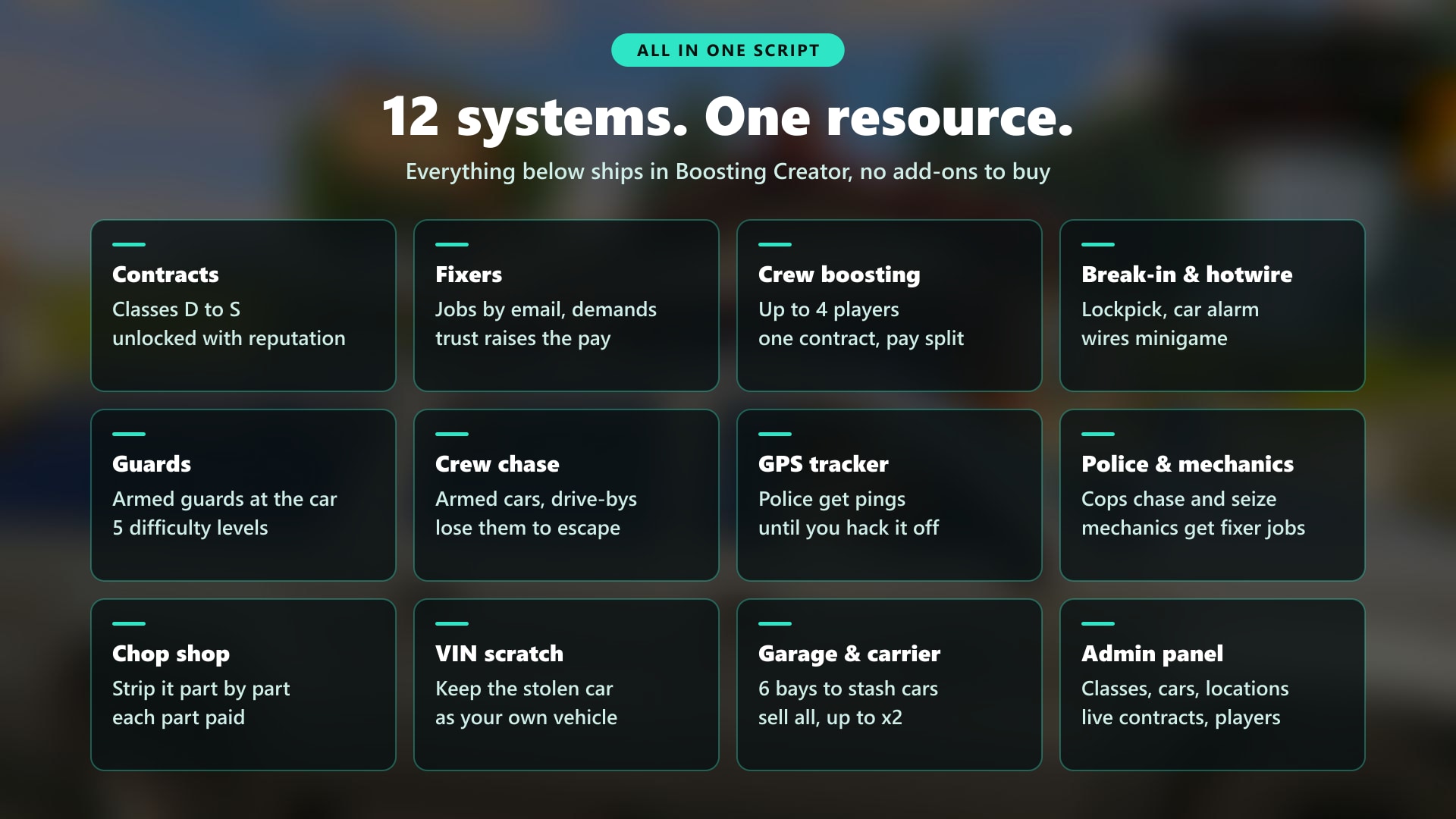
Boosting Creator turns every contract into a heist with a story. A fixer emails the job, the car is parked under armed guards, the alarm goes off at the first lockpick, a GPS tracker pings the police until you hack it off, and an armed crew chases you across the city. Then you choose: hand it to the buyer, strip it part by part at the chop shop, scratch the VIN and keep it, or stash it in your garage and sell six at once on a car carrier. Reputation unlocks better classes, so there's always a next contract worth taking
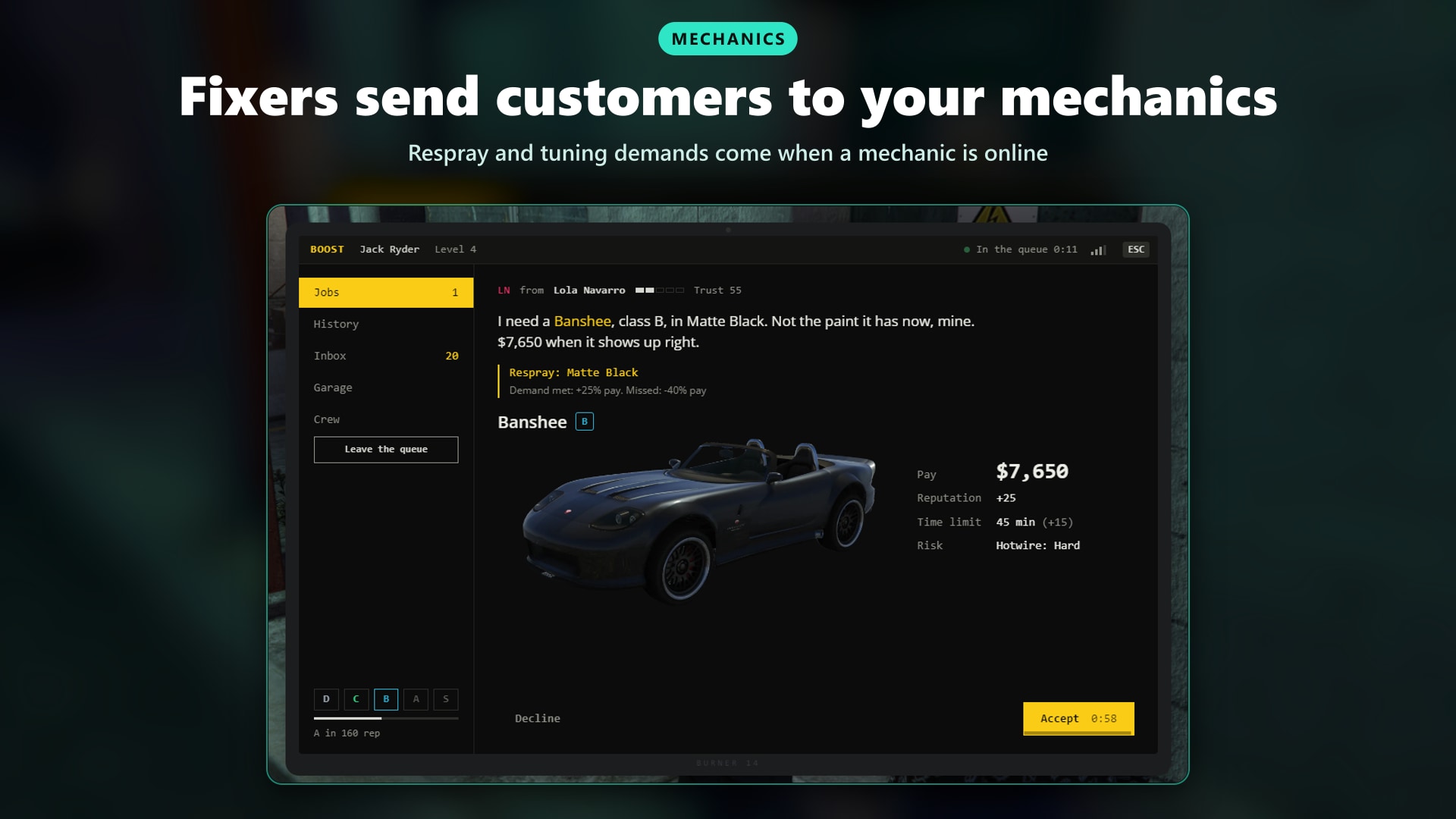
And it's not just for criminals. Every stolen car gives the police someone to chase, and every fixer who wants a new colour or a tuned engine sends a customer to your mechanics. One script, three jobs with something to do every night
Showcase Video Click to watch the script in action here!

💡 Why Boosting Creator?
- The whole car crime loop in one script. Contracts, break-in, hotwire, GPS tracker, armed chases, buyers, chop shop, VIN scratch, a garage to stash cars and a car carrier to sell them all at once. One resource, one admin panel
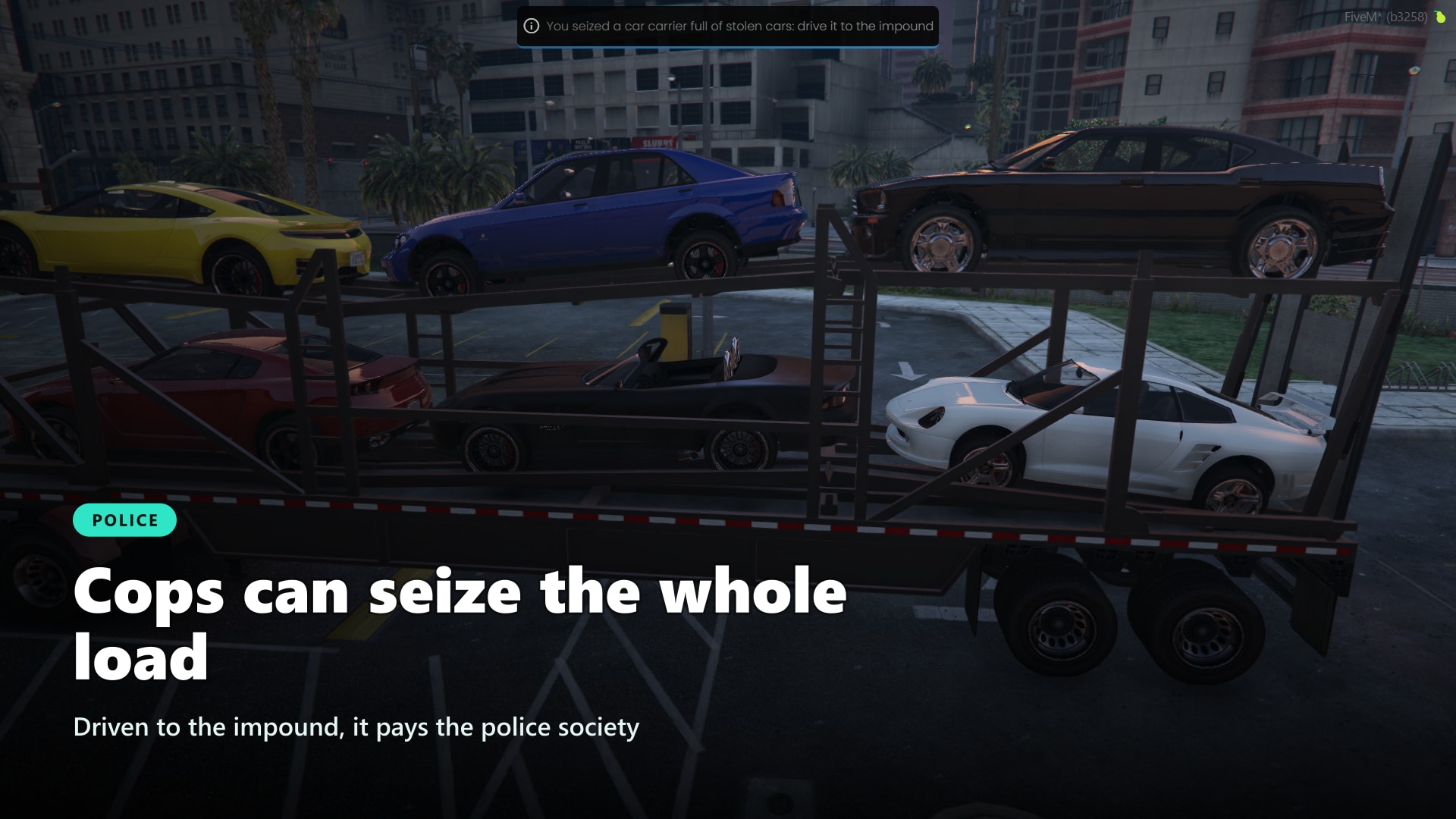
- Content for your whole server, not just criminals. Thieves get contracts, cops get tracker pings, break-in calls and a car carrier to seize for a reward to the police society, and mechanics get paid work when fixers ask for a respray or tuning. Works with rcore, RoadPhone and codesign dispatch
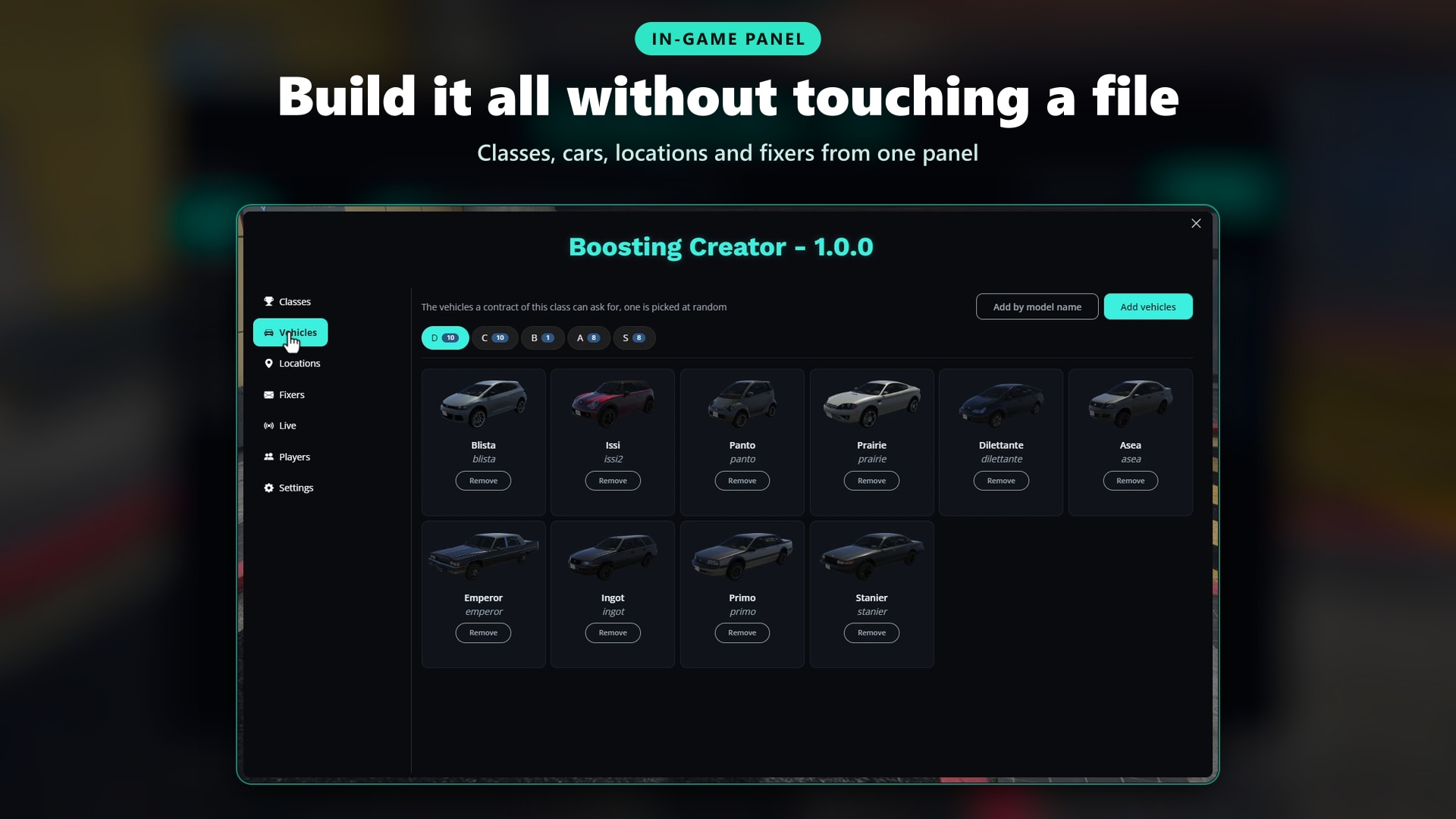
- Build everything in game, zero config files. Create classes, add cars from an image picker, place every location with one click on your position and write your own fixers. No SQL to import: tables, 5 classes, locations and 3 fixers are ready on the first start
- A career, not a farming loop. Classes D to S unlock with reputation, fixers trust you more with every clean job and pay up to 20% more, and a failed contract costs you reputation and trust
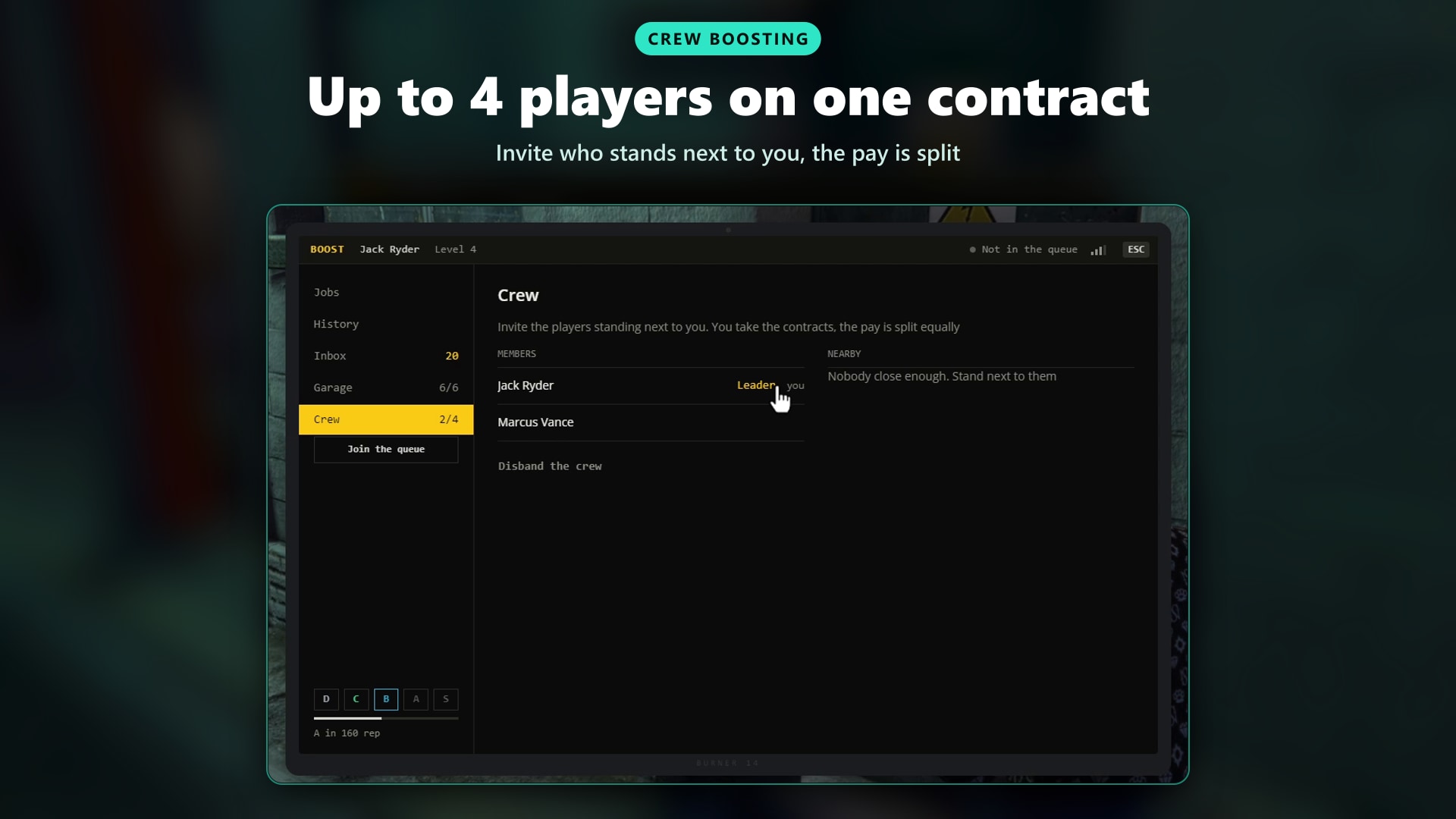
- Better with friends. Crews of up to 4 players take one contract together: every member steals, delivers and strips parts, the pay grows with each member and is split, and guards and chasing cars scale with the crew
- Danger at every step. Every lockpick sets off the alarm, armed guards wait at the car, a break-in can call the police, a GPS tracker pings the cops until you hack it, and an armed crew chases you with drive-bys until you lose them
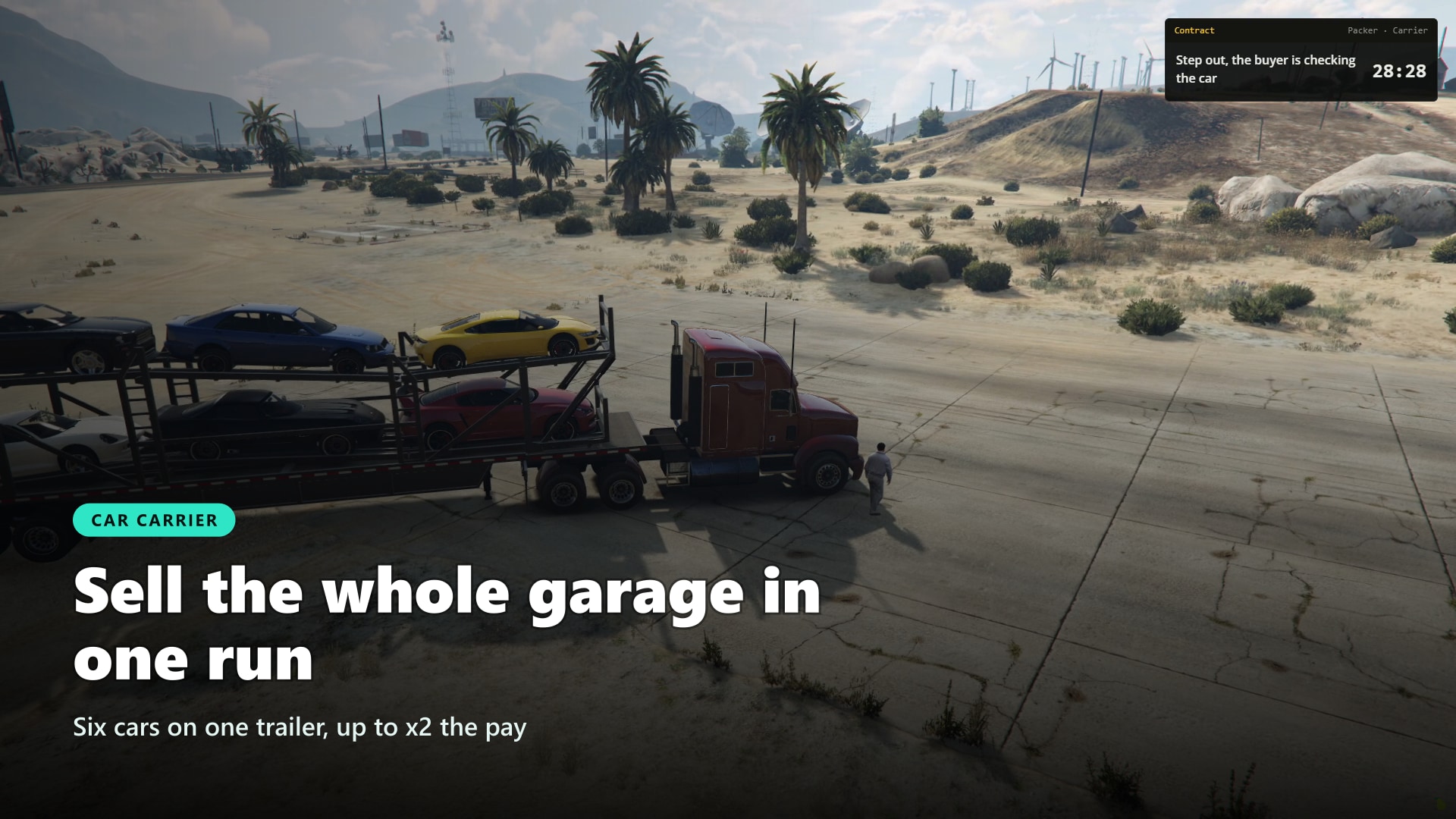
- 4 ways to cash out. Hand the car to the buyer, strip it part by part at the chop shop, scratch the VIN and keep it as your own, or stash it in your garage and sell the whole lot on a car carrier for up to x2 the pay
- Hard to cheat. Lockpick, hotwire and hack results are checked by the server, a car that moves too fast to be true is refused at the buyer, and every rejected attempt lands in a Discord log
🛒 Get Boosting Creator Now!
💻 Laptop & Contracts
Your players open a laptop and the work comes to them. They join the queue, keep playing, and timed contract offers arrive even with the laptop closed.
More on Contracts
- Laptop Item: A usable laptop item opens the boosting laptop, with a tablet animation and prop
- Queue in the Background: The queue stays active after closing the laptop, a small HUD chip shows the time waiting
- Vehicle Classes: D to S by default, each with its own cars, pay range, time limit, reputation to unlock and risks
- Smart Offers: Higher unlocked classes come up more often, each offer shows the car, pay, reputation, time limit and every risk before you accept
- No Shared Spots: Spawn and drop-off locations are reserved per contract, two players never get the same one
- Police Requirement: Set the minimum cops online for each class
- Limits: Optional wait after each contract, extra wait after a failed one, and a daily maximum per character
- Search Area: The car is somewhere inside a radius on the map, and the circle shrinks around it as you get closer
📧 Fixers & Demands
Contracts with a face and a reason. Fixers send jobs by email, ask for something specific, and remember how you did last time.
More on Fixers
- Your Own Fixers: Name, avatar colour, the classes they buy, the reputation needed before they write, and their own messages
- Demands: A clean car above a condition, a specific colour, or tuning (engine, brakes, transmission, turbo, xenon)
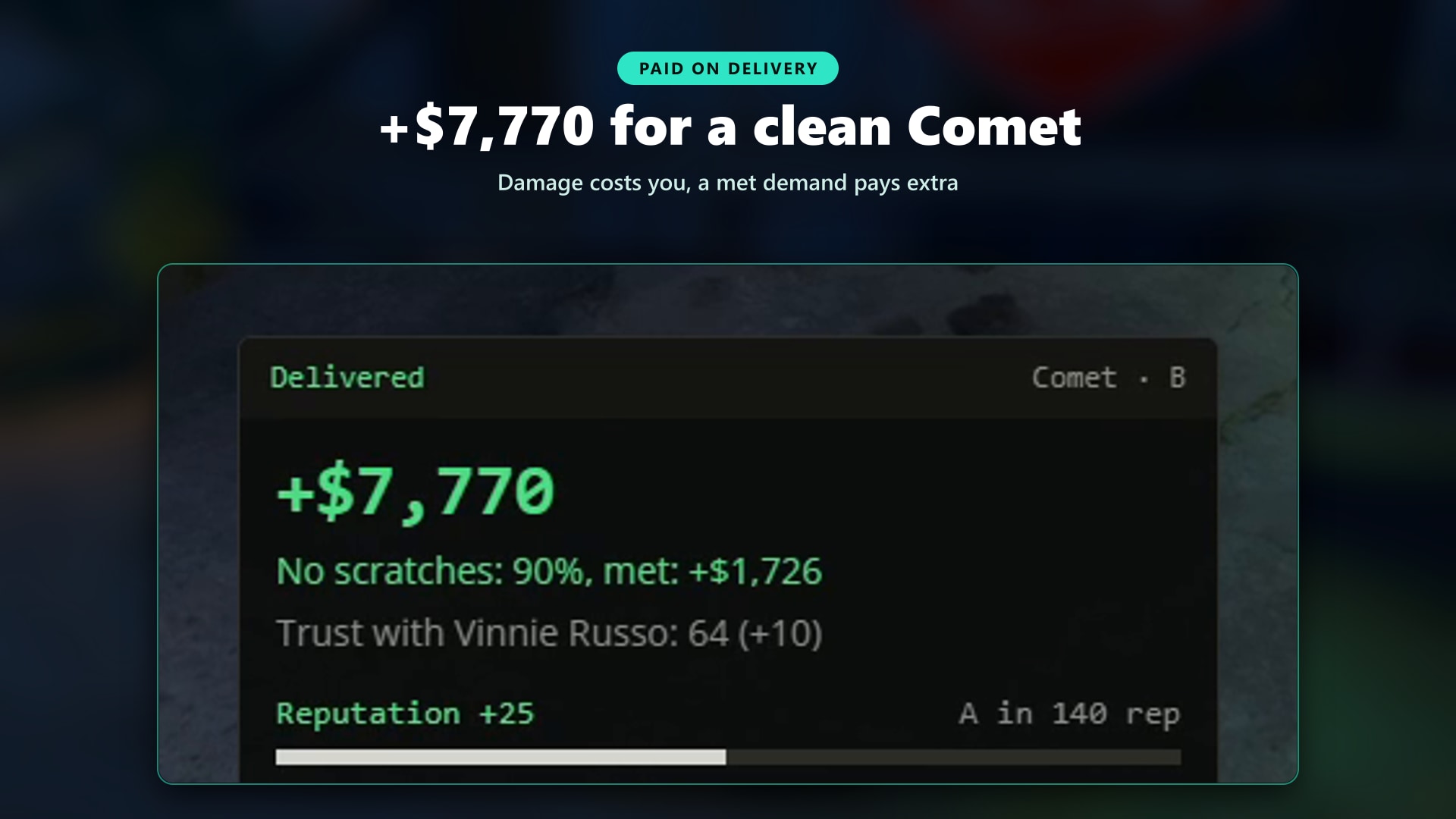
- Bonus or Penalty: Each demand pays extra when met and costs you when missed, with extra minutes to get it done
- Brings Mechanics Into It: Respray and tuning demands can require mechanics online, so boosting feeds your mechanic jobs
- Trust: Every fixer tracks trust per character, full trust pays up to 20% more
- Inbox: After each job the fixer replies with thanks, a complaint with the amount lost, or a message for the failed contract
- 3 Ready-Made Fixers: Vinnie Russo, Lola Navarro and Dmitri Volkov, each with their own classes and demands
👥 Crew Boosting
Boosting is better with friends. The leader invites the players standing nearby from the laptop and takes the contracts for the whole crew.
- Up to 4 Players: Choose the maximum crew size
- Everyone Plays: Every member can steal, deliver and strip parts at the chop shop
- Bigger Pay, Split Fairly: The total grows with every member past the first, everyone gets the same share
- Per-Member Progress: Reputation, history and cooldowns are kept for each member
- Scaled Difficulty: More guards and more chasing cars for bigger crews (optional)
🔧 Break-In & Hotwire
Stealing the car is the first fight. Lockpick the door under a skill check, then hotwire it from the driver seat.
More on Theft
- Car Alarm: Every lockpick attempt sets off the alarm, nearby guards turn on you
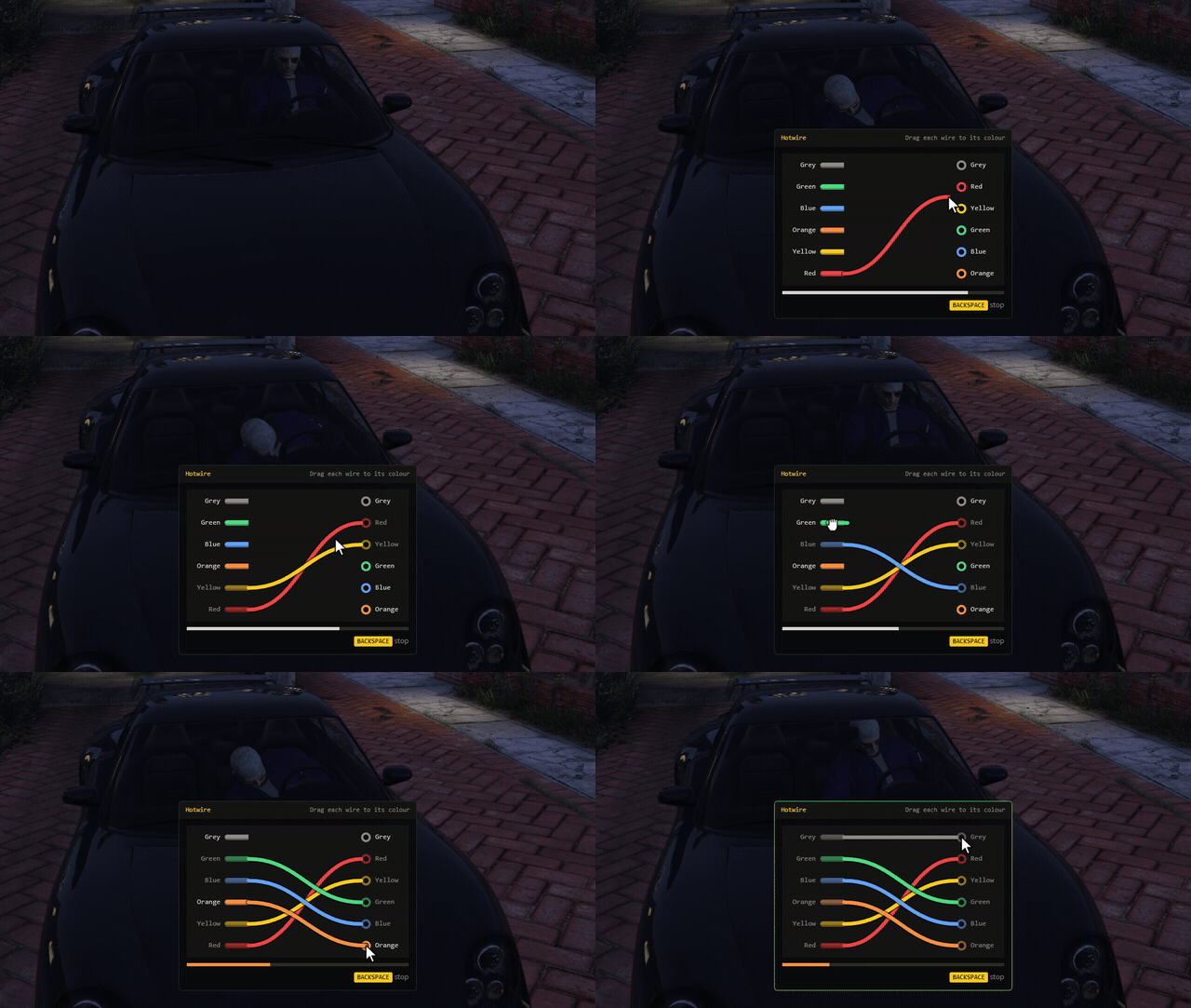
- Ignition Wires Minigame: Drag each coloured wire to its terminal before the time runs out, Easy, Medium or Hard per class
- Sparks: A wrong wire means a spark, a short wait and optionally the alarm again
- Police Call: Each class has its own chance that the break-in calls the police
- Any Minigame: Use the built-in ones, a progress bar, supported external minigames, or register your own
- Vehicles Keys Ready: With vehicles_keys installed its lockpick and hotwire replace the built-in ones automatically, and thieves get temporary keys
💂 Guards
The best cars are never left alone. Armed guards stand around the car and open fire at the first sound of a break-in.
- Per Class: 1 to 6 guards, 5 difficulty levels for accuracy and armor
- Your Models and Weapons: Choose the guard model and weapon
- They React: Guards engage when you get close, at the break-in noise, or when the car is stolen
🔫 Crew Chase
The owner wants the car back. As soon as you drive off, armed cars come after you with gunmen hanging out of the windows.
- Per Class: 1 to 3 chasing cars, 1 to 3 gunmen each besides the driver, 5 difficulty levels
- Drive-Bys: Drivers chase at full skill while gunmen shoot from the windows
- Escape for Real: Lose them by distance, take out the drivers, or outlast the chase time
- Live Gap: The objective card shows how far ahead you are and when they give up
📡 GPS Tracker & Hacking
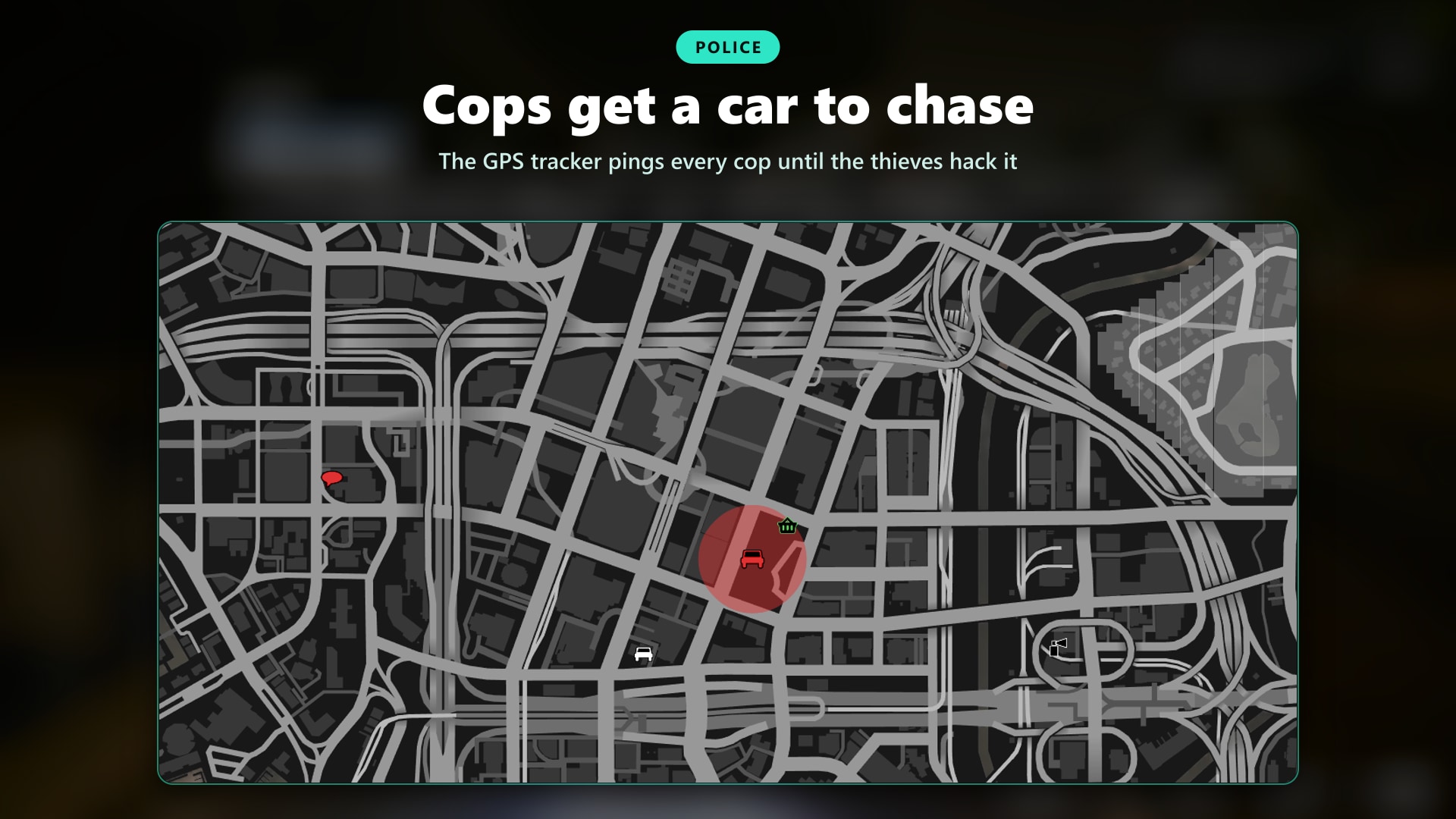
The car tells the police where you are. Every few seconds the cops get a ping on the map, and the only way out is to hack the tracker off while you drive.
More on the Tracker
- Police Pings: A circle on the police map with a beep, every successful hack makes it bigger and less precise
- 1 to 10 Hacks: Set how many hacks each class needs, harder as you get closer
- Passengers Hack, Drivers Stop: Passengers can always hack, the driver only when stopped (configurable)
- Beeps You Can Feel: The HUD beeps faster and faster before the next ping
- A Failed Hack Costs You: It sends an instant ping to the police
- Signal Lost: When the last hack is done the police blip flashes and fades, and the buyer location appears
- 6 Hack Minigames: Built-in signal lock and skill check, bruteforce, datacrack, utk_fingerprint, ultra-keypackhack, or your own
🤝 Delivery to the Buyer
Bring it in clean, get paid in full. The buyer walks up with a clipboard, checks the car and drives it away.
- Condition Matters: A wrecked car loses up to half its pay (configurable)
- Buyer Scene: You step out, the buyer gets in and drives off before the money arrives
- Any Account: Pay to bank, cash, dirty money or any account you use
- Anti-Teleport: A car that reaches the buyer faster than it could drive is refused and logged
🪚 Chop Shop
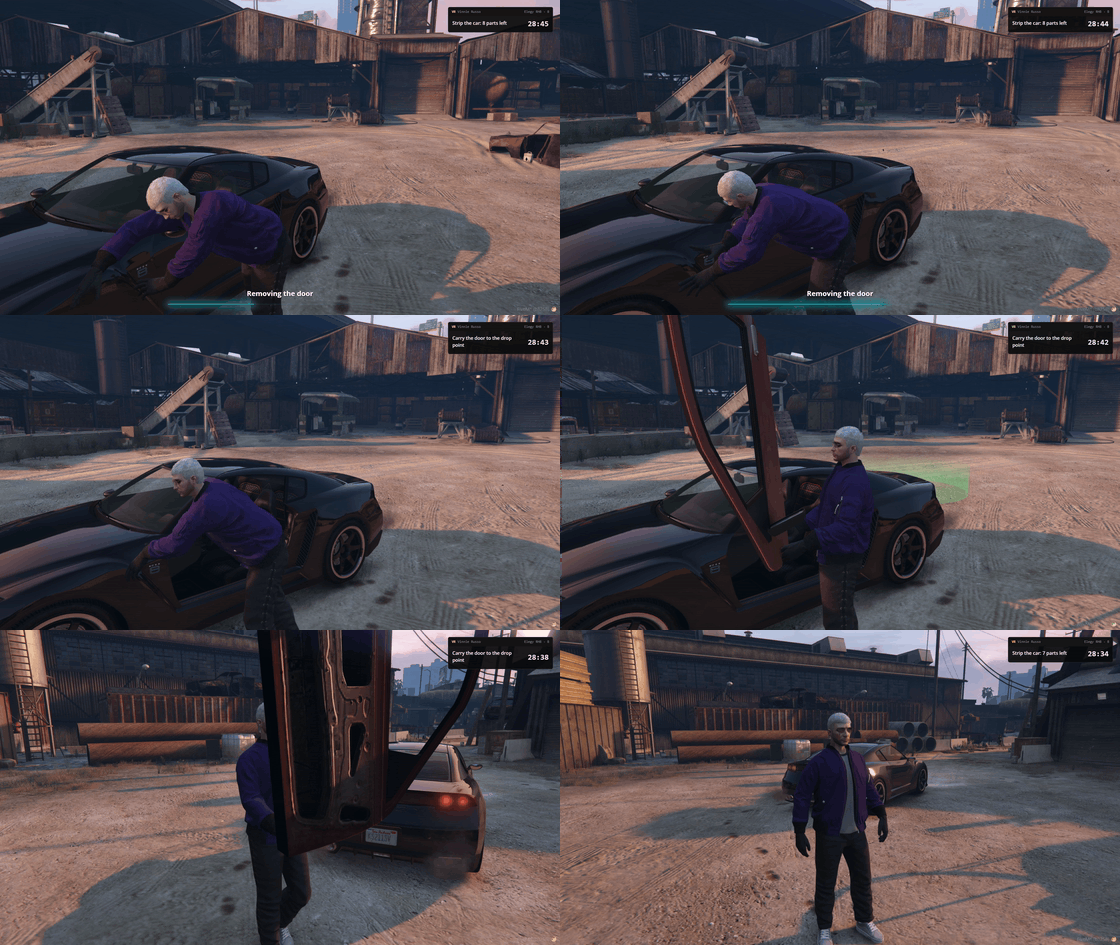
Some cars are worth more in pieces. Strip the doors, hood, trunk and wheels one by one, carry each part to the drop point and get paid on the spot.
- Real Parts: Every part really comes off the car and is carried in your hands
- Paid per Part: Each part pays its share, a door already broken pays nothing
- Pays More: Chop contracts pay a bonus over a normal delivery (25% by default)
- The Shell Is Crushed: When the last part is sold the car is gone for good
- Per Class: Choose which classes can get chop contracts and how often
🔢 VIN Scratch
Sometimes the reward is the car itself. Take it to a body shop, scratch the VIN and it becomes yours.
- Keep the Car: The stolen car is saved in your owned vehicles with its paint and mods
- Per Class: Choose which classes allow it and how often it comes up
🏠 Garage & Car Carrier
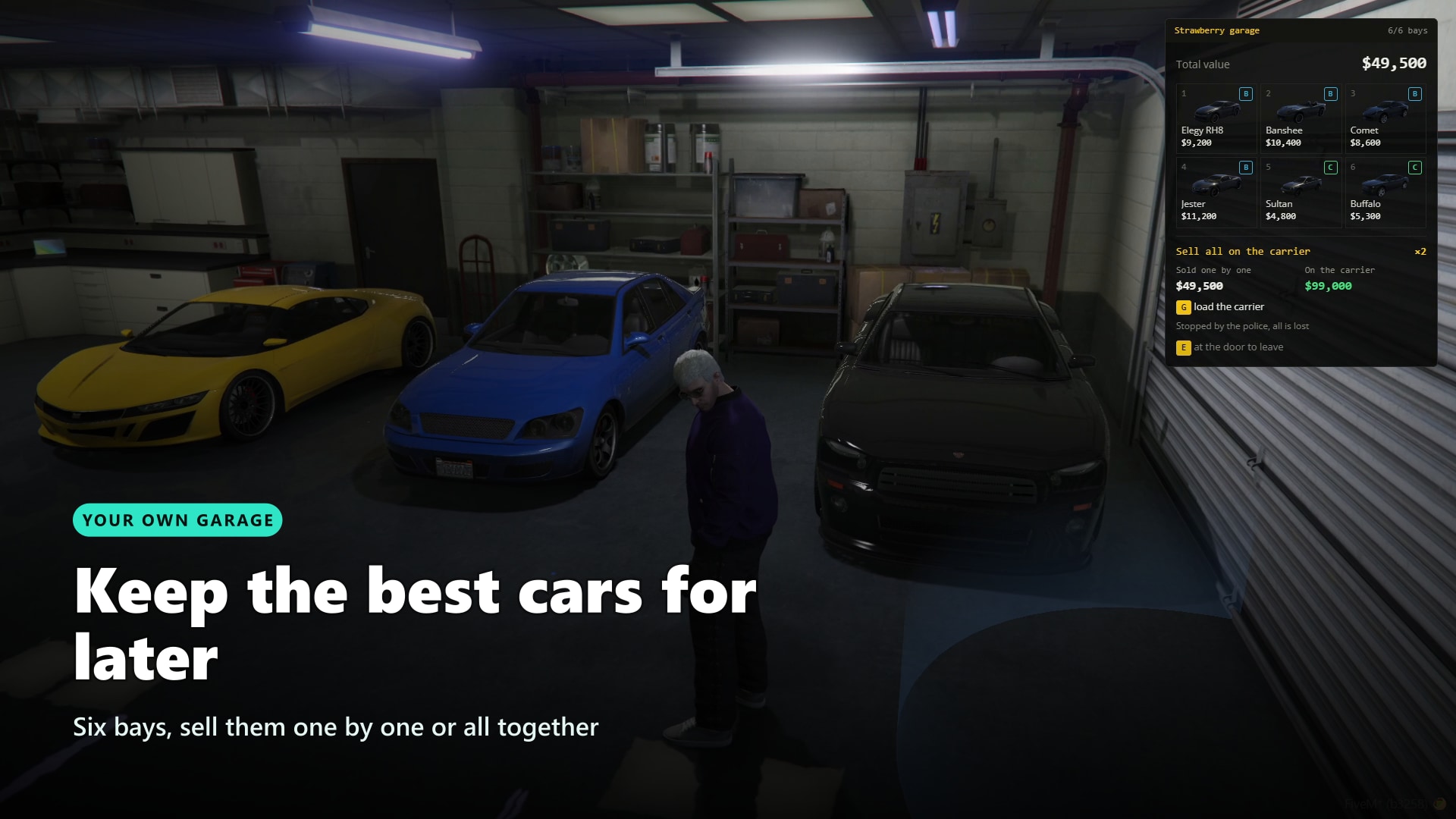
Don't sell it yet. Buy a garage, stash your stolen cars, then sell them one by one or load all six on a car carrier for a much bigger payday.
More on the Garage
- Buy Your Own: 10 garages ready to buy around the map, set your own prices and add more
- 6-Car Interior: A private GTA Online garage with every stolen car parked in its bay
- Store Instead of Selling: Plain contracts can end in your garage, the car keeps its value
- Sell One by One: Take a car out and drive it to a buyer whenever you want
- Sell Them All: A truck with a car carrier trailer appears with your cars loaded, up to x2 the pay at 6 cars
- A Run to Remember: Police get a moving alert circle, and a stopped truck is easier to find
- Plan B: Things going wrong? Roll the last car off the ramp and run with it
- Cops Can Seize It: A cop who takes the truck drives it to the impound and pays the police society a reward
⭐ Reputation & Progression
Every contract moves you forward. Reputation unlocks the next class, and a failed job sets you back.
- Reputation per Class: Each class gives its own reputation and needs its own to unlock
- Levels & Stats: Level, contracts completed and failed, money earned, shown in the laptop
- History: The last contracts with their outcome, fixer and demand result
- Contract Summary: Money, demand met or missed, trust change, reputation bar and "class unlocked"
🗺️ Admin Panel
Everything is set up in game, from one panel. No config files to edit, no restarts to test a change.
- Classes: Pay, time, police, reputation and every risk (tracker, guards, chase, break-in call, hotwire difficulty, VIN, chop)
- Vehicles: Add cars from an image picker of the GTA catalog, or addon cars by model name
- Locations: Search areas, buyers, VIN shops, chop shops, garages, carrier buyers and impounds, placed on your position, with teleport and preview
- Fixers: Create fixers and their demands in a few clicks
- Live Contracts: See who is boosting what, where and in which state, and cancel any contract
- Players: Search every profile, edit reputation, reset a profile, clear history, manage their garage
- Settings: Every option from the panel, with "Restore defaults"
🌍 Supported Languages
Make your server accessible worldwide. Adding new languages is a breeze.
See All Supported Languages
- 🇬🇧 English
- 🇮🇹 Italian
📋 Discord Logs
Streamline admin work with detailed Discord logging options.
- Enable/Disable: Toggle Discord logs in settings
- What Gets Logged: Contract outcomes, VIN scratches, garages bought, impounded carriers, cheat attempts and every admin change
- Channel Flexibility: Different channels for each log type
🔌 Compatibility
Works with the resources you already run. Detected automatically where possible, everything else is one setting away.
- Inventories: ox_inventory, qb-inventory, jaksam's inventory, or your framework inventory
- Vehicle Keys: vehicles_keys, qb-vehiclekeys, or no keys script at all
- Police Dispatch: rcore, RoadPhone and codesign, or the built-in alerts
- Minigames: Built-in wires and signal lock, datacrack, utk_fingerprint, ultra-keypackhack, or your own
- Menus & UI: ox_lib notifications, text UI, progress bars and skill checks, or the built-in ones
- Developers: Hooks to allow the queue and to react when a contract ends, plus an example to add your own minigame
🛠️ Installation
Installing a script has never been so easy!
How to Install
- Download the script
- Extract to resources
- Add
ensure boosting_creatorin server.cfg
Requirements
Requirements for ESX Version:
- es_extended
Requirements for QBCore Version:
- qb-core
Requirements for Both Versions:
- onesync
- ox_lib
- oxmysql
🛒 Start Boosting Today
📚 Documentation
You can find the script documentation here
ℹ️ Information
Boosting Creator uses the official FiveM escrow system, so people without access to your account won’t be able to steal your script!
💬 What customers say about
🗣️ What our customers say
🪪 Jaksam Identity: Real Documents, Real Fakes, Real Consequences
On most servers an ID card is a picture nobody ever checks
A name, a date of birth, maybe a mugshot. Anyone can show anything, cops have no way to tell a real licence from a fake one, and a suspended licence means nothing once the player hands over another card. So nobody forges, nobody gets caught with a fake, and a whole kind of roleplay never happens
The scripts that do more stop at the card: no office to get it, no badges, no way to make a fake, and no reason for cops to go looking
Jaksam Identity turns papers into gameplay. Every document is an item backed by a server register, with the player's own face on a 3D card. Citizens get theirs at the office, gangs buy a workshop and print fakes with a crew of NPC forgers, cops check cards under a UV lamp and kick the workshop door in when they find it. Every side has something to do, and every side needs the others
Showcase Video Click to watch the script in action here!
💡 Why Jaksam Identity?
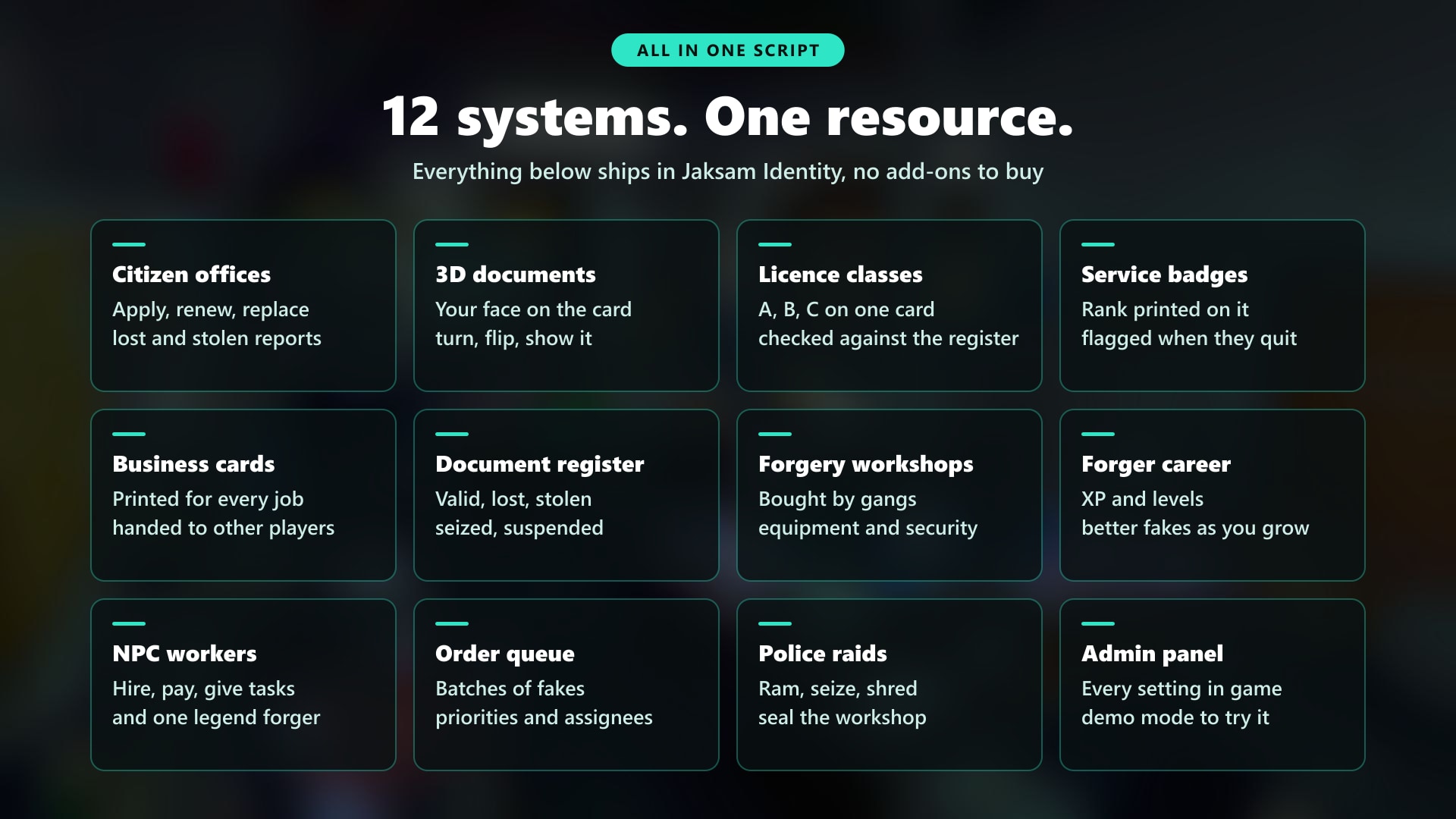
- Every document in one script. ID cards, driver licences with classes, firearms permits, service badges and business cards. Plus citizen offices, a document register, forgery workshops, NPC workers and police raids that would cost you several more scripts elsewhere
- Only the server knows what is real. A real and a forged card carry exactly the same data. The register tells them apart: lost, stolen, suspended, replaced, expired, revoked classes or no record at all
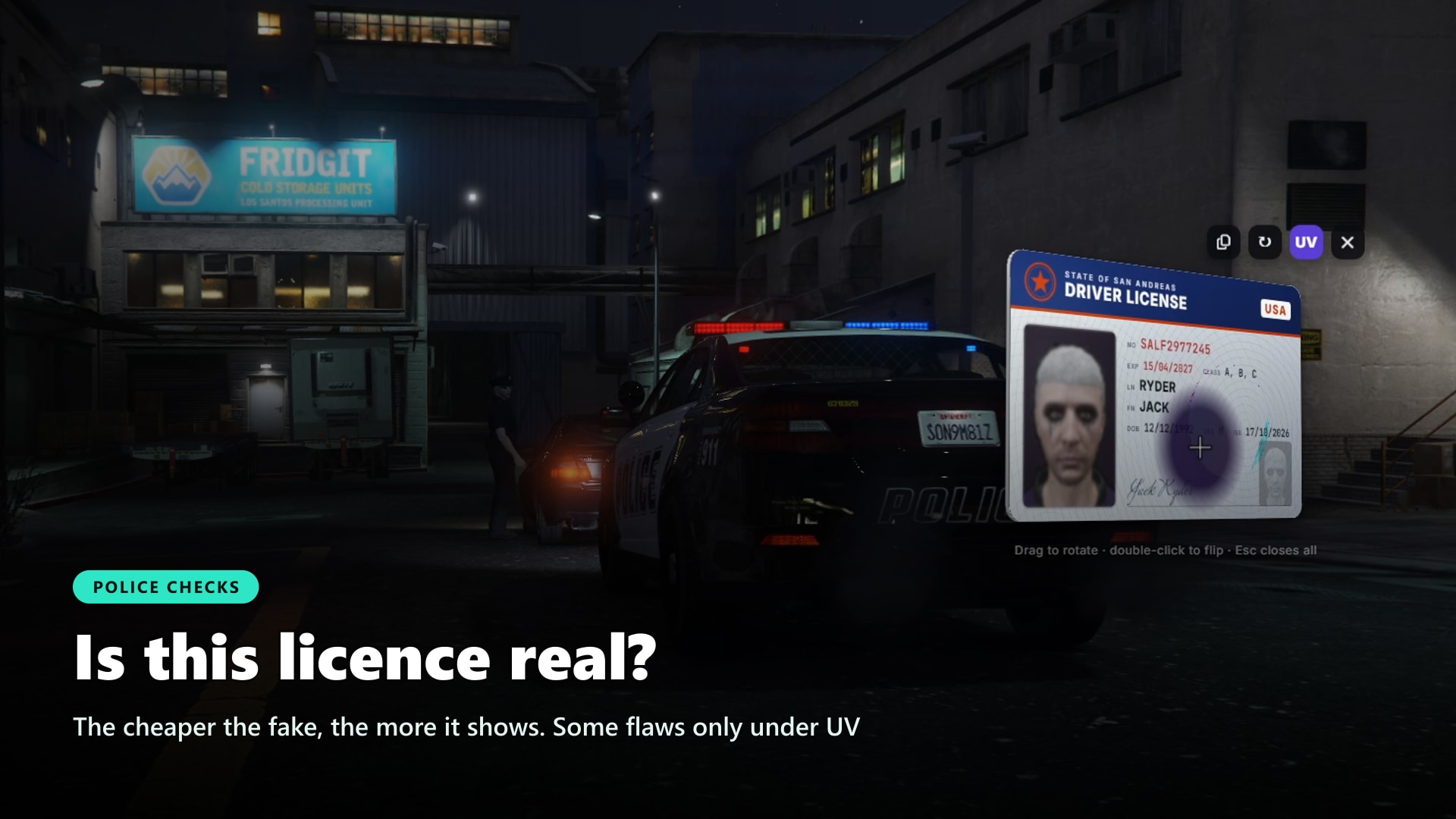
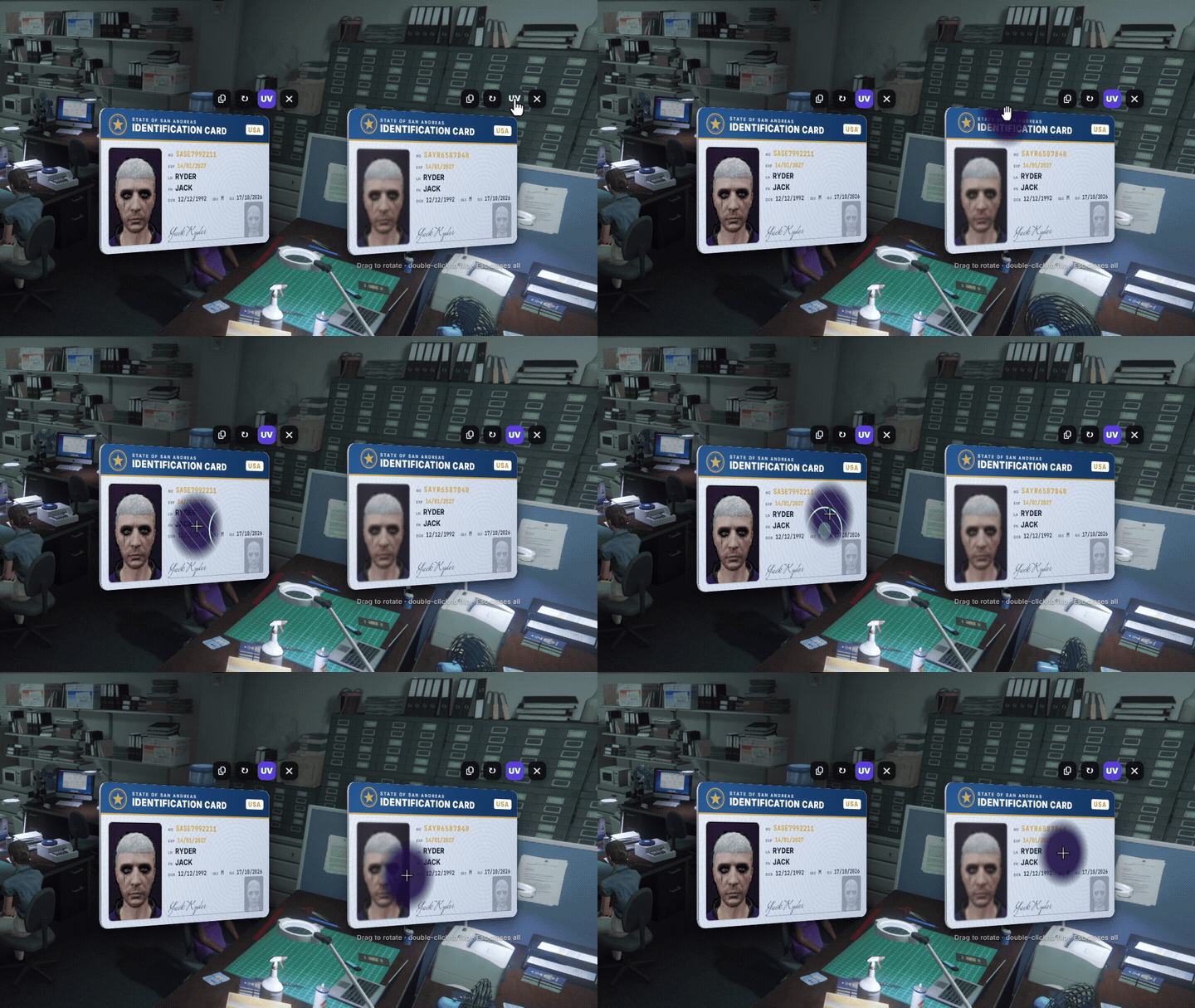
- Fakes you can actually catch. Every forgery has flaws picked by its quality. Some show at a glance, some only in hand, some only under the UV lamp. A cheap fake gives itself away, a perfect one passes everything but the register
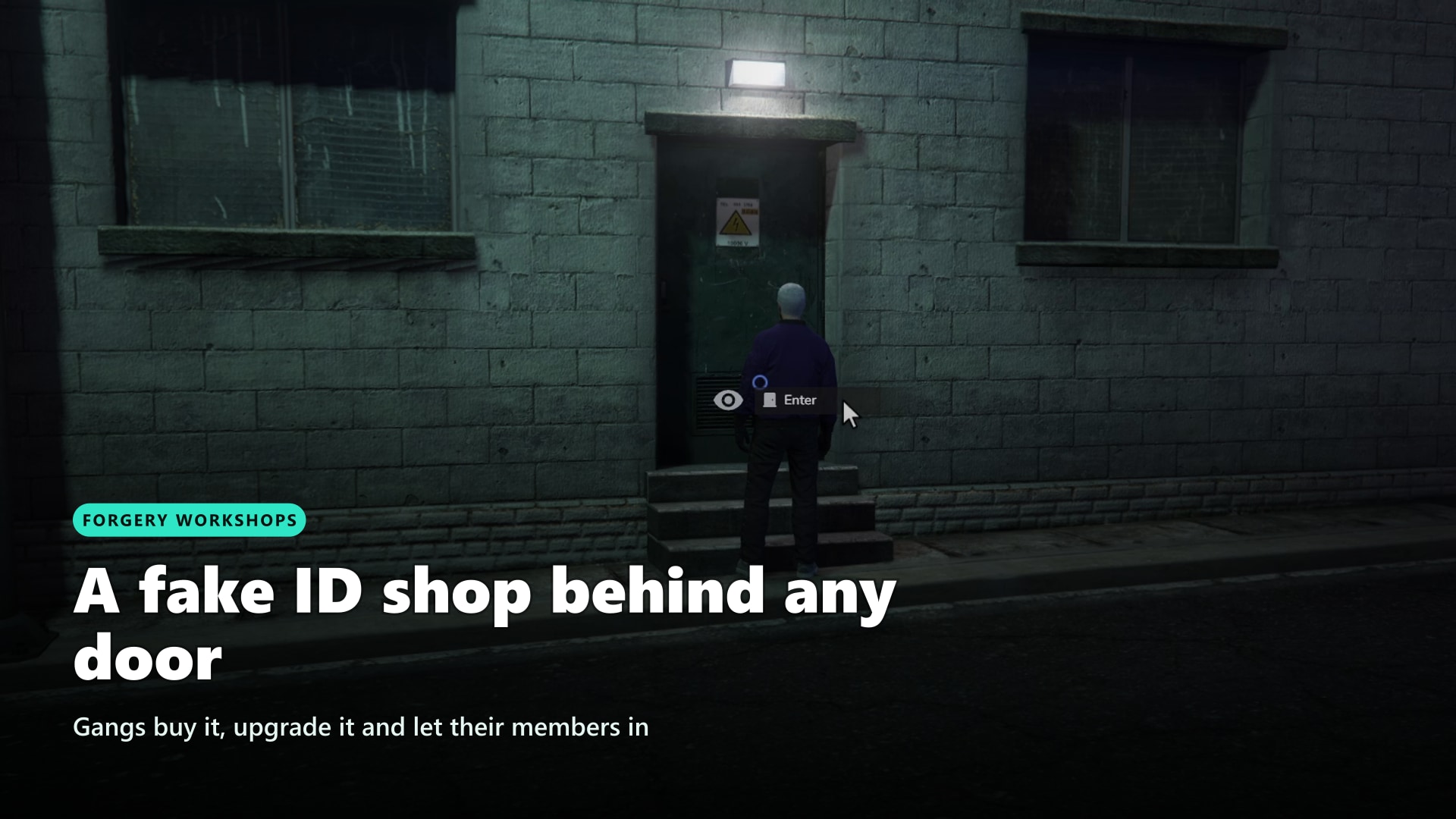
- A criminal business worth owning. Gangs buy a workshop behind any door, upgrade its equipment and security, level up as forgers and take orders for whole batches of fake IDs
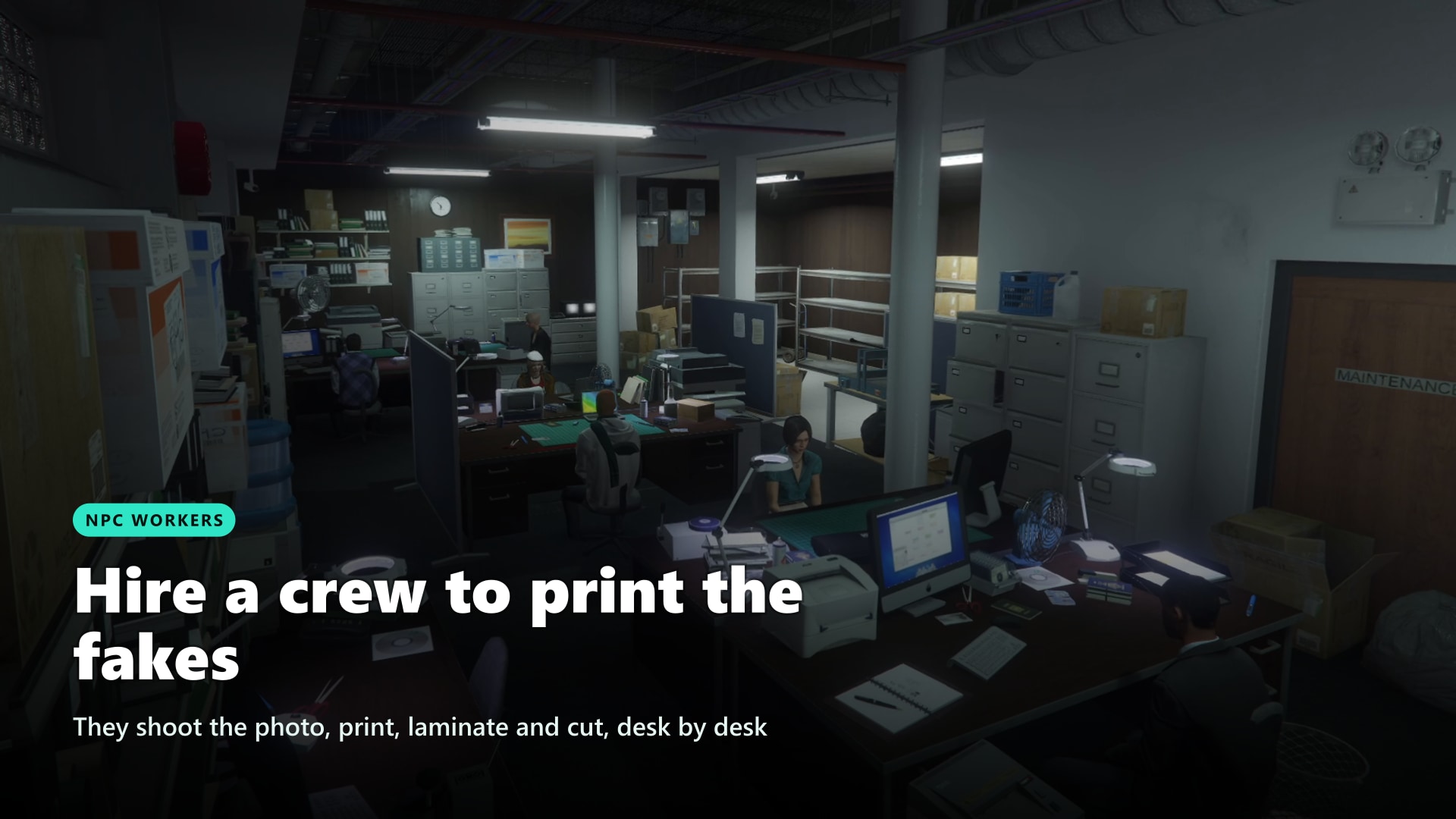
- A crew that works while you don't. Hire NPC workers who walk from desk to desk to shoot the photo, print, laminate and cut. Each has skills and a wage, and there is one legendary forger to find
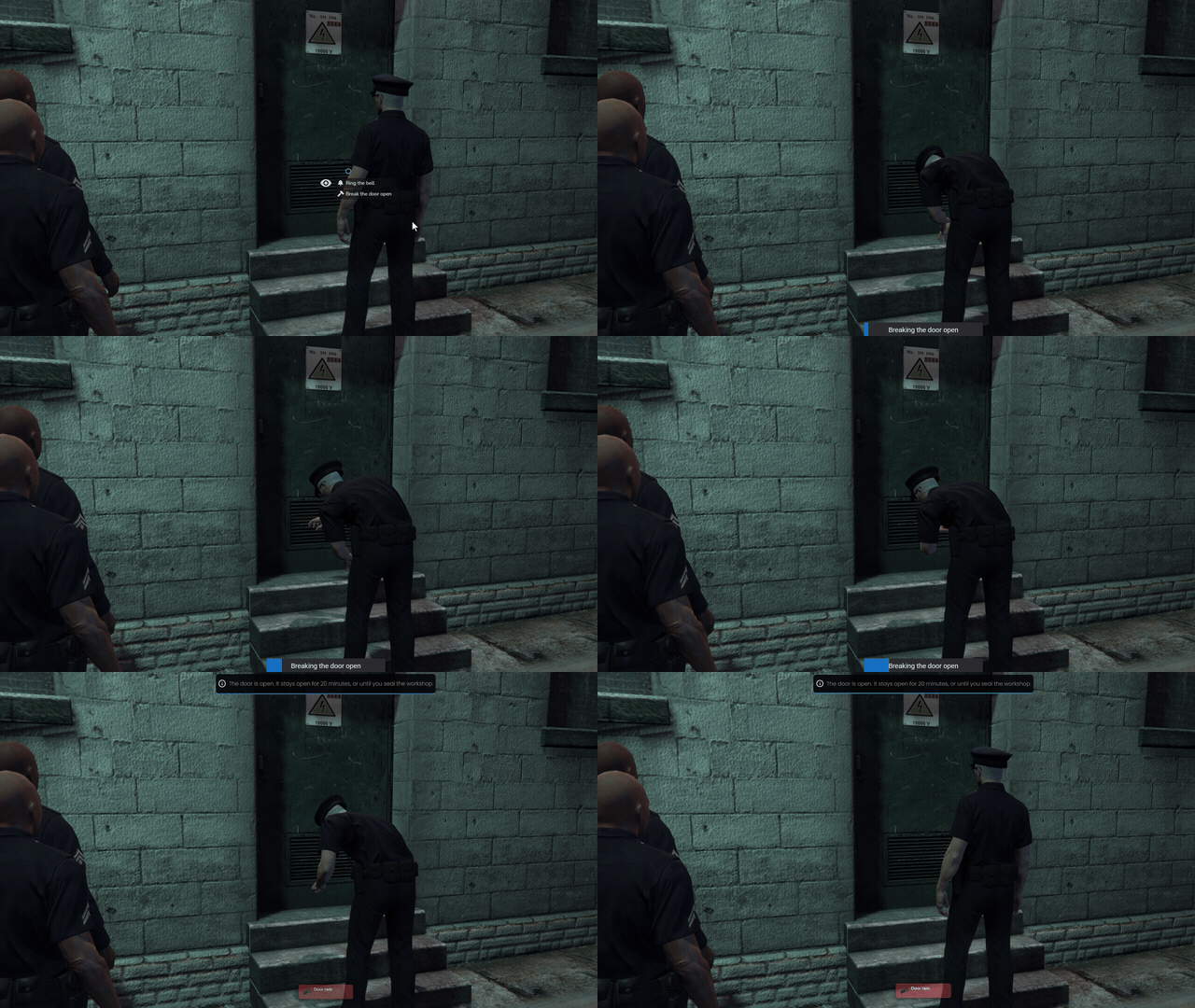
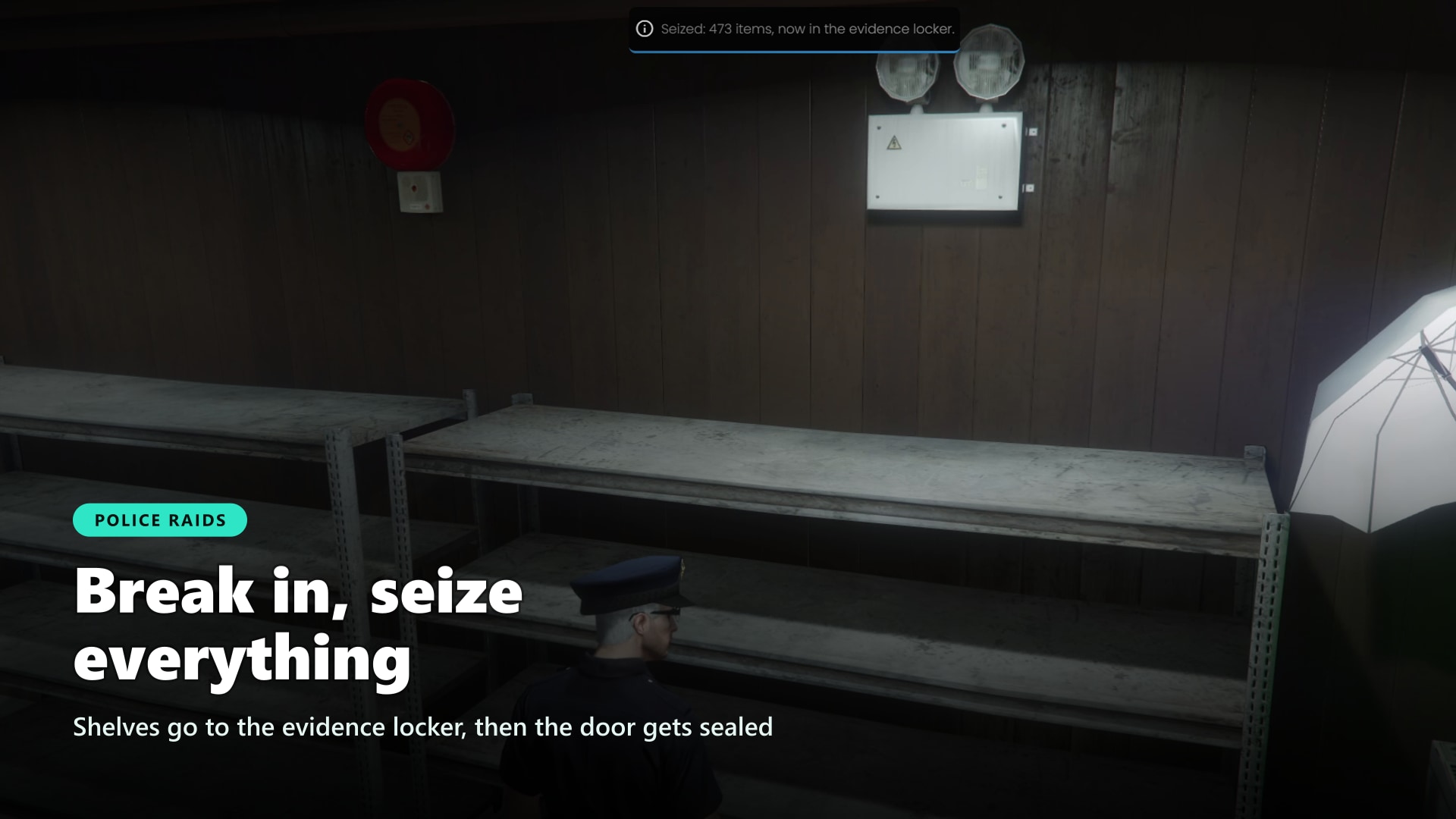
- Cops get a real raid. Ram the door, empty the shelves into the evidence locker, seize the equipment and seal the workshop for hours. Inside, the members race to shred the evidence before the door gives way
- Citizens get real paperwork. Every new character gets an ID card, and offices with an NPC at the counter handle first issues, renewals, replacements and lost or stolen reports, with the photo taken on the spot
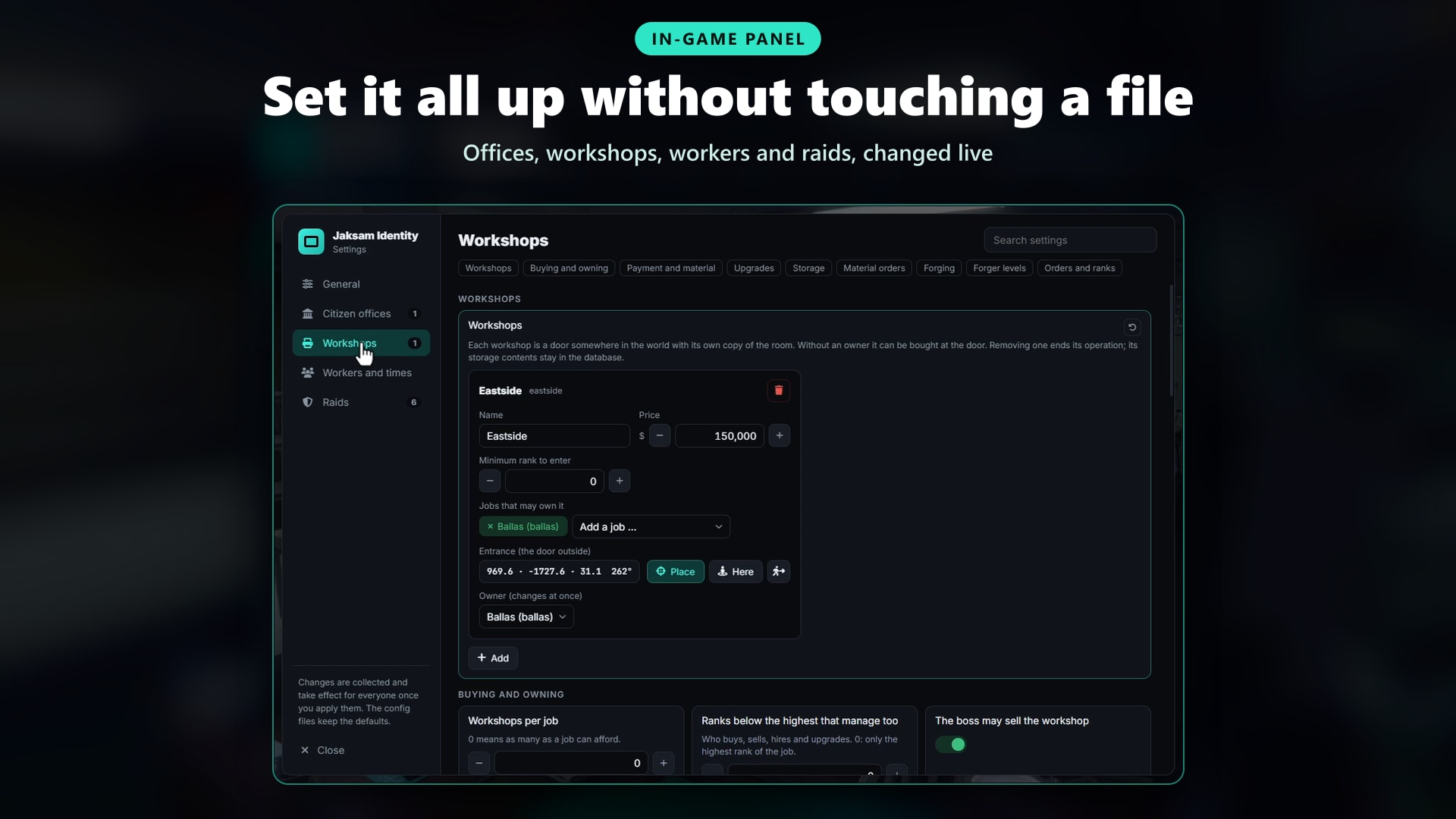
- Set up in game, zero SQL to import. Offices, workshops, workers and raid rules are changed live from one admin panel, places are set with the camera, tables are created automatically
🛒 Get Jaksam Identity Now!
🔍 Real or Fake
Make every traffic stop a test. Forged cards carry real flaws, and how many depends on how well they were made.
More on Real or Fake
- Flaws at a Glance: Seal out of place, wrong font, colours off
- Flaws in Hand: Blurred photo, misaligned text, missing microprint, flat hologram
- Flaws Under UV: Missing UV features, revealed by the UV lamp
- Quality Decides: A cheap fake shows several flaws, a perfect one shows none
- Always the Same Fake: Flaws are tied to the serial, so a fake looks the same every time it's checked
- UV Lamp: Carry the item and sweep the card with a UV cone that follows your mouse
- Shown or Held: A card shown from a distance only gives away the coarse flaws, a card in hand shows the rest
- Register Check: Not found, wrong serial, lost, stolen, seized, suspended, expired, licence or class revoked, left the job, printed data different from the register
- Never Names the Forger: The check says what is wrong, never who made the card or how good it is
- MDT Ready: Connect your MDT or police tablet to the register with one export
🏭 Forgery Workshops
Give your gangs a business worth protecting. A workshop is a door anywhere on the map that leads to its own fake ID room, bought by the boss with dirty money.
More on Forgery Workshops
- Any Door: As many workshops as you want, each with its own private copy of the GTA document forgery interior
- Buy & Sell: The boss buys a free workshop with dirty money and sells it back at the laptop for a share you choose
- Ownership Rules: Choose which jobs may own each workshop, how many per job, and which ranks count as boss
- Members & Guests: Members enter from the rank you set, guests ring the bell and someone inside lets them in
- Upgrades: Equipment for better fakes and more workers, security for a longer breach, and interior styles
- Boss Laptop: On the real screen in the room, with overview, staff, tickets, material and upgrades
- Material Orders: Buy blanks and supplies with dirty money, delivered to the storage after a delay
- Three Storages: Raw material, free storage and finished documents, opened at their shelves
- ID Stacks: The documents of an order grouped in one slot
- When the Owner Leaves: Keep everything, keep only the room, or empty it for the next buyer
- Restart Safe: Players who log in inside the room are put at the door
🖨️ Forging & Forger Career
Faking a document is a craft, not a button. Every step can add or cost quality, and better forgers make better fakes.
More on Forging
- Forger Career: XP and levels unlock ID cards first, then licences, then badges, and raise the quality of every fake
- Step by Step: Photo, data entry, print, laminate, emboss and cut, each with a skill check
- Photo Corner: Photograph yourself or another player at the backdrop, or call a worker over with the camera
- Copies: Copy a card you carry and change the name on a real base. A copy of a fake always comes out worse
- Toner: Printers run on cartridges, refilled from your inventory
- Quality Caps: Equipment, blank type and copy source all limit how good a fake can get
👷 NPC Workers
Hire a crew to print the fakes for you. Workers walk through the room device by device, and every one of them has a price, a wage and a skill.
More on NPC Workers
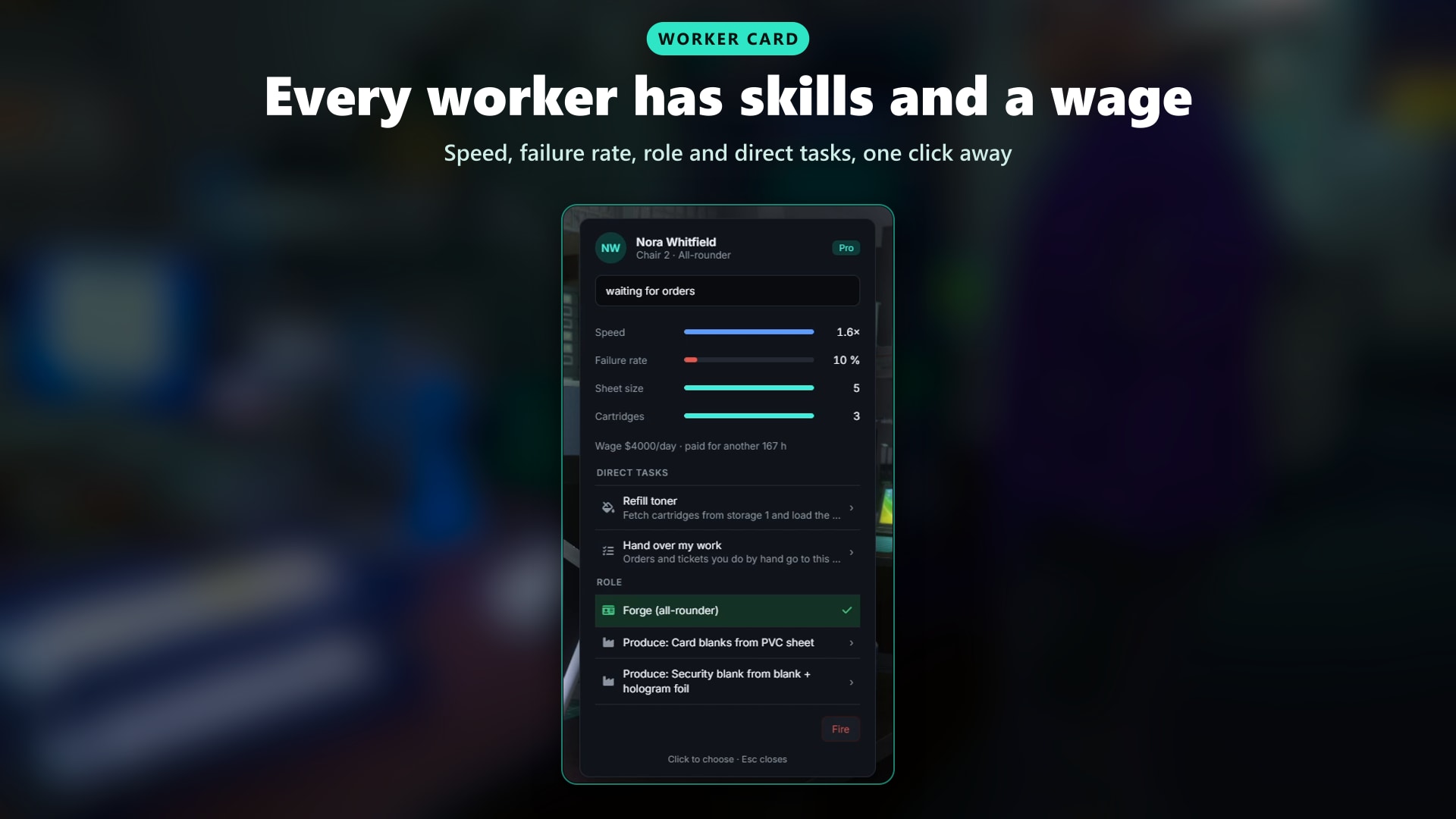
- Three Tiers: Rookie, skilled and pro, each with its own hire price, daily wage, quality, speed and failure rate
- Up to 7 Workers: The equipment level decides how many chairs are filled
- They Really Work: Walk to the printers, laminators, cutter and shelves, fetch toner and carry the finished documents into storage
- Roles: Forge documents, or produce the blanks the forgers need
- Worker Card: Live status with a timer, speed, failure rate and direct tasks: fetch toner, take an order, change role, fire
- Payroll: The boss deposits dirty money, wages are paid every period, an unpaid worker quits
- Never Better Than You: Workers never forge above the level of the best player forger in the job
- A Guard: Patrols the room and warns everyone inside when the police are at the door
- The Legend: A rare master forger shows up for hire, faster, better and almost never wrong
- A Room That Feels Alive: Greetings, small talk between workers, panic when the alarm goes off
📋 Order Queue
Run the workshop like a business. Queue fake IDs by the dozen and decide who works on what.
- Orders: Any number of documents of one type, with low, normal or urgent priority
- Assignees: Give an order to a player or to one worker, pause, resume or cancel it
- Batches: Made-up identities with random names and dates, ready for the workers
- Fixed Data: Repeat one identity on the first documents of an order
- Handover: Give a single document to the workers and take it back
- Rank Permissions: Choose the minimum rank for every order action
🚨 Police Raids
Give your police a reason to kick a door in. Breach the workshop, seize everything inside and shut it down for hours.
More on Police Raids
- Forces: Choose the jobs that raid, from which rank, and where each one keeps its evidence locker
- Breach: A door ram, enough officers on duty and time, longer when the workshop has the security upgrade
- Warning & Alarm: A hired guard warns everyone inside with a countdown, the security upgrade alarms the members elsewhere
- Shred the Evidence: Members destroy open orders or a whole storage at the shredders, workers follow the boss's shred plan
- Hands Up: Workers and the guard stop working and raise their hands when the door gives way
- Seizure: Shelves are emptied into the evidence locker, equipment is seized (one level, all or none)
- Sealed: The workshop is sealed for the hours you set, and the owners can't get back in
- Cooldown: Choose how long a workshop is safe before the next raid
- Restart Proof: A restart in the middle of a raid leaves the workshop sealed
- Dispatch Hooks: Send the raid to your dispatch or MDT from an editable file
🏛️ Citizen Offices
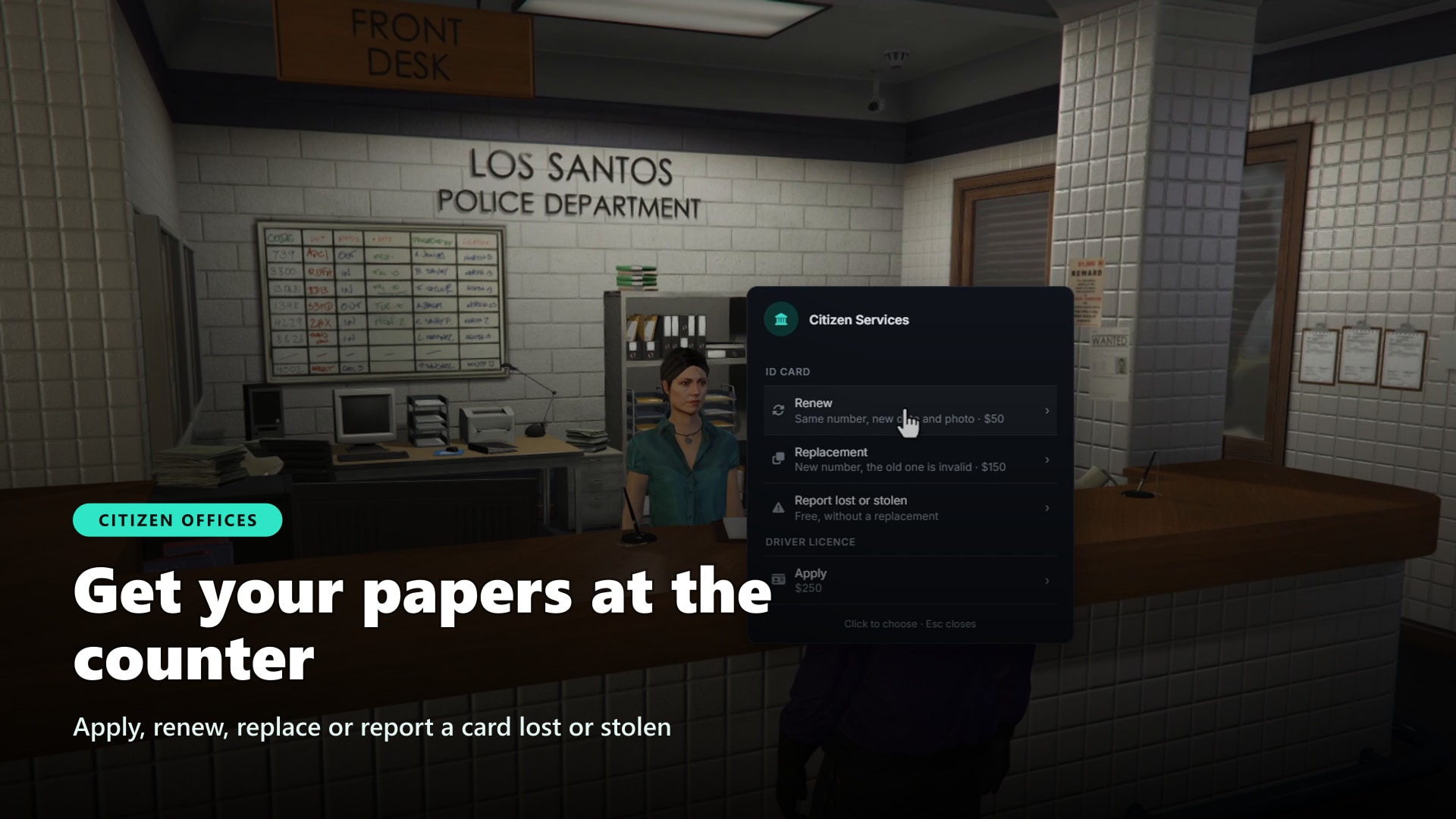
Get your papers at the counter. Place offices anywhere, each with an NPC clerk and the documents it handles.
More on Citizen Offices
- First Issue: Apply for a document, with the photo taken on the spot
- Renew: Same number, new expiry and new photo
- Replace: Lost or stolen cards get a new number, and the old one is flagged in the register
- Report: Report a card lost or stolen, or found again
- Add a Class: Passed a new licence class? The office prints it on your card
- Hand In: Return your own cards that are no longer valid
- Blocked When Suspended: A suspension, revocation or seizure closes the counter for that document
- Fees: Per document and per action, paid in cash or bank only once the card is issued
- Starter ID Card: Every new character gets an ID card automatically
🪪 Documents & Register
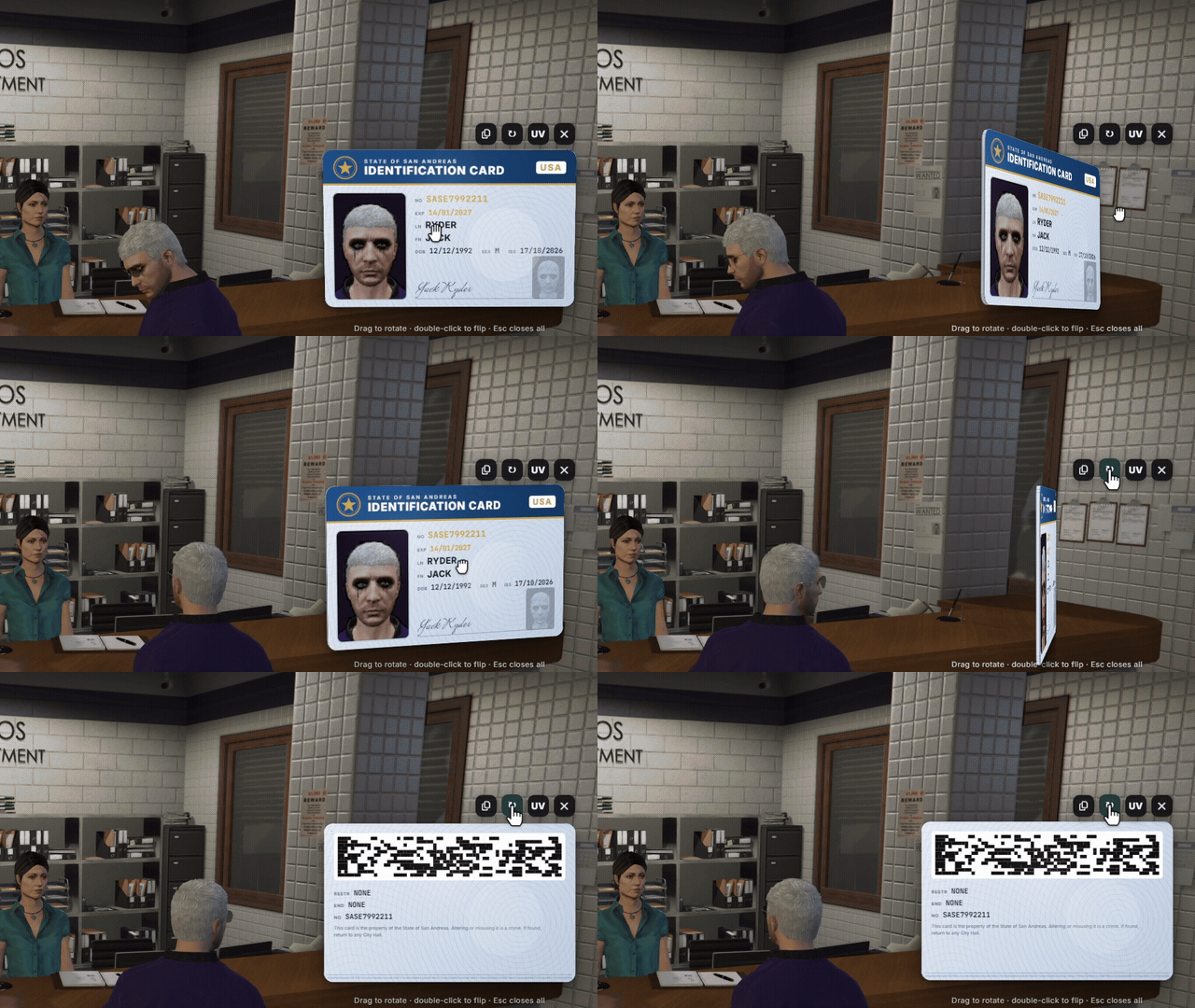
Documents that mean something. Every card is an inventory item, and every real one has a record on the server.
More on Documents
- Document Types: ID card, driver licence, firearms permit and badges included, add as many as you want
- Your Own Design: Colours, header, emblem and signature line for every type
- 3D Cards: Your face on the card, rotate it, flip it to the back, copy the number
- Licence Classes: One driver licence carries A, B and C, and the register shows which were revoked since
- Any Licence: Every licence on your server can become a document
- Unique Numbers: Real and forged documents never share a number
- Register Statuses: Valid, lost, stolen, seized, suspended with an end date, replaced, revoked
- Photos Without Masks: Taken from a hidden copy of the character with mask, hat and glasses off, nobody nearby sees it
- Show or View: Use a document to show it to the nearest player or look at it yourself, it closes when you walk away
- Shop & Admin Items: Documents from shops or admin gives get their number and data automatically
- Phone Wallet: The RoadPhone wallet lists the documents you carry and shows them as the 3D card
👮 Service Badges
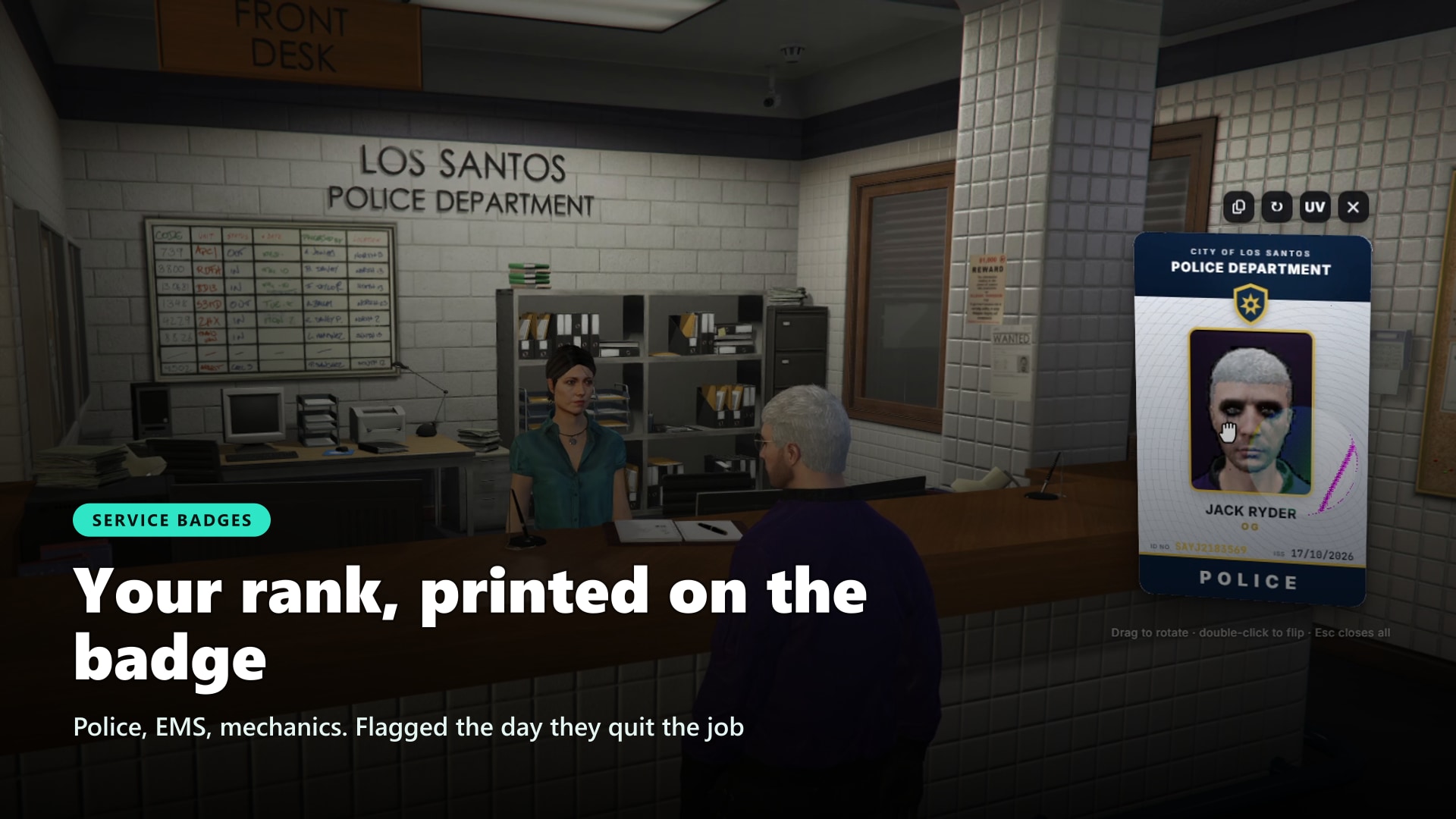
Your rank, printed on the badge. Police, EMS and mechanics get a service ID that proves who they work for.
- Rank Printed: The job grade is printed as the rank
- Job Designs: A portrait card in the colours of every job
- Flagged When They Quit: The register flags the badge the day its holder leaves the job
- Not at the Counter: Badges are never handed out at public offices
💼 Business Cards
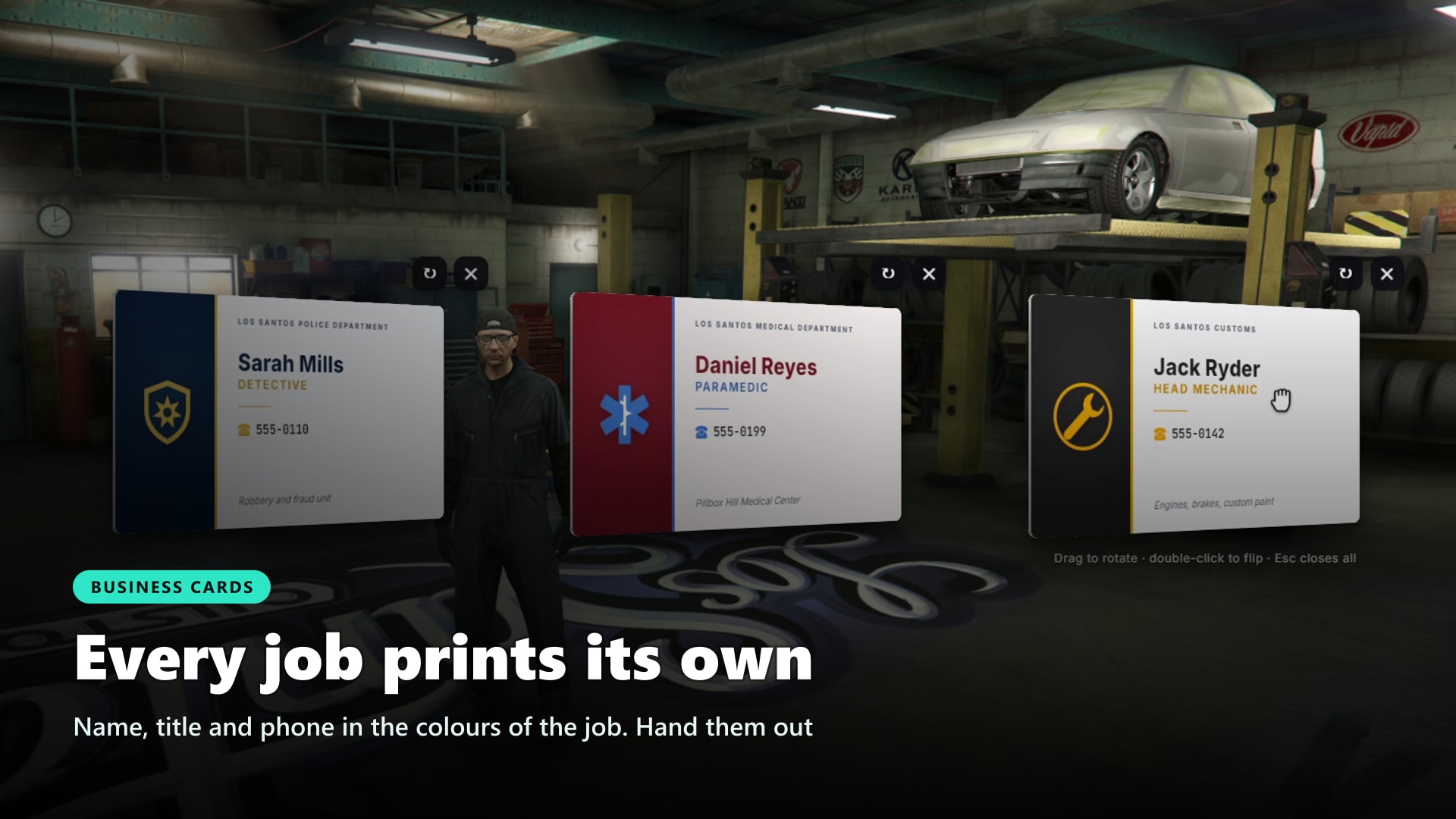
Every job prints its own. Name, title and phone in the colours of the job, ready to hand out.
- Print a Stack: Any job prints a stack of cards with one command
- Your Details: Name, editable title, phone number and one free line
- Job Design: The colours of the job, or a clean default with the job name
- Phone Prefilled: The number comes from RoadPhone
- Hand Them Out: View, show or hand a card to the nearest player
🗺️ Admin Panel & Demo Mode
Everything is set up in game, from one panel. No config files to edit, no restarts to test a change.
- Five Pages: General, offices, workshops, workers and raids, with search
- Apply or Discard: Changes are collected and reach the players only when you apply them
- Reset Any Value: Every setting goes back to its default in one click
- Place With the Camera: A ghost of the NPC stands where you look, the mouse wheel turns it, a click saves it
- Workshop Owners: Give a workshop to a job or take it away
- Language Switch: Change the language live for everyone
- Demo Mode: Stocked storages, short times, free prices and no failures, for showcases and demo servers
- Admin Trail: Every issue, forgery, show, status change, raid step and setting change is logged, including who really showed a document
- Admin Commands: Issue documents, check the register, see the truth about any card, manage licences, orders and raids
- Startup Checks: The console names anything missing in red
🌍 Supported Languages
Make your server accessible worldwide. Adding new languages is a breeze.
See All Supported Languages
- 🇬🇧 English
- 🇩🇪 German
🔌 Compatibility
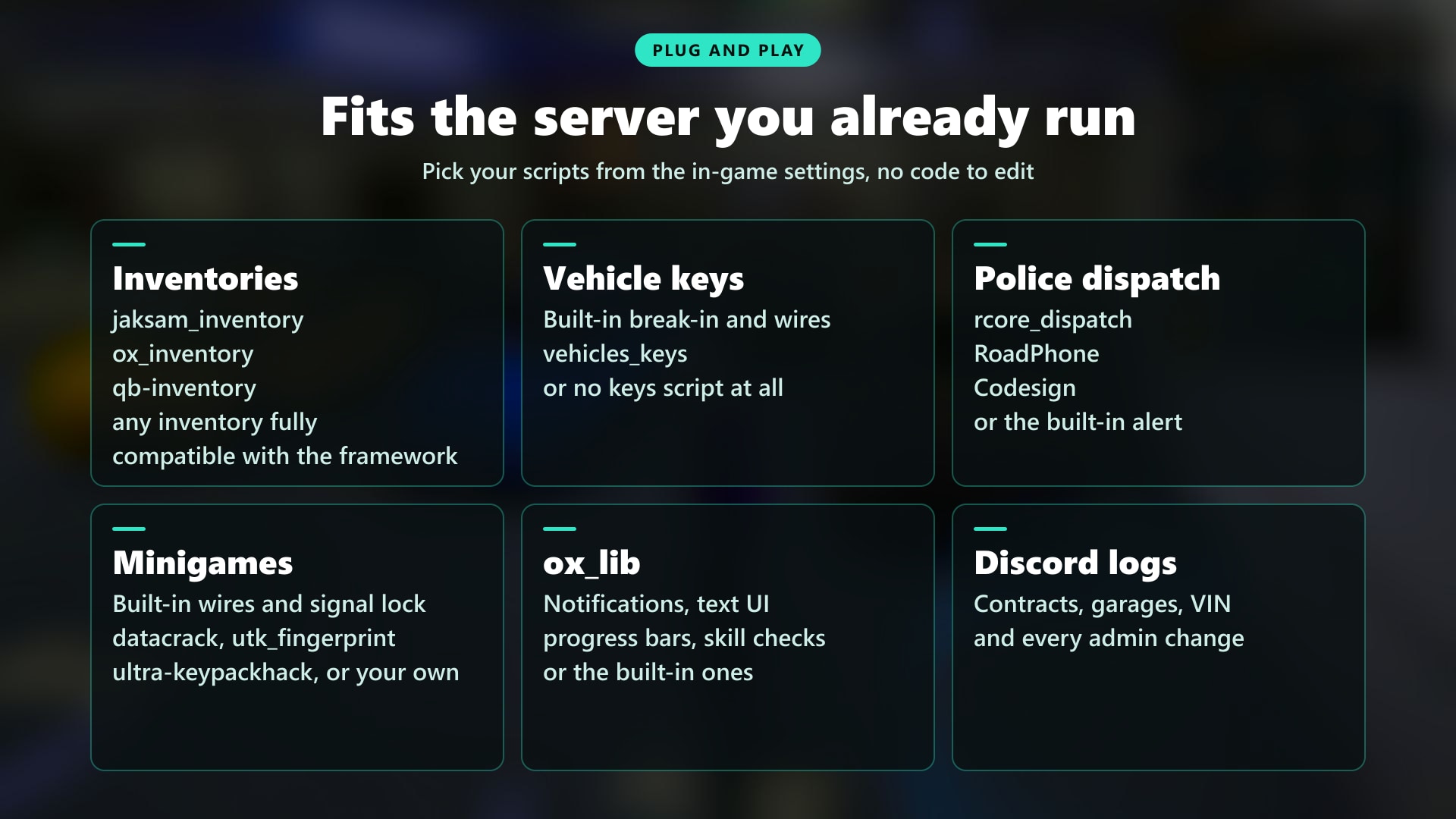
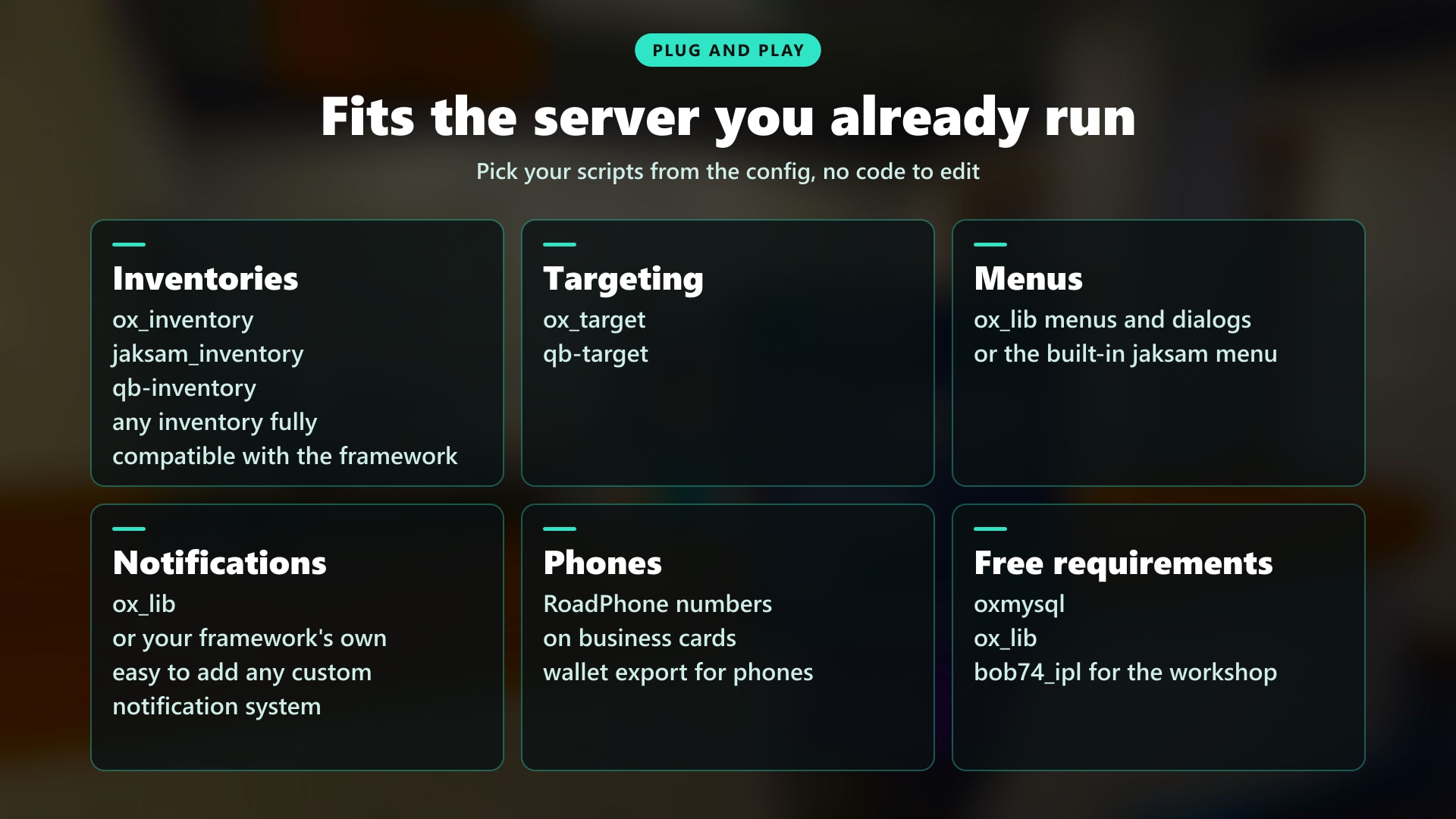
Works with the resources you already run. Pick your scripts from the config, no code to edit.
- Inventories: jaksam's inventory, ox_inventory, qb-inventory 2.2 (QBCore & Qbox version)
- Targeting: ox_target and qb-target
- Menus & UI: Built-in jaksam menu, or ox_lib menus and dialogs
- Notifications: ox_lib, or your framework's own
- Phones: RoadPhone numbers on business cards and the RoadPhone wallet, with exports for any other phone
- Driving School (ESX): esx_dmvschool issues the licence right after the test, later classes are printed on the card
- City Hall (QBCore & Qbox): Takes the place of qbx_idcard, so starter items and qb-cityhall or qbx_cityhall hand out registered documents
- Older Scripts: QBCore cards keep the citizenid, birthdate, nationality and cardtype fields
- Developers: Exports and events to check, issue and change documents from your MDT, DMV or job scripts, plus editable hooks
🛠️ Installation
Installing a script has never been so easy!
How to Install
- Download the script
- Extract to resources
- Add the items and images from the install folder to your inventory
- Add
ensure jksm_identityin server.cfg
Requirements
Requirements for ESX Version:
- es_extended (with esx_license)
Requirements for QBCore / Qbox Version:
- qb-core / qbx_core
Requirements for All Versions:
- ox_lib
- oxmysql
- ox_target / qb-target
- jaksam_inventory 1.28+ / ox_inventory / qb-inventory 2.2
- bob74_ipl (only for Forgery Workshops)
🛒 Get Your Server's Papers in Order
📚 Documentation
You can find the script documentation here
ℹ️ Information
Jaksam Identity uses the official FiveM escrow system, so people without access to your account won’t be able to steal your script!
💬 What customers say about
🗣️ What our customers say
🎒 jaksam's inventory: The Most Flexible Inventory on FiveM
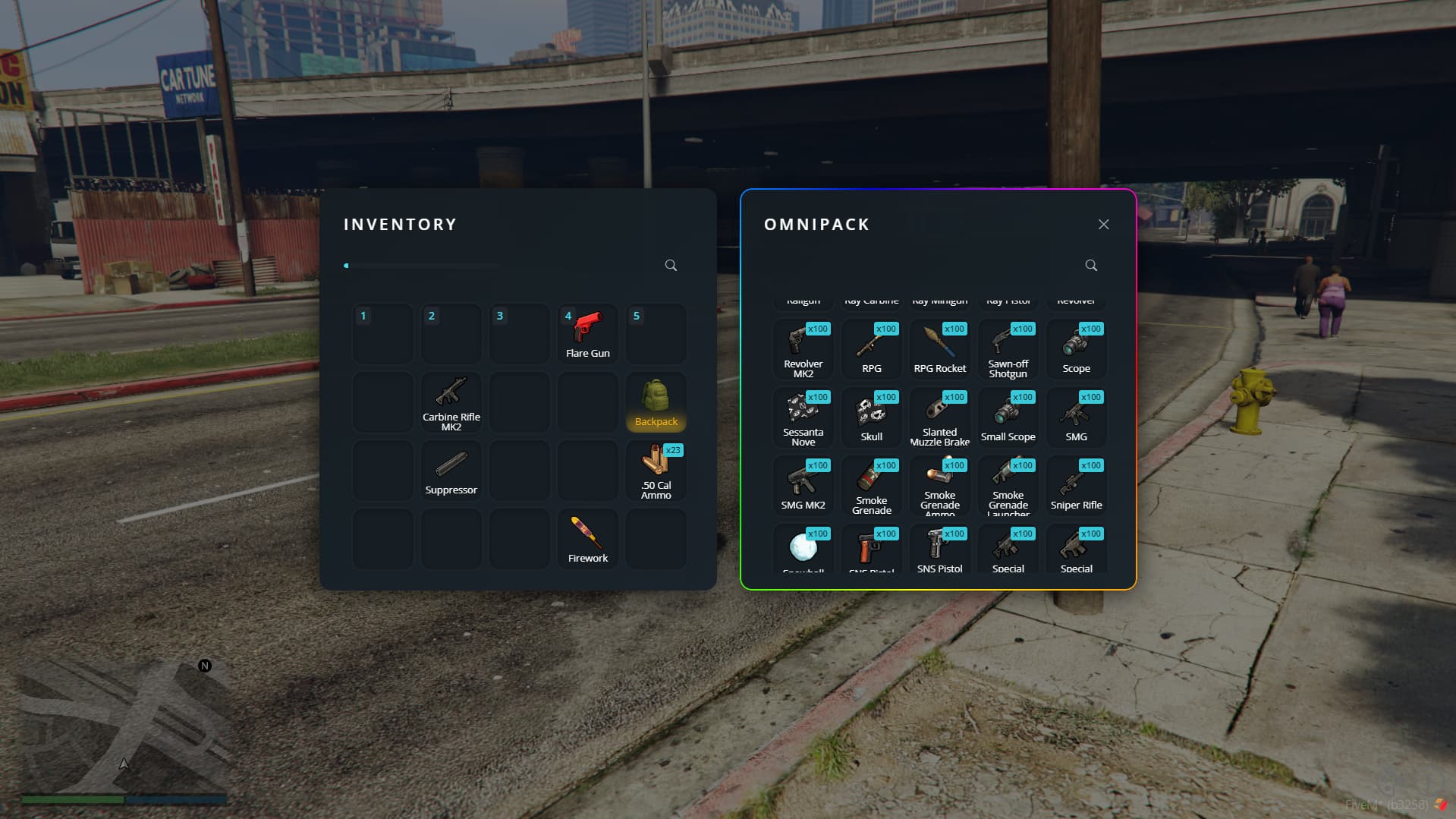
Improve your players satisfaction and happiness, while also getting easy work for your server management with Jaksam's Inventory. Packed with easy-to-use and versatile features.
Showcase Video Click to watch the script in action here!


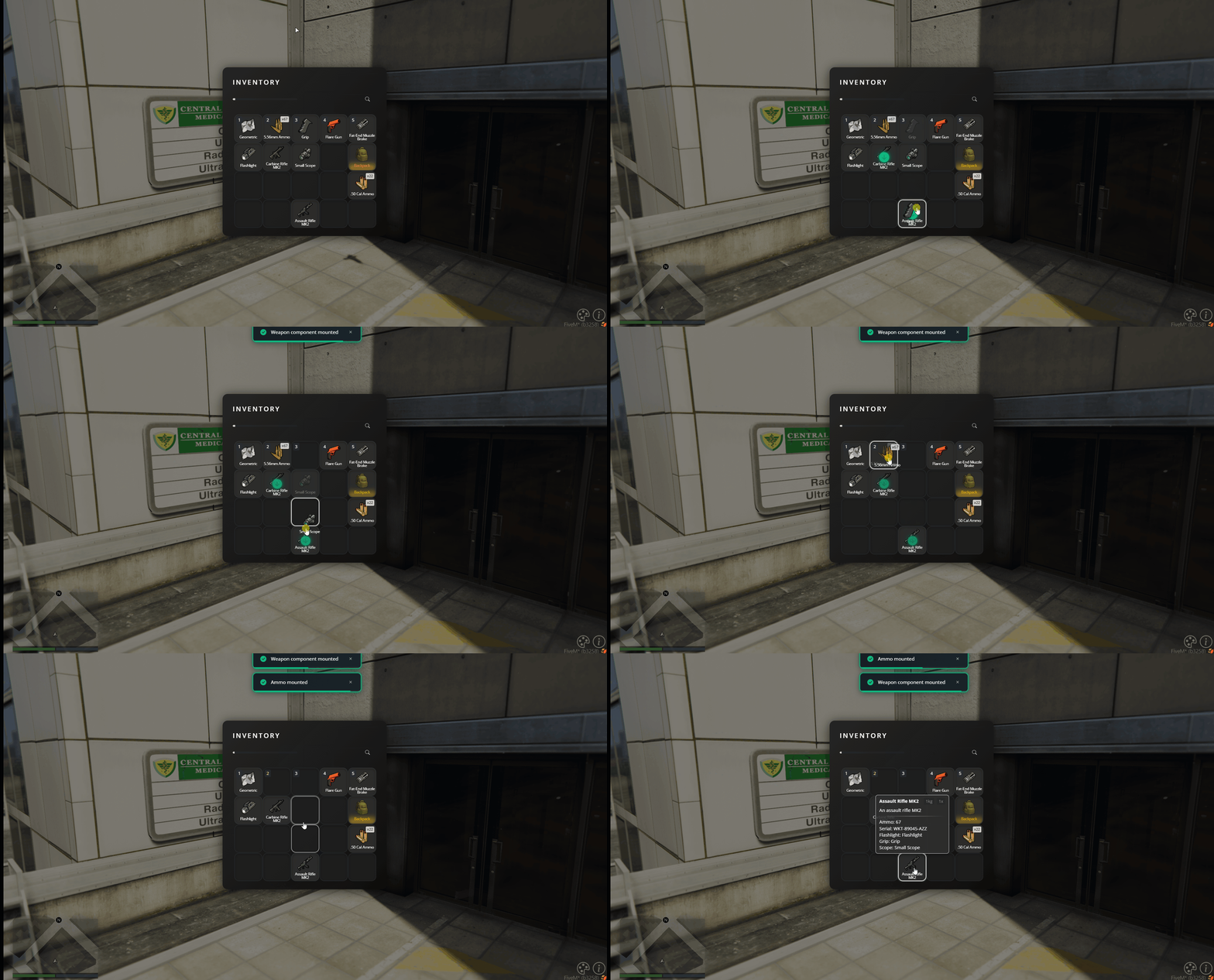

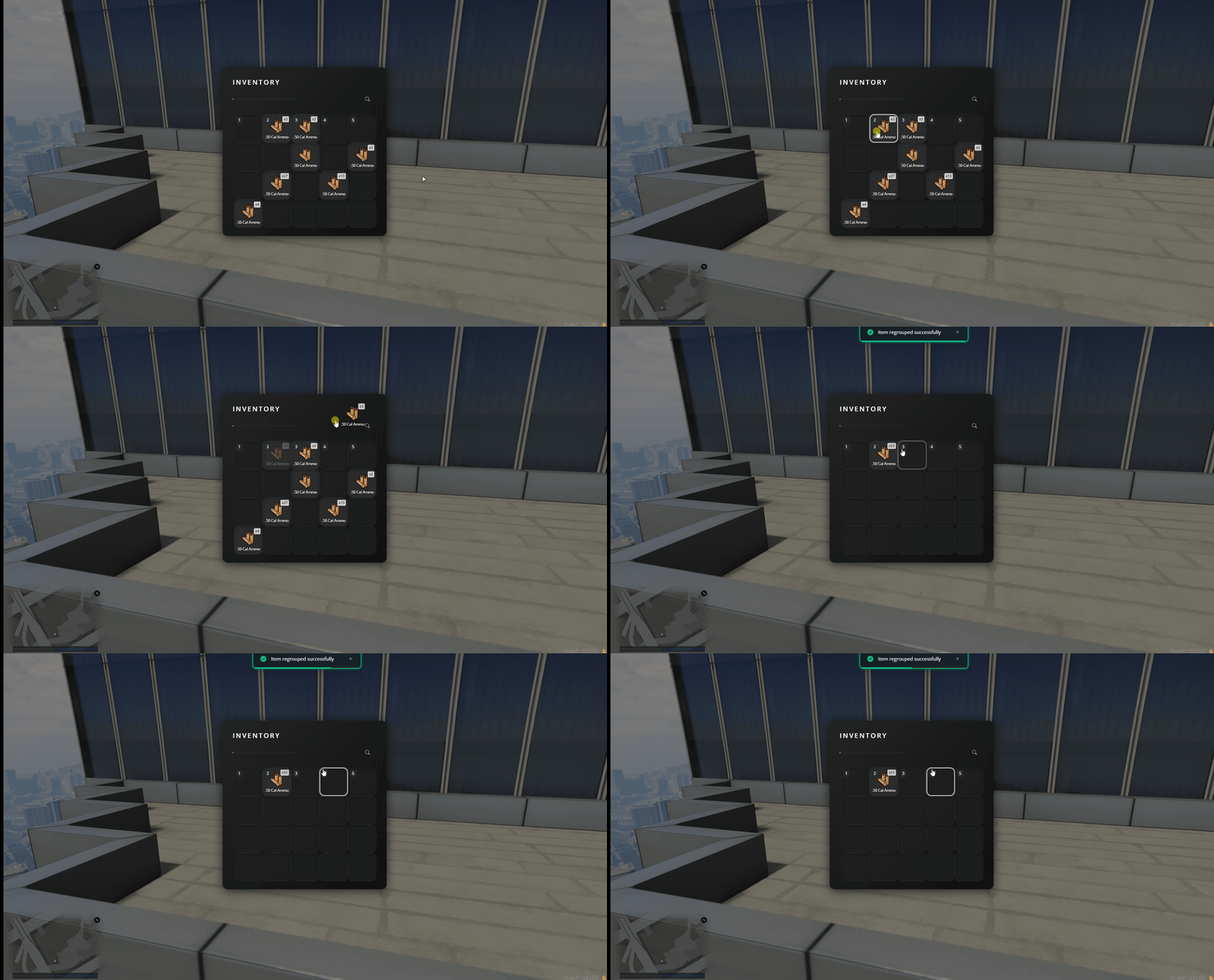
🔥 Why jaksam's inventory?
- Easy to Install: No need to replace your entire framework scripts, drag and drop installation
- Easy import: Import items from your old inventory easily, no need to start from scratch
- Create New Items in-game: No time wasted
- Unlimited inventories: Jaksam's Inventory allows your players to open unlimited inventories at the same time, no need to close one and open another continuosuly
- Customizable themes: Allow your players to create their dream inventory, directly in-game
- Admin panel: Allow you to create and manage items easily, and way more!
🛠️ Admin Panel
Create and manage items easily
More on Admin Panel
- Creating items: Create new items easily, and customize them to your liking!
- Shops: Create shops directly from the admin panel!
- Stashes: Add new stashes in few seconds, with whitelist/blacklist and job restriction!
- Statistics: Want to see the most owned item in your inventory? Who has more cash?
- Import: Import items easily, no need to start from scratch!
- MANY OTHER FEATURES: Yes!
📊 Statistics
Keep an eye on server metrics. Our statistics will help you identifying problems in your server, and even in your other scripts!
More on Statistics
- View item popularity
- View suspicious players (are they cheating?)
🔧 Requirements
Requirements for ESX Version:
- es_extended (tested with minimum 1.10.7)
Requirements for QBCore Version:
- qb-core (latest suggested)
💬 What customers say about
🗣️ What our customers say
🛠️ Jobs Creator: Every Job Your Server Needs, Built in Game
Your jobs are probably a dozen scripts held together with duct tape
One for police actions, one for the boss menu, one for garages, one for stashes, one for multijob, one more for every job that isn't police or EMS. Different configs, different menus, updates that break each other. And adding a new job still means an evening in Lua files
So most servers stop at police, EMS and mechanics, and everyone else has nothing to do but wait for the next robbery
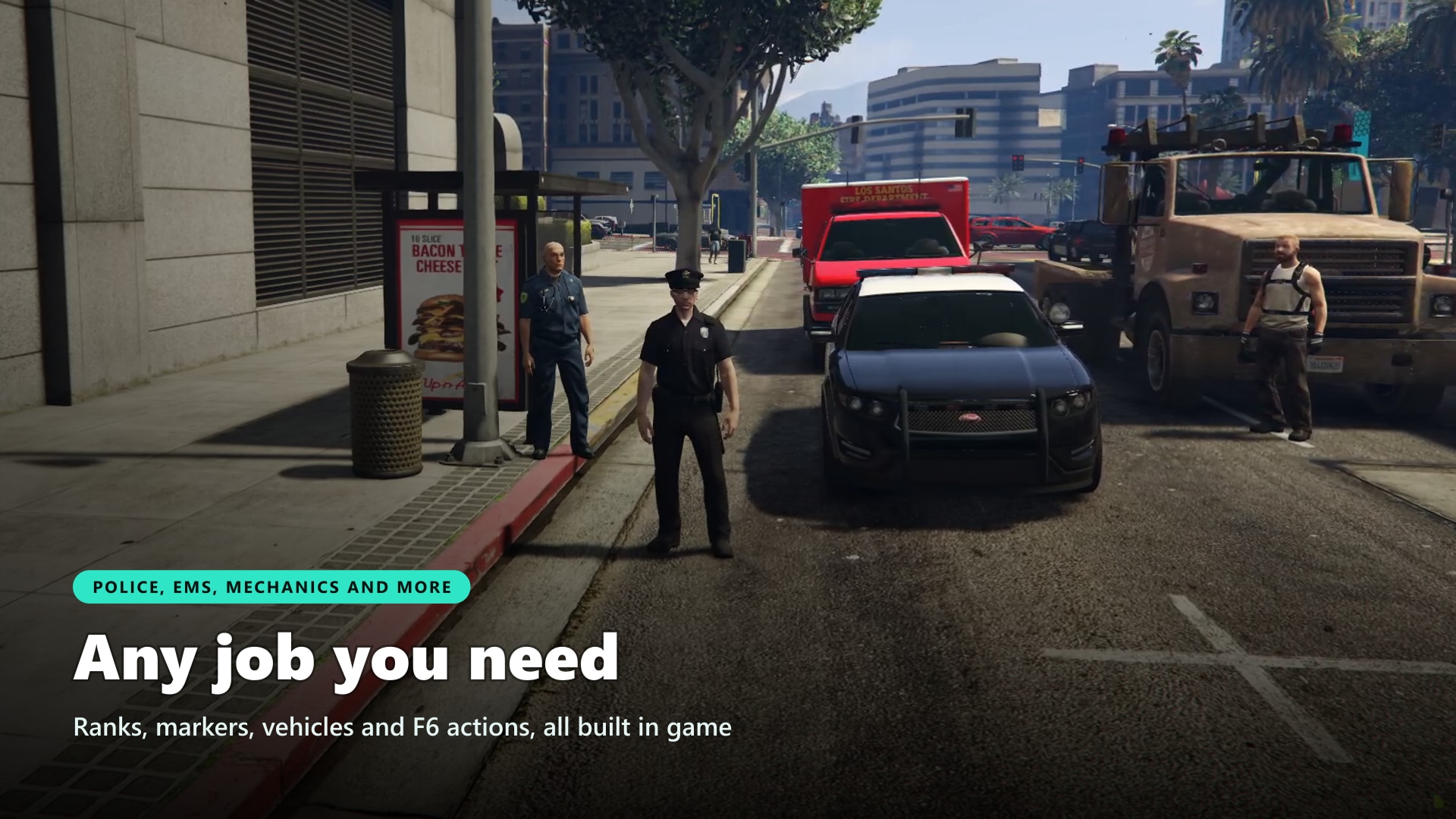
Jobs Creator replaces all of it with one resource you set up in game. Create a job, give it ranks and salaries, place its stash, garage, shop and boss menu where you stand, pick its F6 actions, and it's live for your players. Cops, bus drivers, couriers and farmers all run on the same script, and every boss runs their company from their own panel
Showcase Video Click to watch the script in action here!
💡 Why Jobs Creator?
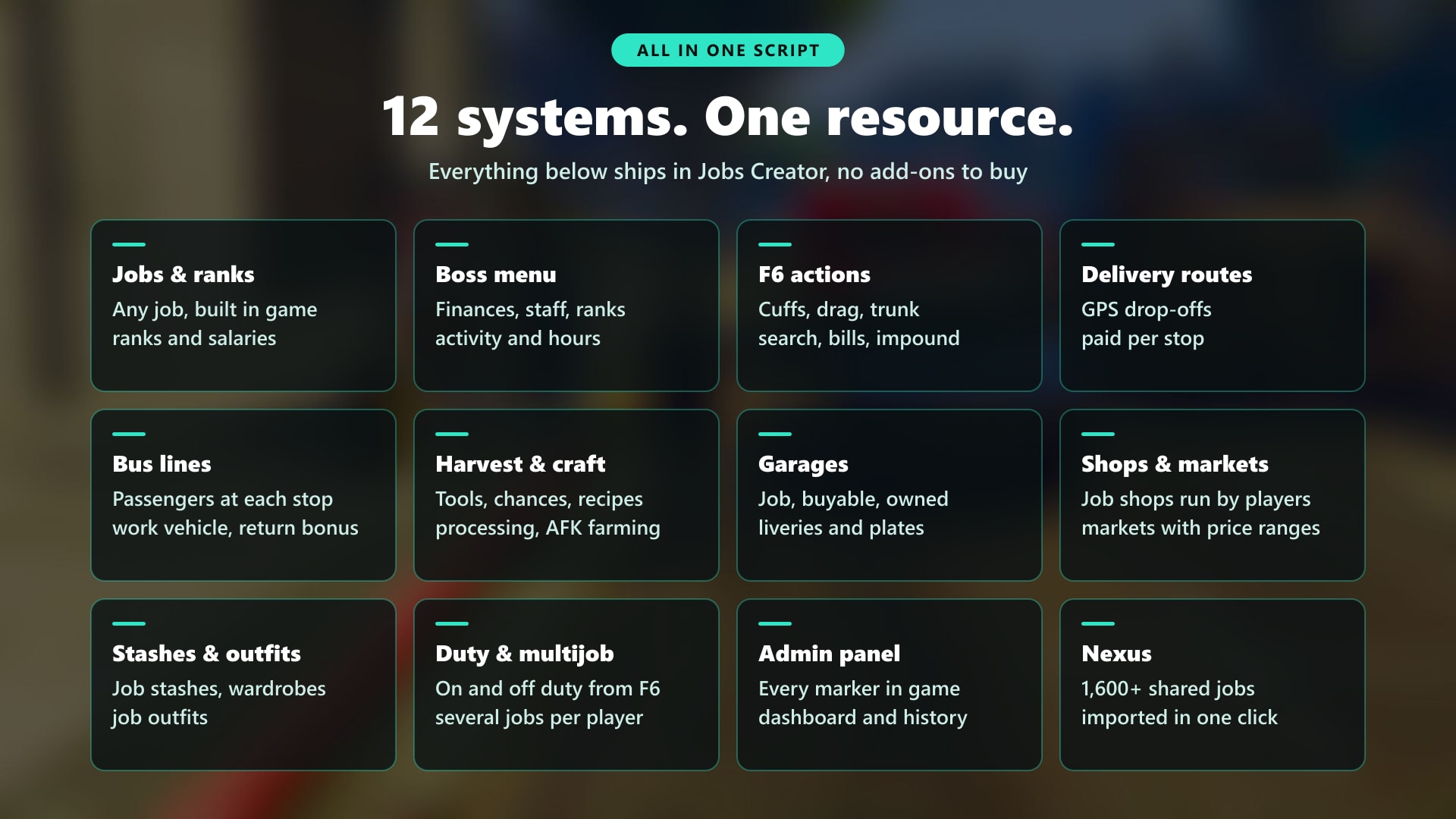
- Replace a dozen scripts with one. Jobs, ranks, boss menu, F6 actions, garages, stashes, shops, outfits, multijob and duty in one resource and one admin panel. Plus delivery routes, bus lines and an economy dashboard that would cost you even more scripts elsewhere
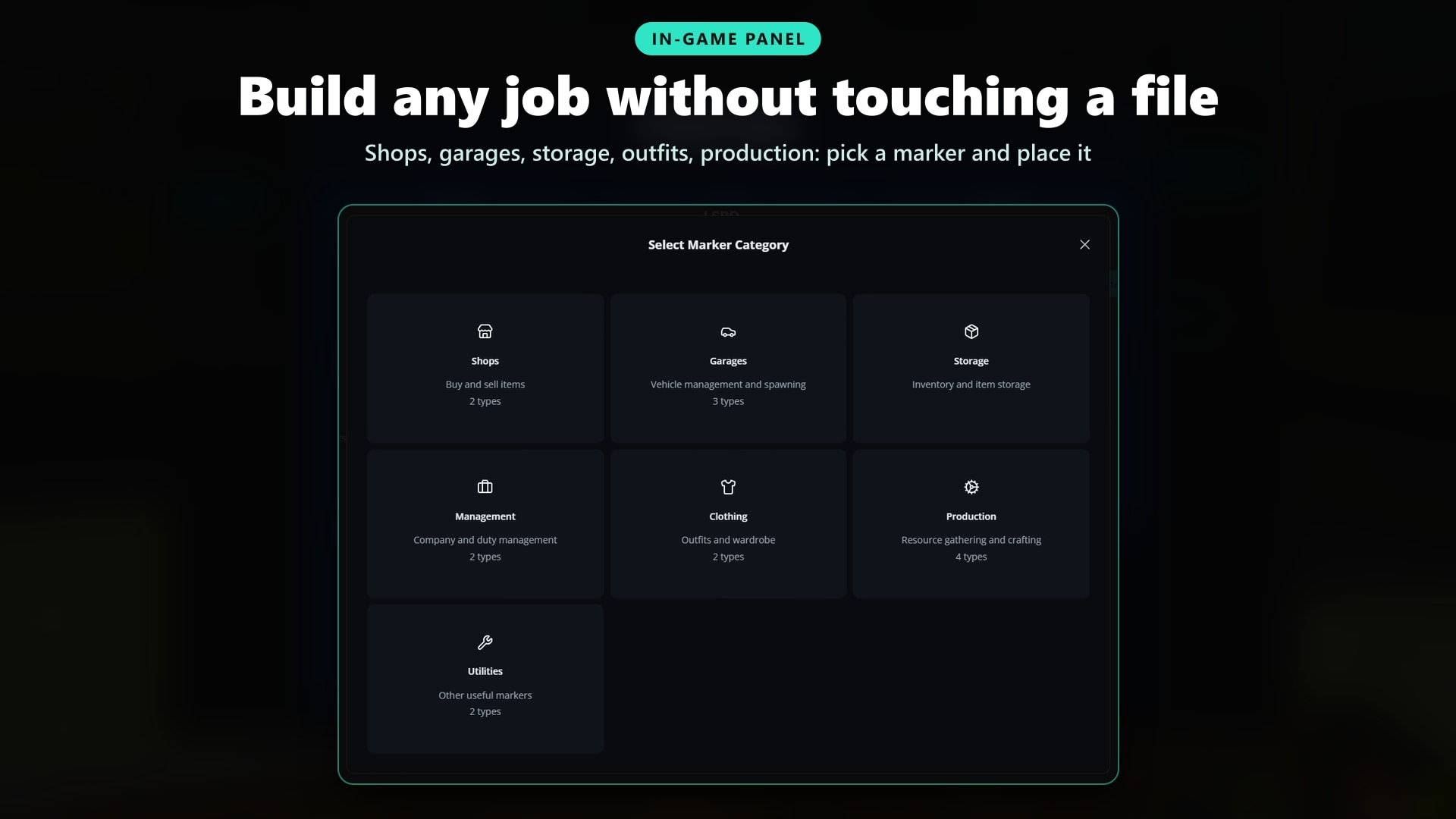
- Build everything in game, zero config files. Create a job, place its markers where you stand, preview vehicles, peds and objects in the world before saving. No SQL to import, tables are created automatically
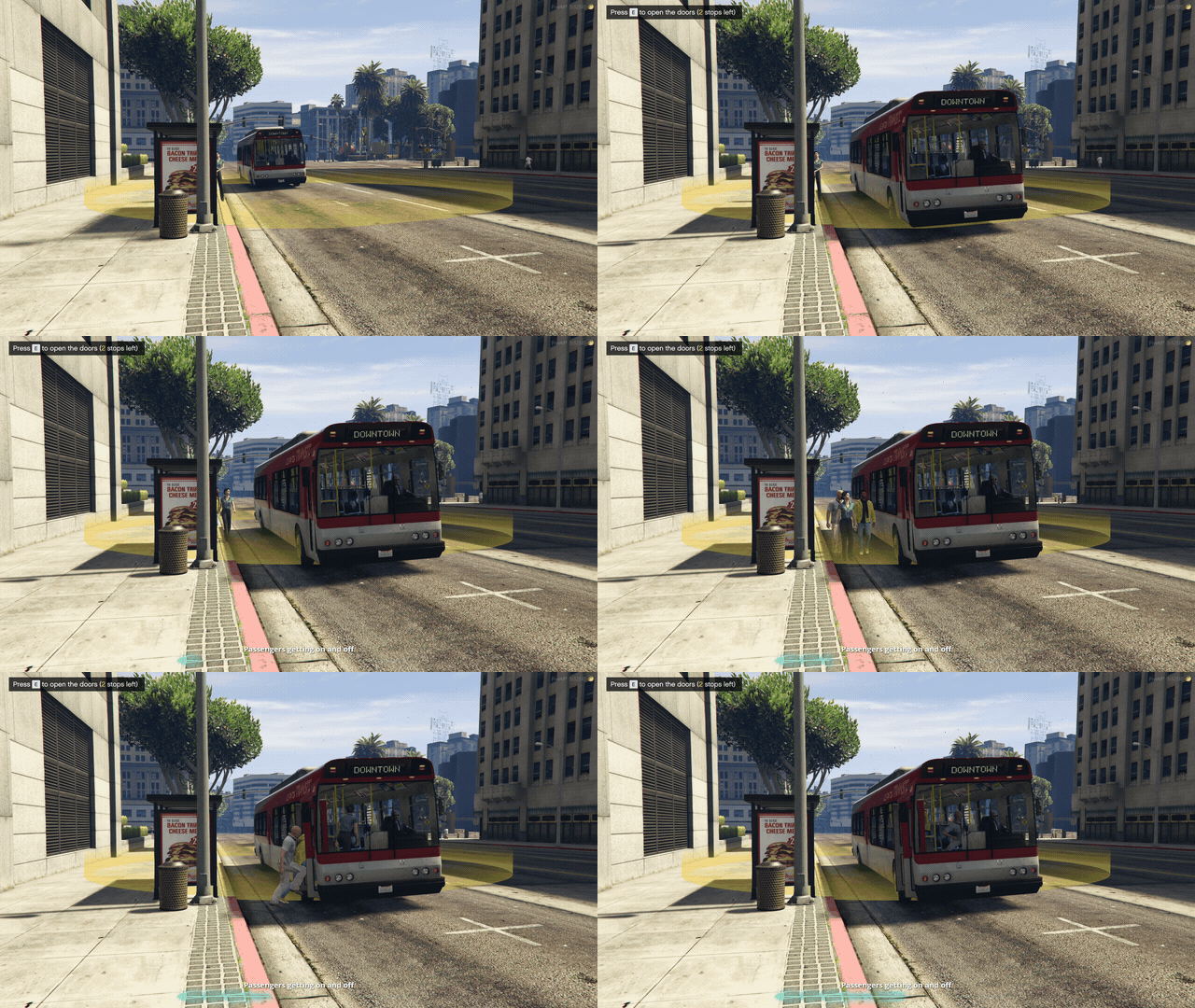
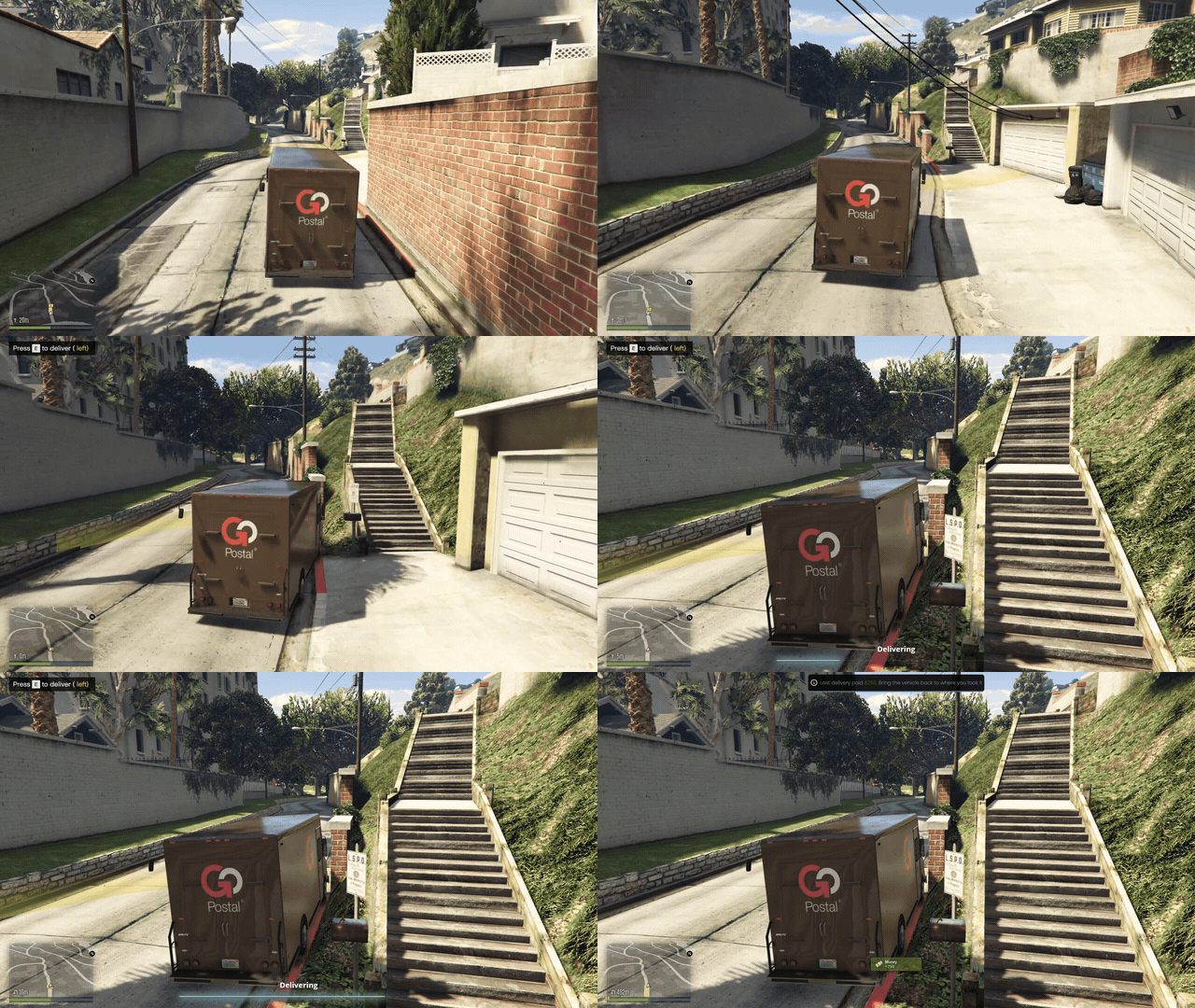
- Real jobs beyond police and EMS. Delivery routes with GPS drop-offs and pay per stop, bus lines with passengers getting on and off at every stop, harvesting, processing and crafting for legal jobs
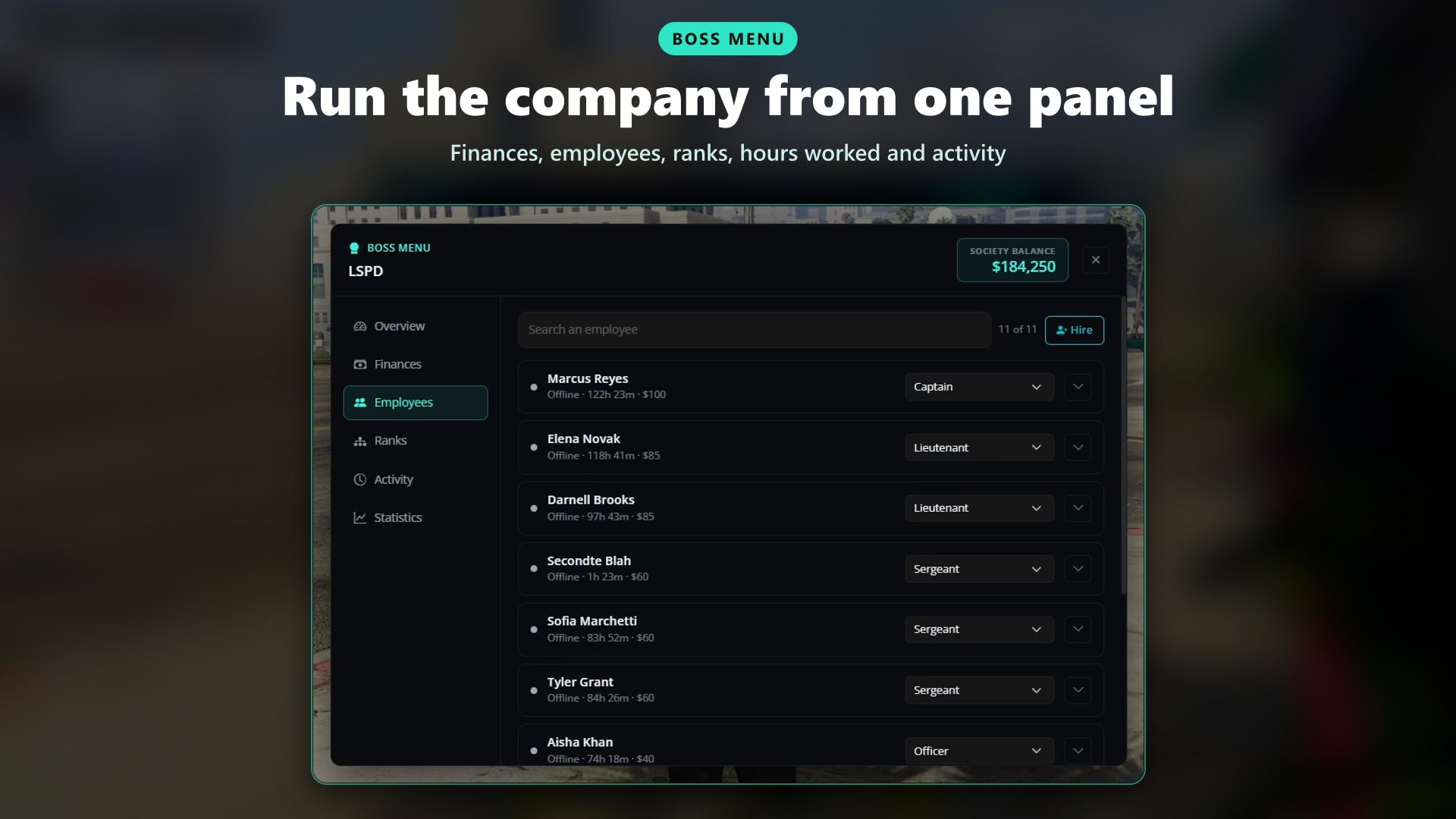
- Every company gets a real boss. Finances, money washing, hiring and firing, salaries, bonuses, hours worked and an activity log, with permissions set per rank
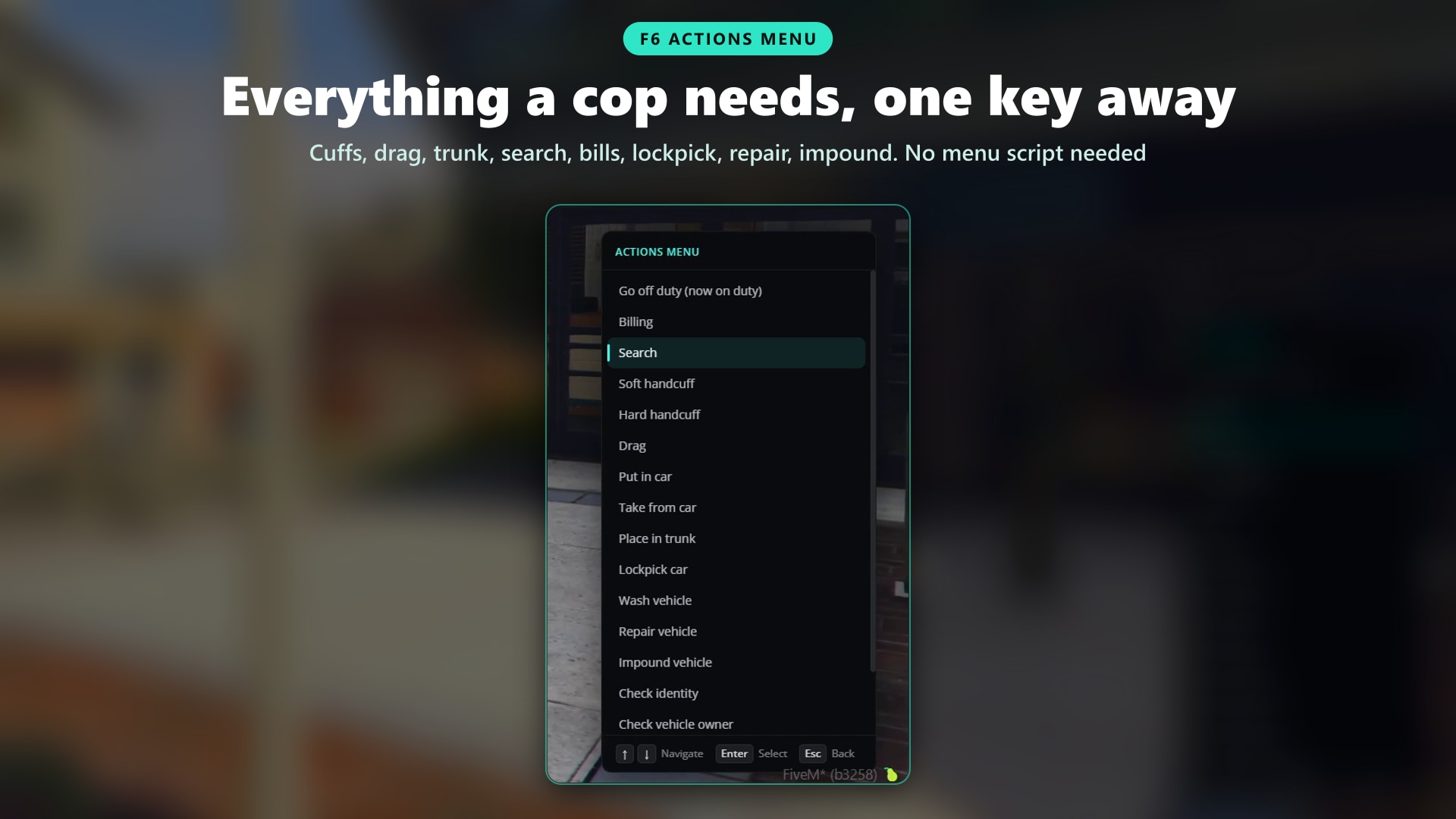
- Everything a cop needs, one key away. Cuffs, drag, car and trunk, search, bills, licenses, lockpick, repair, impound, heal and revive. No menu script needed
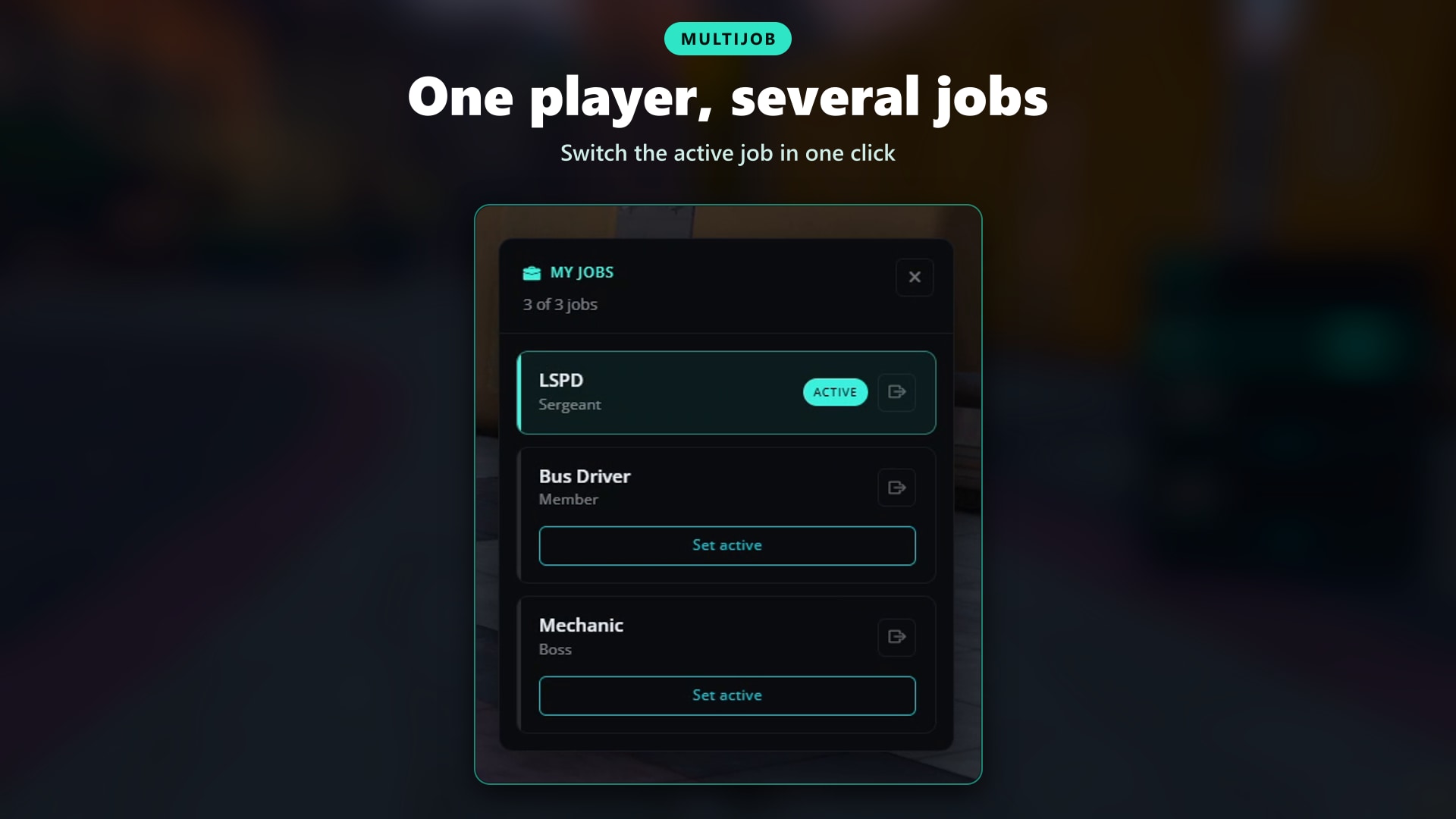
- One player, several jobs. Multijob is built in, and players go on and off duty from a marker, the F6 menu or a command
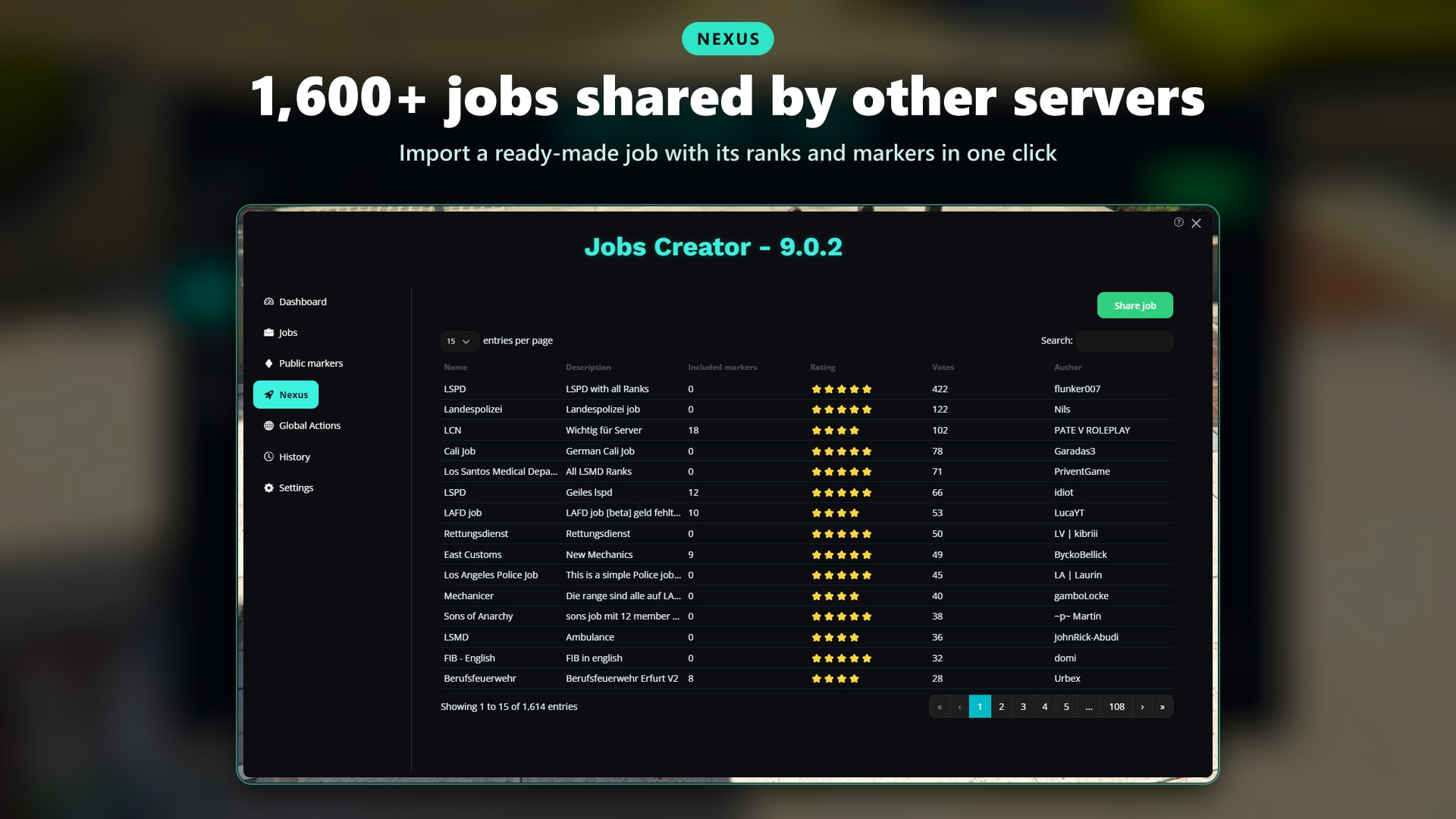
- Up and running in minutes with Nexus. Import one of 1,600+ jobs shared by other server owners, ranks, markers and actions included
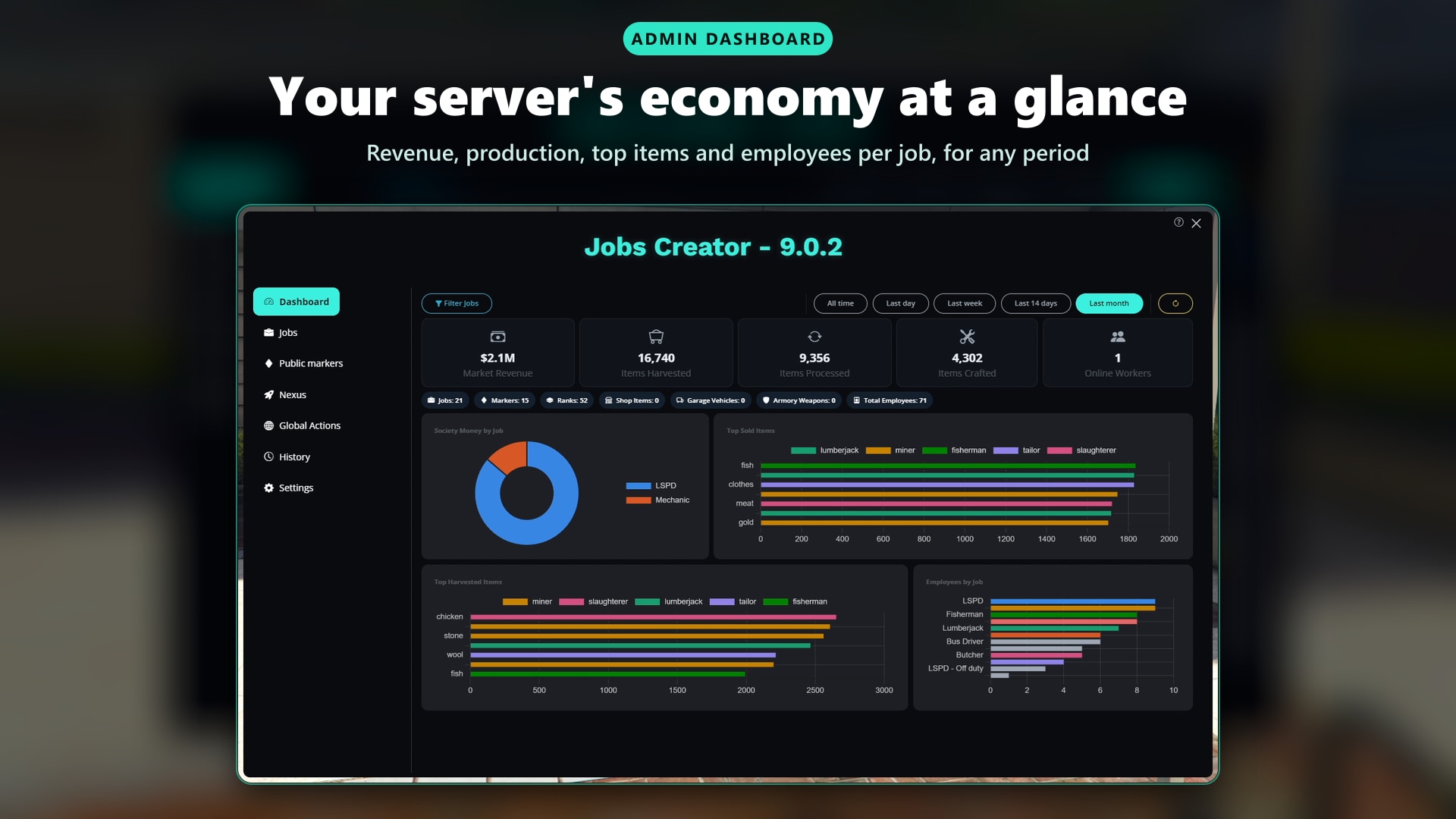
- Know what's working. A built-in dashboard shows revenue, production, top items and employees per job, and the history shows every change made in the panel
🛒 Get Jobs Creator Now!
🚌 Delivery Routes & Bus Lines
Give every driver a reason to clock in. Place the drop-off points, set the pay per stop, and players follow the GPS from one stop to the next.
More on Delivery Routes
- GPS Drop-offs: Up to 50 deliveries per route, in random, nearby or sequential order
- Pay Per Stop: Choose the account, and send a percentage to the company
- Packages: Give a package item at the start and take one at every stop
- Work Vehicle: Require a vehicle and spawn it at the start, with a bonus for bringing it back
- Bus Lines: Passengers wait at every stop, board the bus, ride a few stops and get off
- Exploit Proof: Every stop is checked by the server, teleporting to a stop is refused and logged
- Cooldowns: Optional wait time per player between routes
- For Jobs or Everyone: Make a route for a job, or a public one anyone can start
💼 Boss Menu
Let every boss run their own company. A full management panel, with each tab shown only to the ranks allowed to use it.
More on the Boss Menu
- Finances: Deposit, withdraw and wash dirty money, with a daily withdrawal limit
- Employees: Hire nearby players, promote, demote and fire, even when they're offline
- Bonuses: Pay a bonus to an employee from the company account
- Ranks & Salaries: Edit salaries up to a maximum you set
- Hours Worked: Daily time on duty for every employee
- Activity & Statistics: Money and staff log, production per item
- Permissions by Rank: Choose the minimum rank for every action
👮 F6 Actions Menu
Everything a cop, a medic or a mechanic needs, one key away. Choose the actions of every job, and give some to every player with global actions.
More on F6 Actions
- Handcuffs: Soft and hard cuffs, with separate items if you want, and a skillcheck to break free
- Drag, Car & Trunk: Drag a cuffed player, put them in a car or lock them in the trunk
- Search & Rob: Take items, money and weapons, or open the player's inventory
- Billing: Send bills on behalf of the company
- Identity & Licenses: Check ID, give or remove driving and weapon licenses (jsfour-idcard integration included)
- Vehicles: Lockpick, wash, repair, impound and check the owner
- Medical: Heal and revive players
- Object Spawner: Place cones, barriers or anything you want, with a limit per player
- Global Actions: Give actions to every player, whatever their job
- Off Duty Rules: Choose which actions off duty players keep
- Targeting: Every action is also available through ox_target or qb-target
🔄 Multijob & Duty
Let players have more than one job. Built in, no extra script to buy.
More on Multijob & Duty
- Several Jobs: Players hold as many jobs as you allow and switch the active one in one click
- Leave a Job: Optionally let players quit a job from the menu
- Auto Capture: Jobs given by other scripts are added automatically
- Shared Access: Optionally let players use the markers and actions of every job they hold
- Duty Your Way: Go on and off duty from a marker, the F6 menu or a command, anywhere or only near a duty marker
- Hours Tracked: Time on duty shows up in the boss menu
🗺️ Admin Panel, Dashboard & History
Everything is set up in game, from one panel. No config files to edit, no restarts to test a change.
- Dashboard: Revenue, harvested, processed and crafted totals, top items and employees per job, for any period
- Job Statistics: Revenue, production, deliveries and players in each rank, job by job
- History: See which admin changed what, and when
- Duplicate Jobs: Clone a job with its ranks, markers and actions
- In-World Placement: Preview spawnpoints, peds and objects in the world before saving
- Live Settings: Every option, module and language changed from the panel and applied right away
- Works Offline: The panel loads without internet access or CDNs
- Guided Tour: A first-time tour, replayable at any time
🌐 Nexus: Ready-Made Jobs
Skip the blank page. Browse 1,600+ jobs shared by other server owners, import one in a few clicks and tweak it to fit your server.
- Import & Share: Jobs with their ranks, markers and actions
- Ratings: See what other servers liked before you import it
- No Clashes: An imported job is renamed if you already have one with the same id
🏴 Gangs (QBCore & QBox)
Gangs get the same tools as jobs. Create and manage gangs from the panel, and the framework is updated for you.
- Grades: Up to 100 grades, with labels and boss grades
- Gang Markers: Stashes, garages, shops, crafting tables and the other marker types
- Gang Actions: F6 actions for gang members, on top of the ones from their job
- Imported Automatically: Gangs already on your server are imported at the first start
🌍 Supported Languages
Make your server accessible worldwide. Adding new languages is a breeze.
See All Supported Languages
- 🇬🇧 English
- 🇮🇹 Italian
- 🇩🇪 German
- 🇬🇷 Greek
- 🇧🇦 Bosnian
- 🇵🇹 Portuguese
- 🇪🇸 Spanish
- 🇫🇷 French
- 🇸🇰 Slovak
- 🇩🇰 Danish
- 🇨🇿 Czech
- 🇵🇱 Polish
- 🇭🇺 Hungarian
- 🇳🇱 Dutch
- 🇱🇹 Lithuanian
- 🇨🇳 Chinese
🛠️ Jobs & Ranks
Create a job in minutes, not in an evening of Lua. Every change is live for your players.
More on Jobs & Ranks
- Create, Edit, Delete: Manage every job and its label from the panel
- Safe Deletion: Deleting a job sets its employees to unemployed, online and offline
- ID Sync: Change a job id and player data, ranks and company accounts follow
- Ranks & Salaries: Create, edit and delete ranks with their salary
- Drag to Reorder: Reorder ranks by dragging them, players keep the right rank
- Fire Everyone: Fire every employee of a job in one click
📍 Markers (Interaction Points)
Place a marker where you stand and it's ready to use. Every marker is made in one editor, its look set in one place.
More on Markers
- Unlimited Markers: As many as you want for every job
- Rank Access: Choose a minimum rank or specific ranks
- Public Markers: Usable by everyone, no job needed
- Appearance: 3D marker, 3D text, map blip, NPC or object
- Targeting: ox_target, qb-target or classic markers
- Pickers: Choose items, weapons, vehicles, peds and animations from lists of your server
- Teleport: Teleport to any marker to test it
🎯 Marker Types
19 ready-made marker types. Pick one, place it, and your job has a new place to work.
More on Marker Types
- Stash: Deposit and withdraw items, with slots, max weight and allowed or blocked items
- Armory (ESX): Store and take weapons, keeping ammo, components and skins
- Safe (ESX): Deposit money, black money or any account
- Garage (Temporary vehicles): Job vehicles with colors, plates and liveries
- Garage (Buyable vehicles): Buy vehicles and store them with their upgrades
- Garage (Owned vehicles): Take out and park personal vehicles
- Boss: The full company management panel
- Wardrobe: Save, wear and delete outfits
- Job Outfit: Uniforms captured from your own ped, for male, female or both
- Shop: Buy items at set prices, with black money too
- Job Shop: A job stocks the shop with its own items, anyone can buy, the money goes to the company
- Market: Sell items for a random price within a range, with a cut for the company
- Harvest: Random items with chances, up to two required tools, AFK farming optional
- Process: Turn one item into another
- Crafting Table: Recipes with ingredients and crafting time, craft many at once
- Delivery: Delivery routes and bus lines
- Teleport Point: Fast travel between points, vehicles included
- Weapon Upgrader: Buy weapon components and skins
- Duty: Go on and off duty
📋 Discord Logs
Streamline admin work with detailed Discord logging options.
More on Discord Logs
- Enable/Disable: Toggle Discord logs in settings
- Channel Flexibility: Different channels for each action
- Per Job Webhook: Send every log of a job to its own channel
🔌 Compatibility
Works with the resources you already run. Detected automatically where possible, everything else is one setting away.
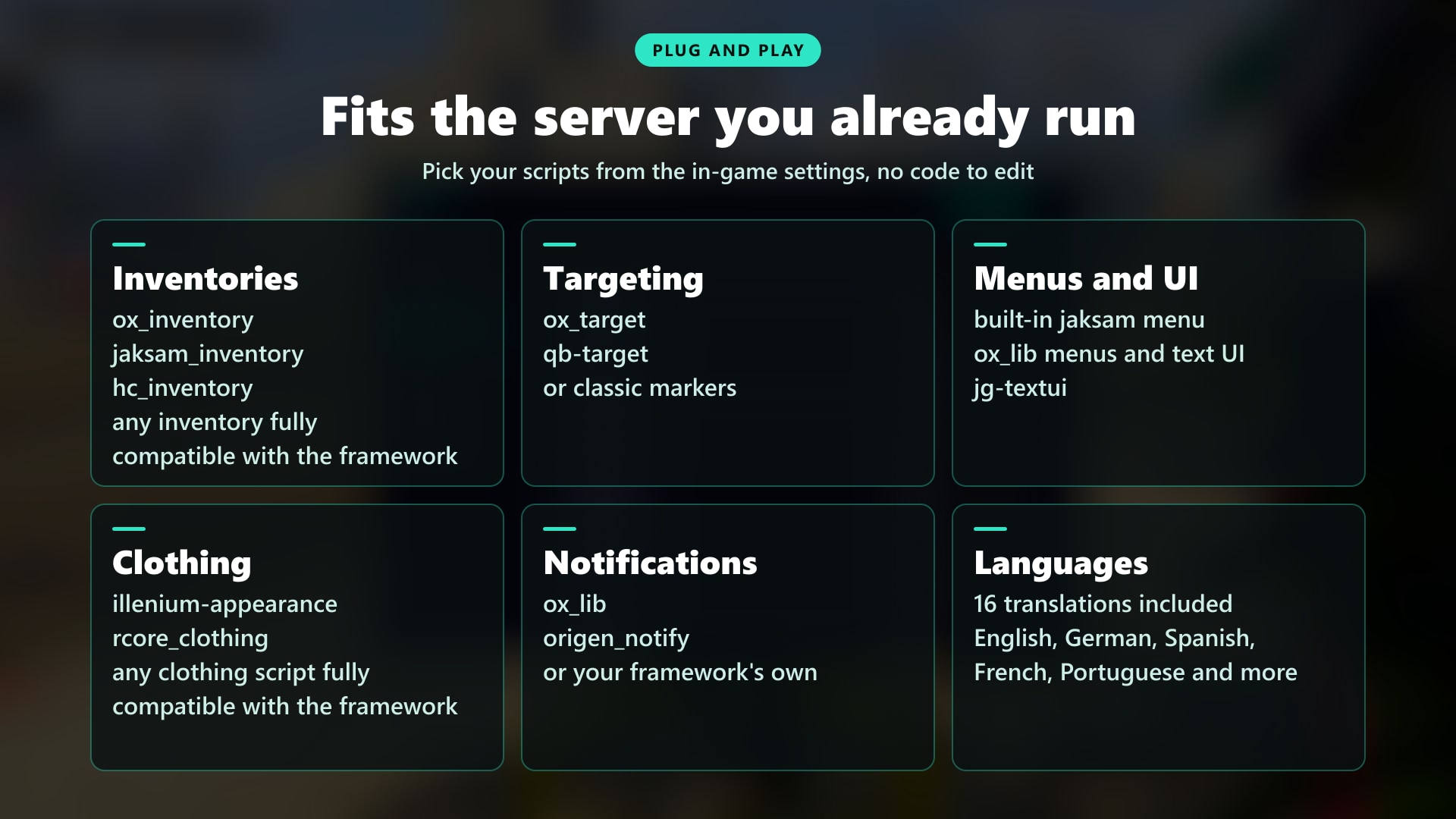
- Inventories: ox_inventory, qb-inventory, hc_inventory, jaksam's inventory, or your framework inventory
- Targeting: ox_target and qb-target, or classic markers
- Menus & UI: Built-in jaksam menu, ox_lib menus, text UI and progress bars, esx_textui, jg-textui
- Clothing: illenium-appearance, rcore_clothing, or your framework clothing
- Banking: esx_addonaccount, qb-banking, Renewed-Banking, okokBanking
- Notifications: ox_lib, origen_notify, or your framework's own
- Billing & ID Cards: billing_ui, jsfour-idcard
- Developers: Exports and events for duty, multijob, company money, garages and actions to connect your own scripts
🛠️ Installation
Installing a script has never been so easy!
How to Install
- Download the script
- Extract to resources
- Add
add_unsafe_worker_permission jobs_creatorandensure jobs_creatorin server.cfg
Requirements
Requirements for ESX Version:
- es_extended
- esx_society
- esx_addonaccount
- esx_skin / illenium-appearance (Can be replaced with any you want)
Requirements for QBCore / QBox Version:
- qb-core / qbx_core
- qb-clothing / illenium-appearance (Can be replaced with any you want)
- qb-weapons
- qb-banking / Renewed-Banking (Can be replaced with any you want)
Requirements for All Versions:
- onesync
- ox_lib
🛒 Start Building Your Jobs Today
📚 Documentation
You can find the script documentation here
ℹ️ Information
Jobs Creator uses the official FiveM escrow system, so people without access to your account won’t be able to steal your script!
💬 What customers say about
🗣️ What our customers say
💊 Drugs Creator: Your One-Stop Solution for Drug Mechanics in FiveM
Your drug system is probably 5 scripts held together with duct tape
One for harvesting, one for crafting, one for drug effects, one for selling, one for territories. Different configs, different menus, updates that break each other. And your players still do the same thing every night: pick, process, sell to the same NPC, log off
Two weeks later the drug economy is dead, gangs have nothing to fight over and cops have nothing to chase
Drugs Creator replaces all of it with one connected economy. What you sell earns turf, turf earns better prices, better prices pay for a factory, the factory keeps producing while you sleep, and your AI dealers keep selling while you're on another job. Every step gives the next one a purpose, and that's what keeps players coming back
Showcase Video Click to watch the script in action here!
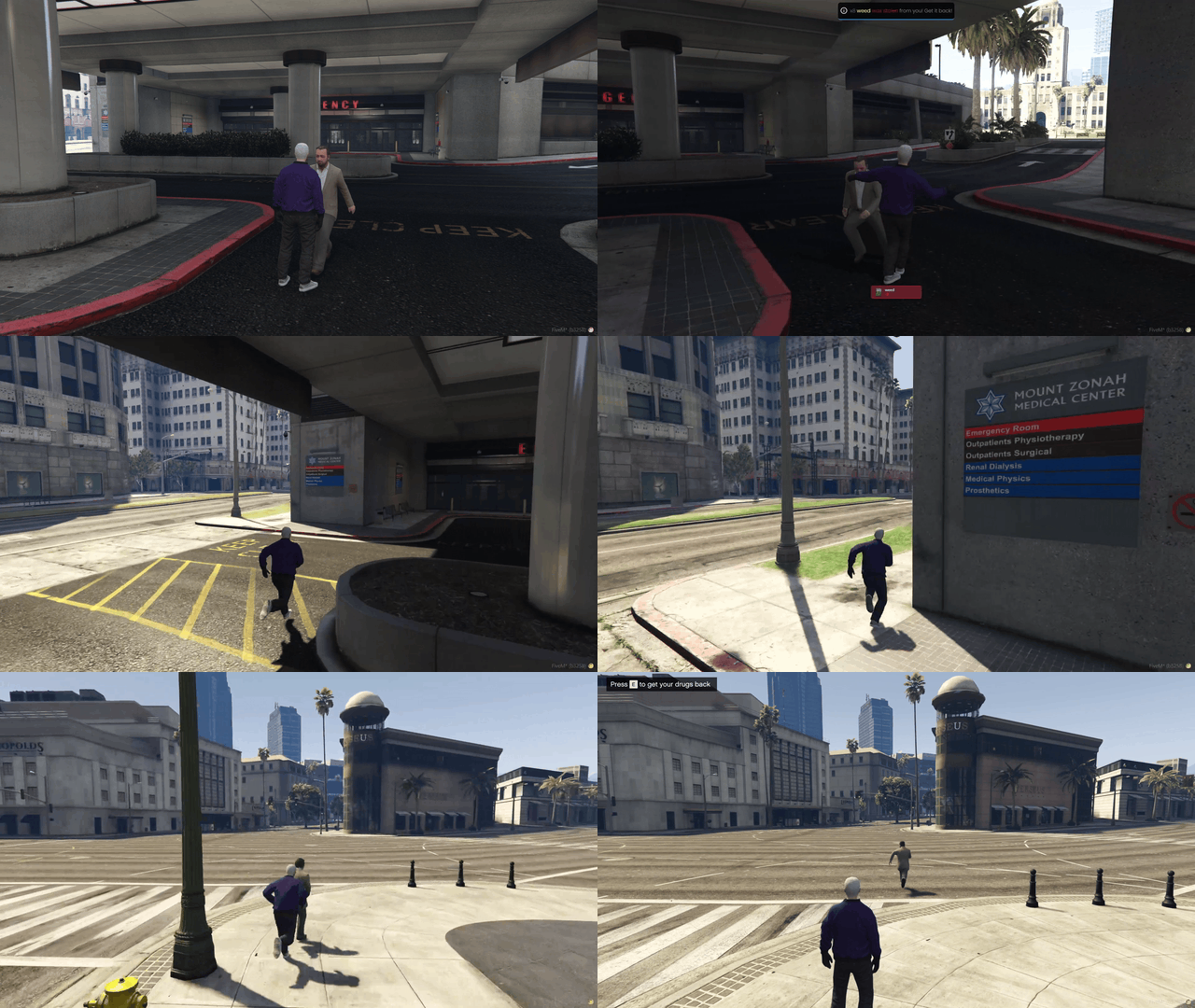
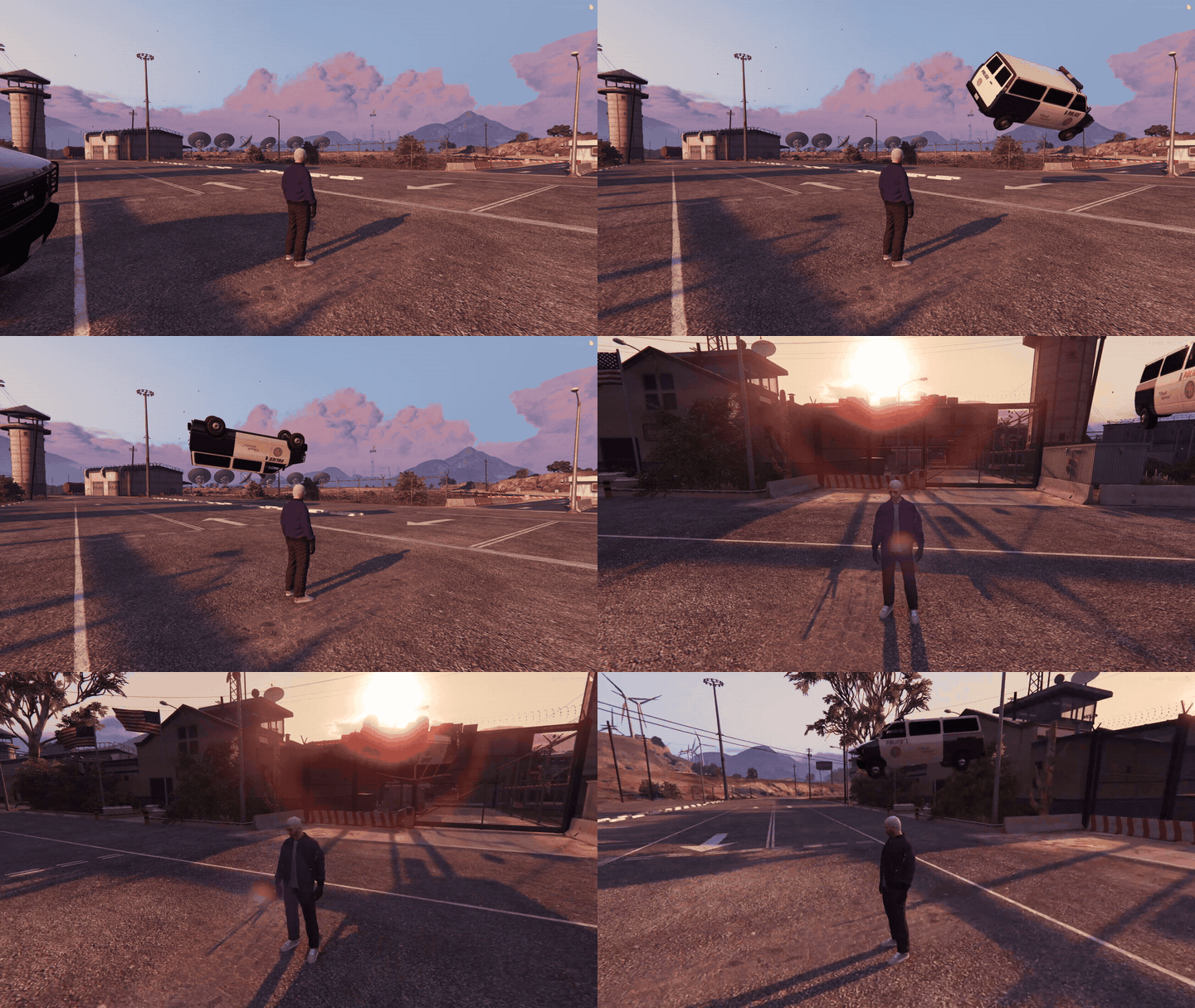
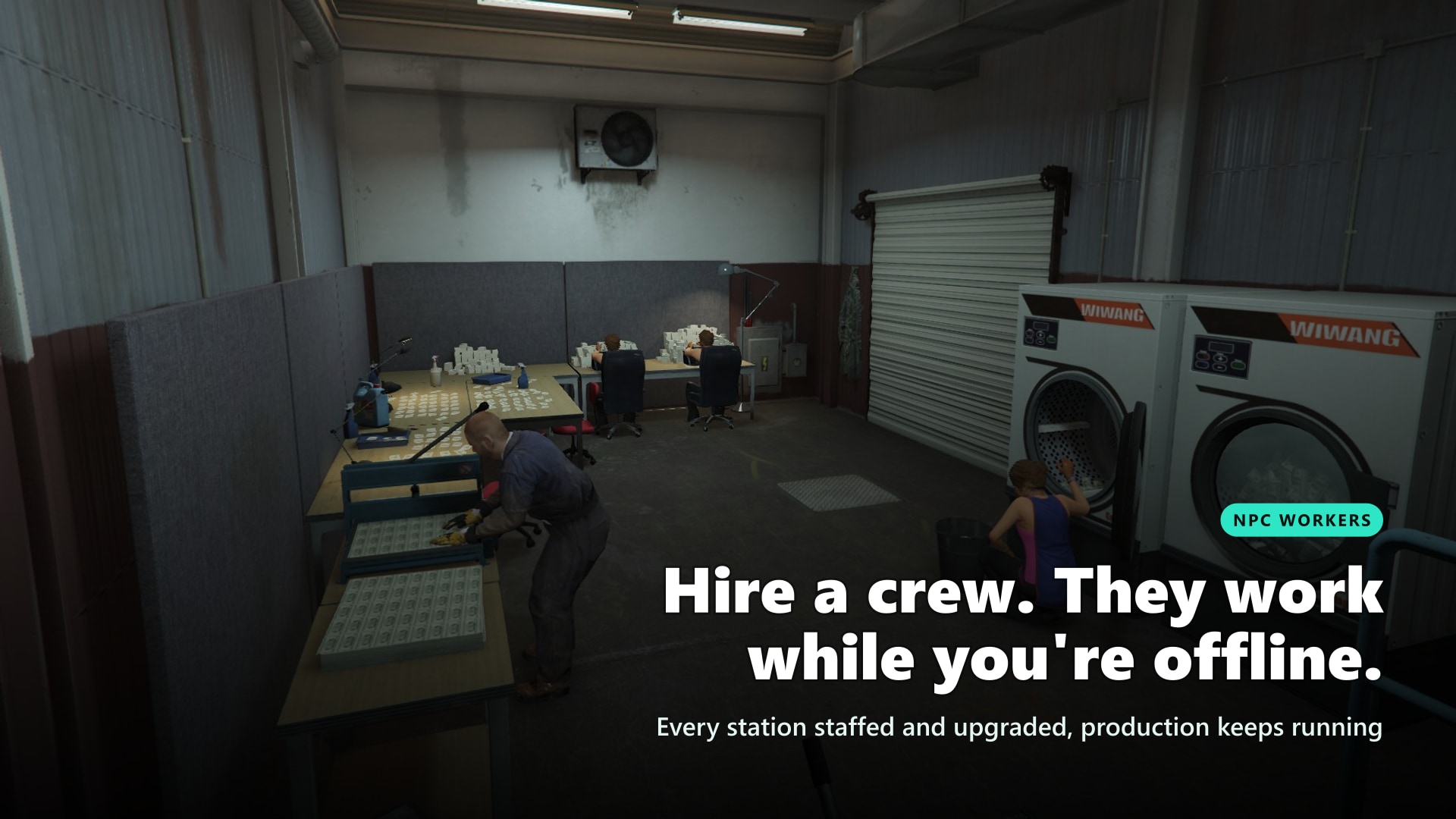
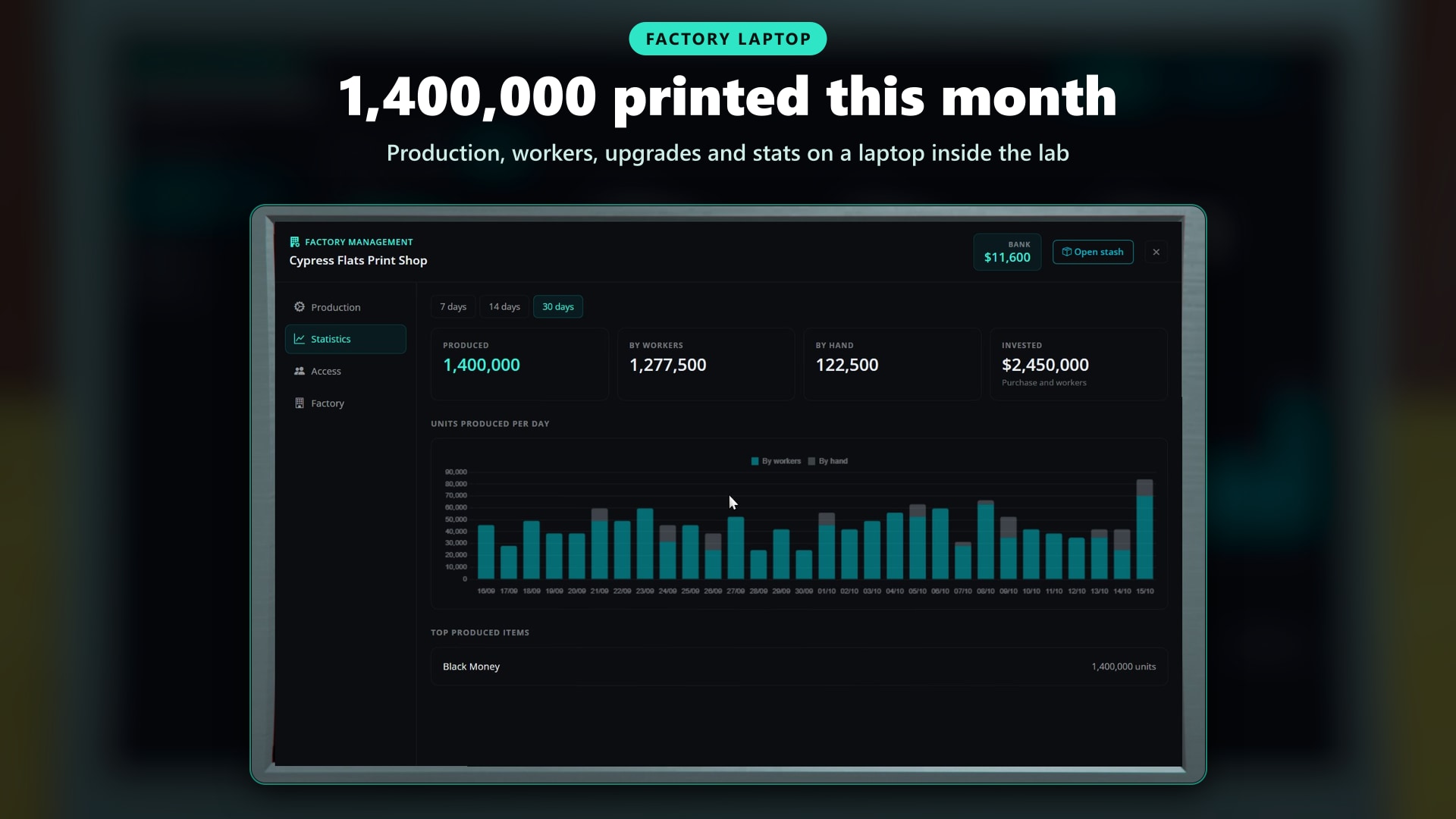
💡 Why Drugs Creator?
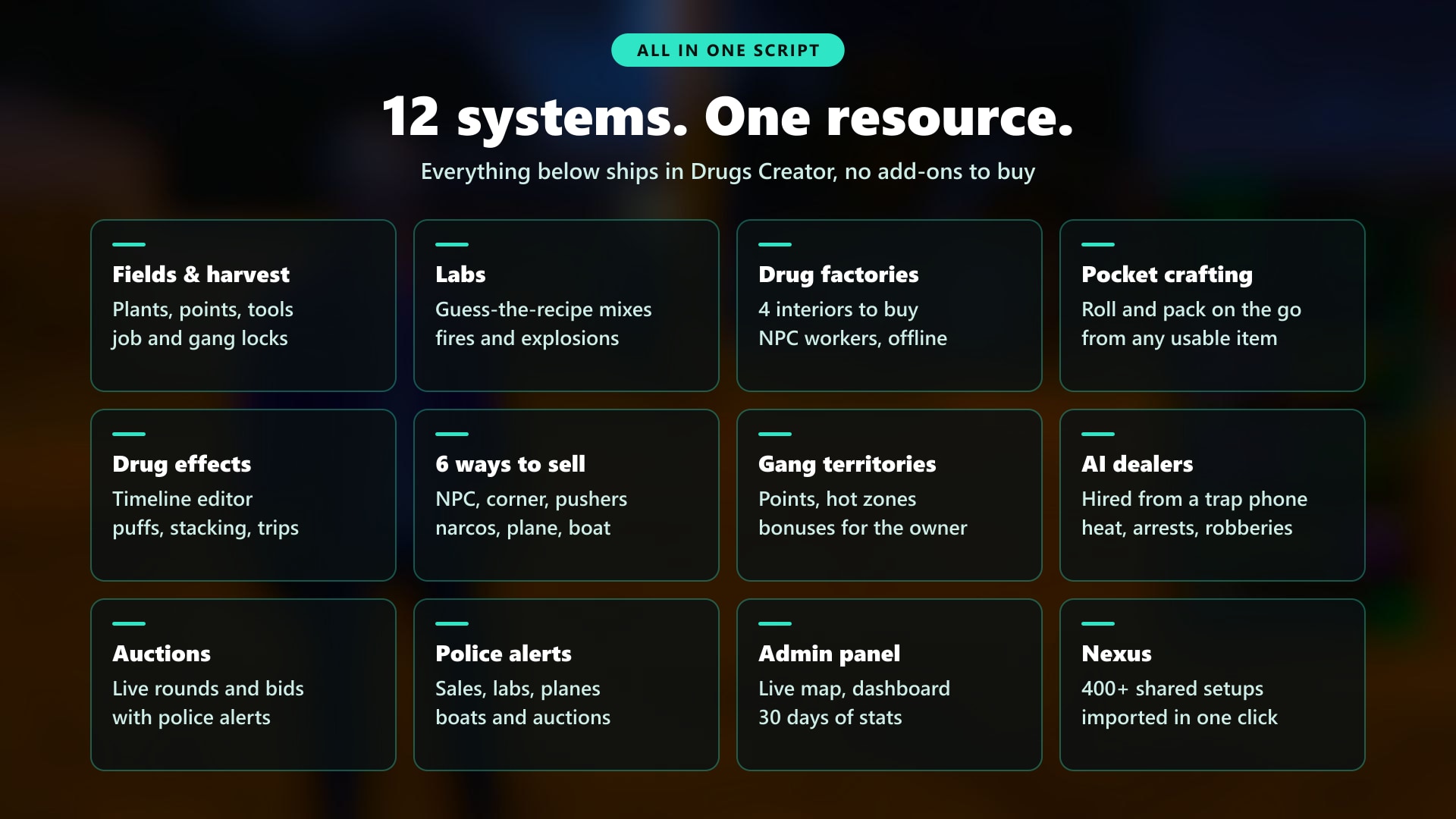
- Replace all 5 with one, and get more on top. Harvesting, labs, drug effects, selling and turf wars in one economy and one admin panel. Plus drug factories, AI dealers and live auctions that would cost you even more scripts elsewhere
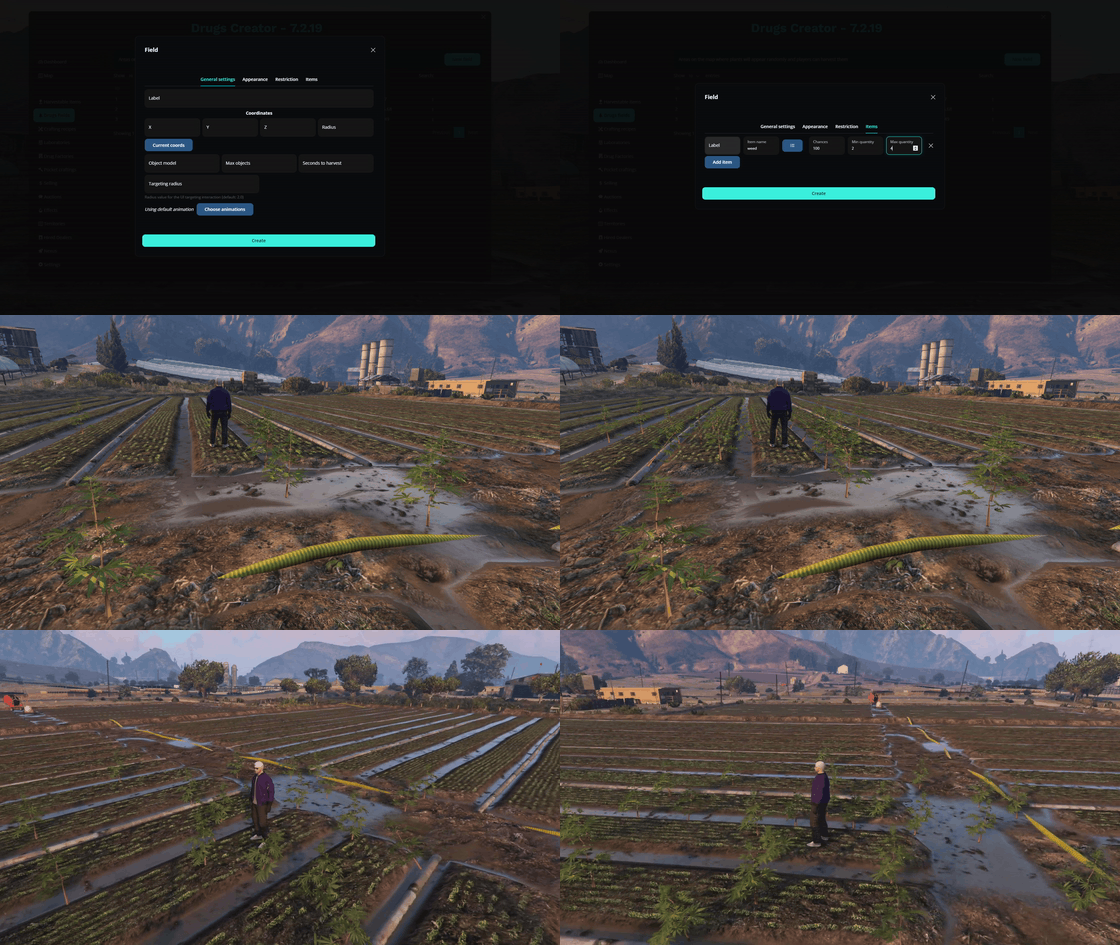
- Build everything in game, zero config files. Place points on a satellite map, draw territories with your mouse, design drug effects on a timeline and preview them live on your own ped. No SQL to import, tables are created automatically
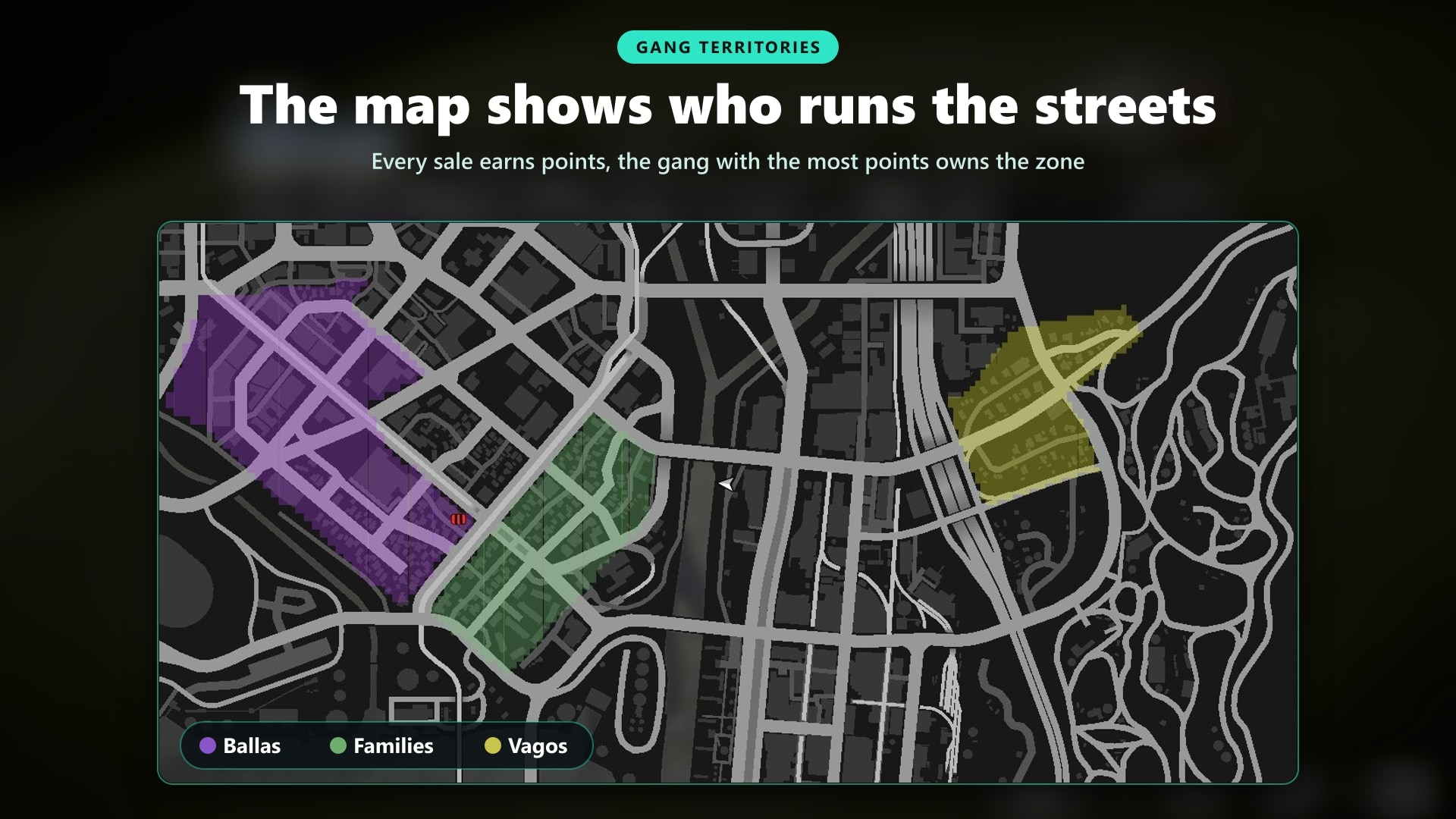
- Give players a reason to log in every night. Gangs and jobs fight over territories: every sale earns points, owners get better prices and less police heat, and rotating hot zones keep the map from ever settling
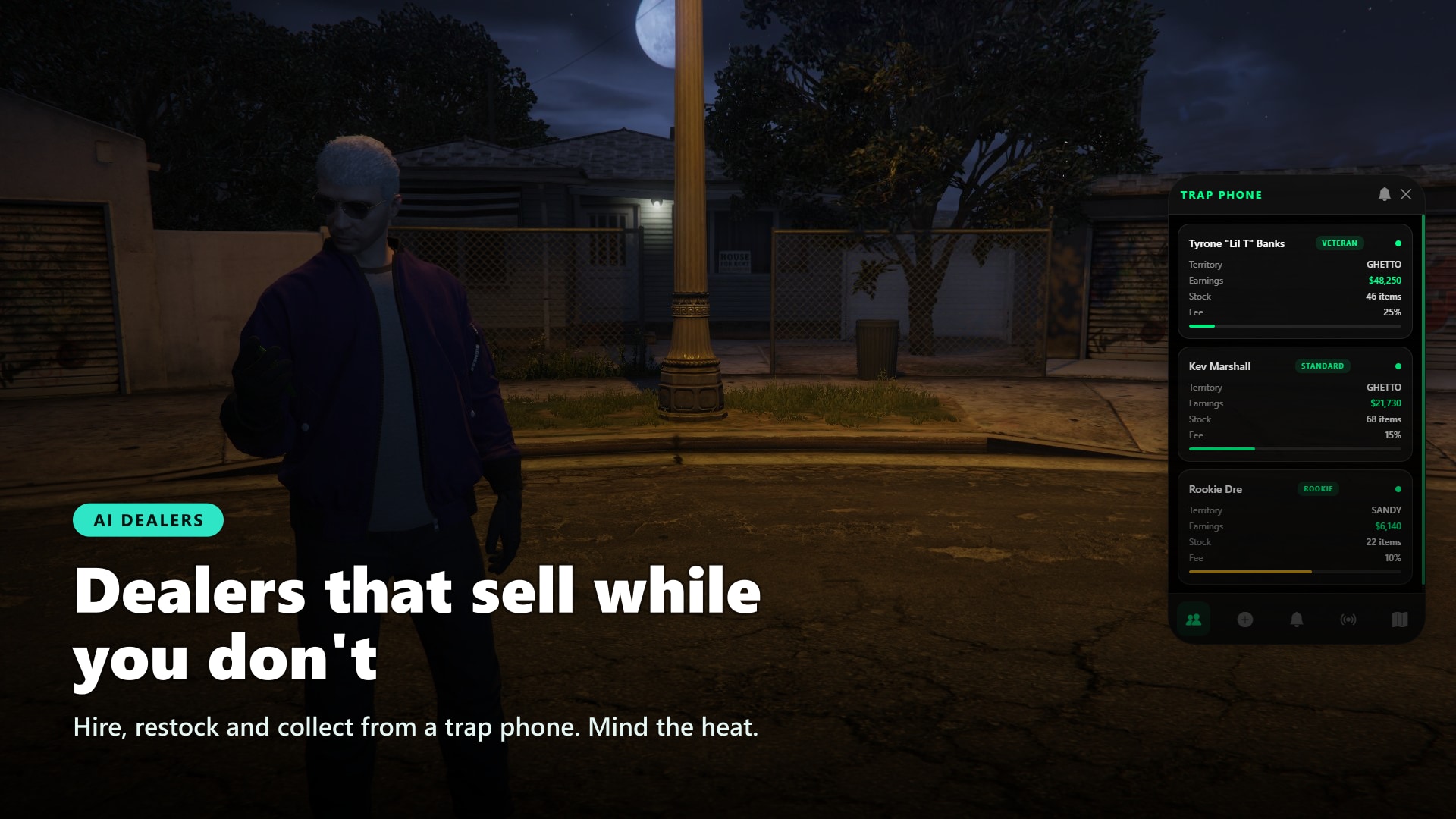
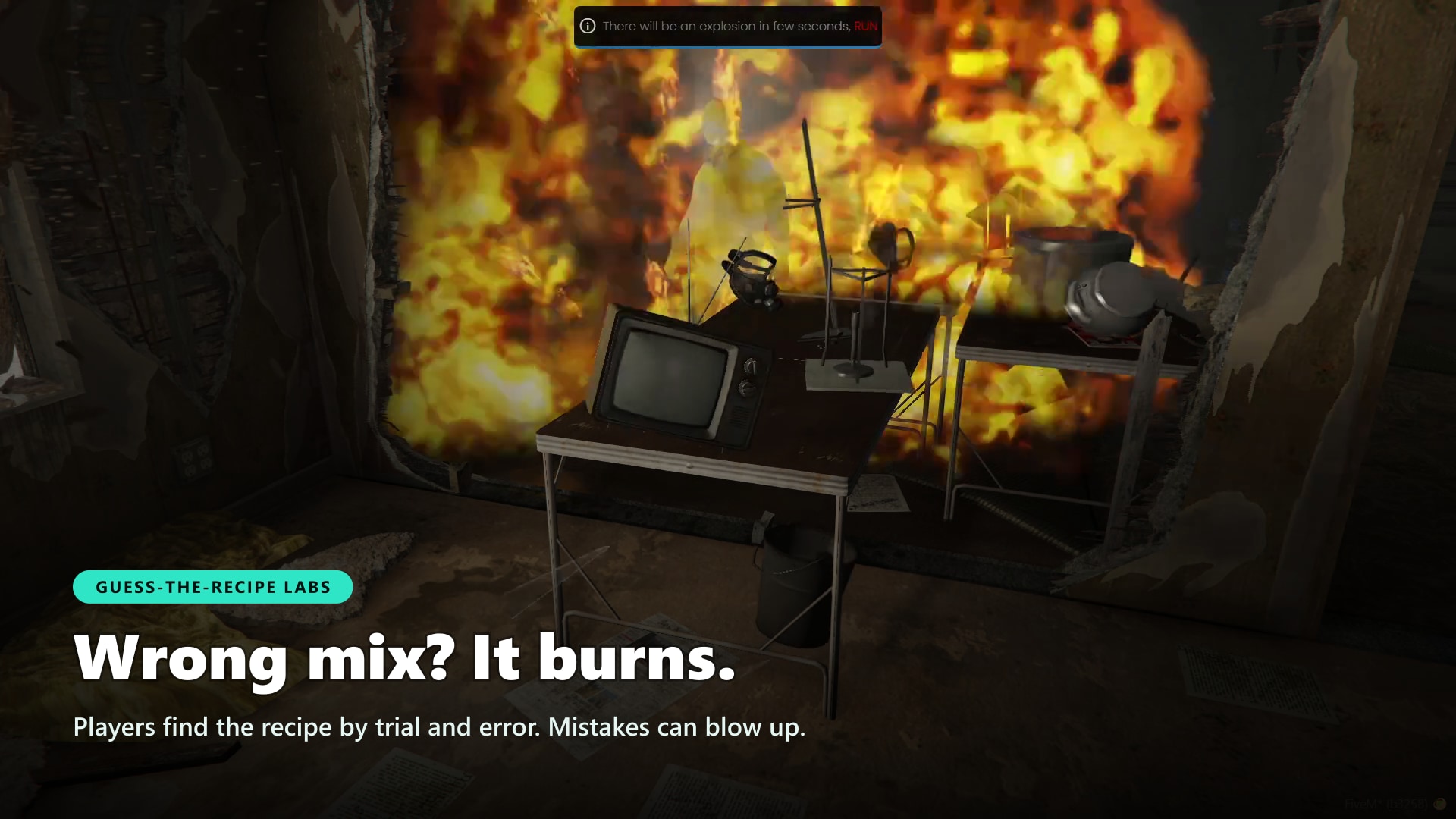
- A real criminal career, not just a farming loop. Harvest in the fields, find the right recipe in the lab (get it wrong and it explodes), buy a meth or coke factory, hire NPC workers who keep producing while you're offline, then hire AI dealers and run them from a trap phone
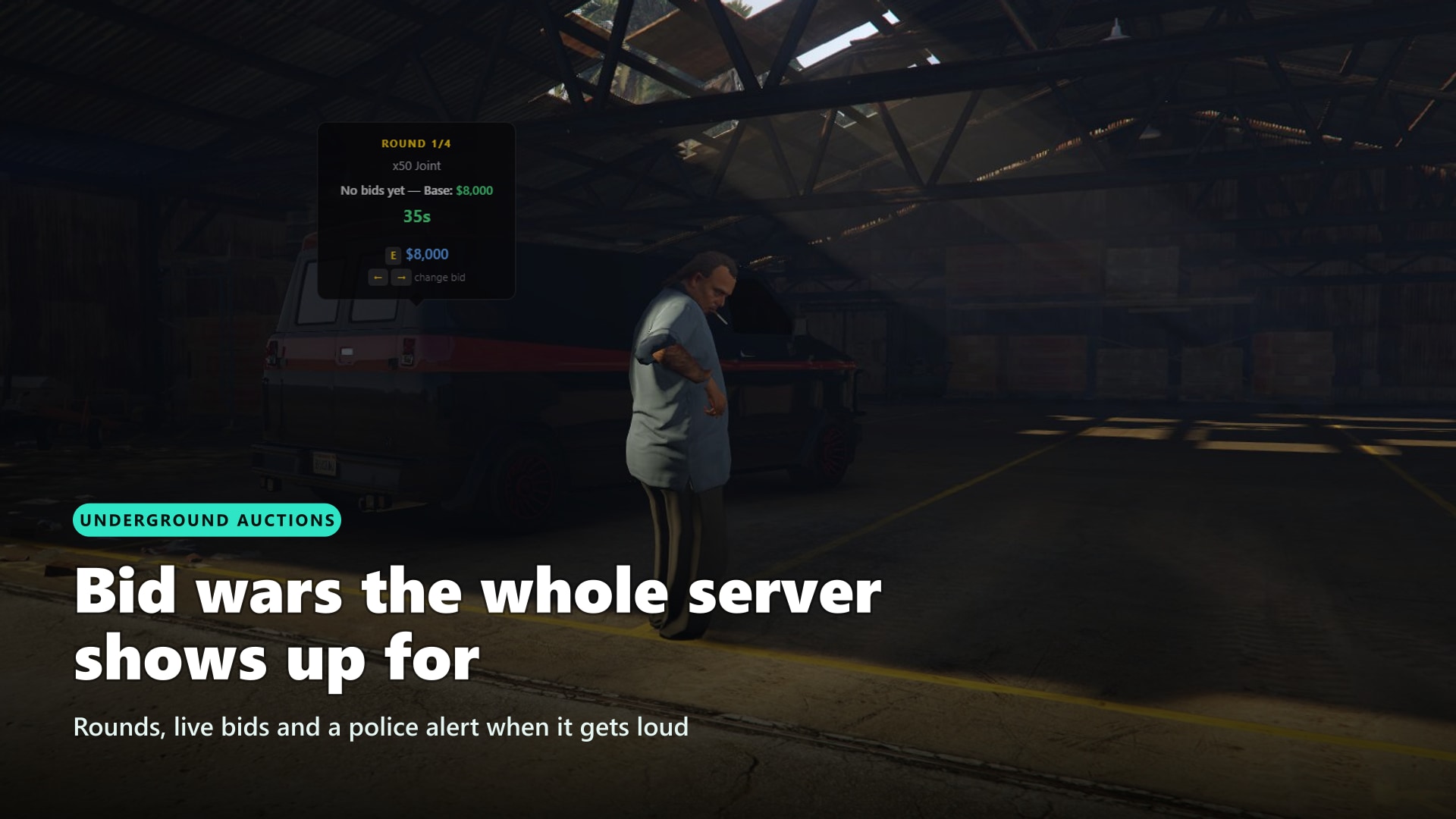
- 6 ways to sell. Street NPCs (who may refuse, rob you or pull a knife), corner selling, pushers, a roaming narcos, plane drops and boat runs. On top of that, live auctions the whole server can bid on
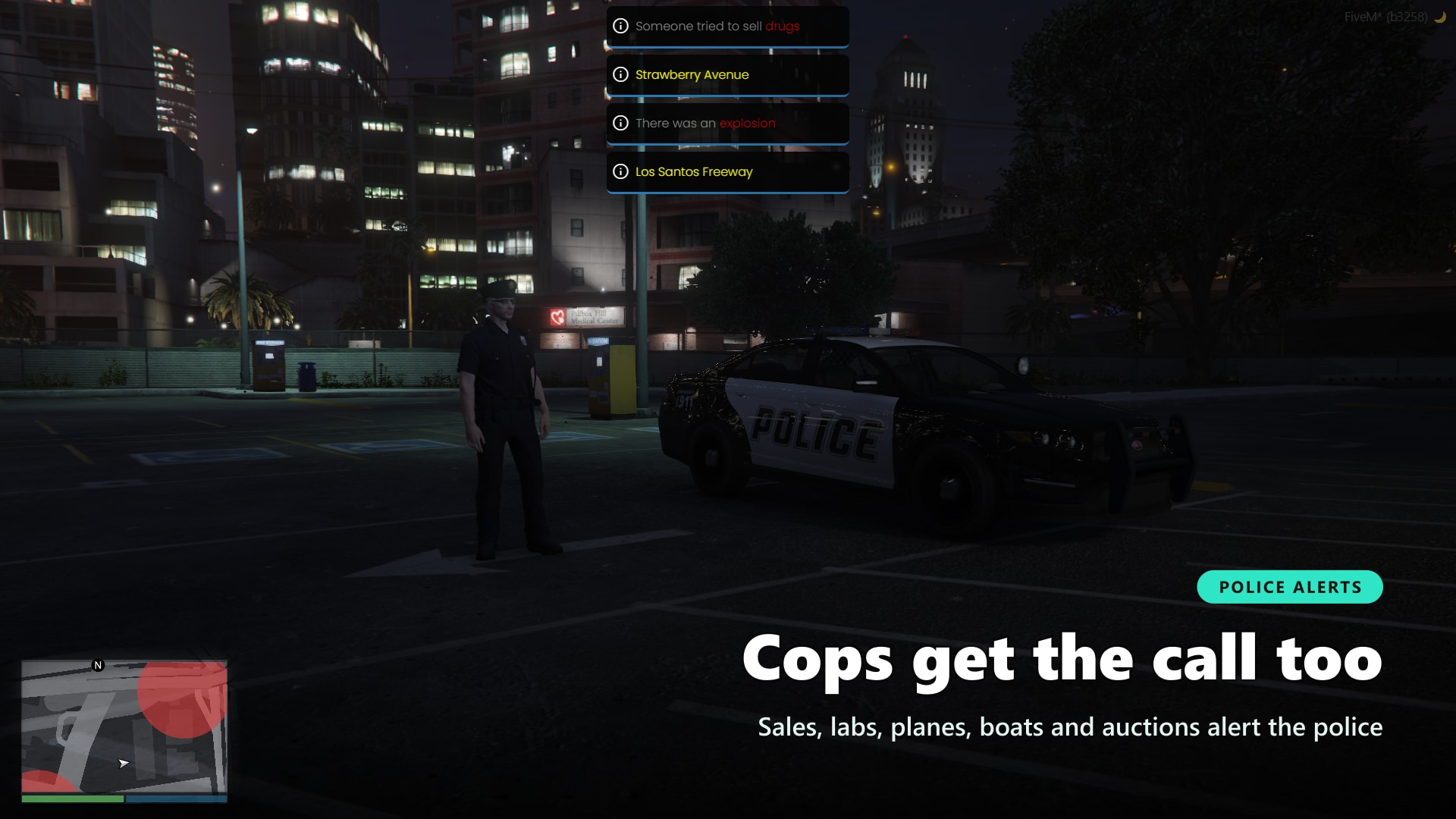
- Cops get gameplay too. Dispatch alerts, tracked planes and boats, lab explosions, and lower prices when few officers are on duty. Works with rcore, RoadPhone and codesign dispatch
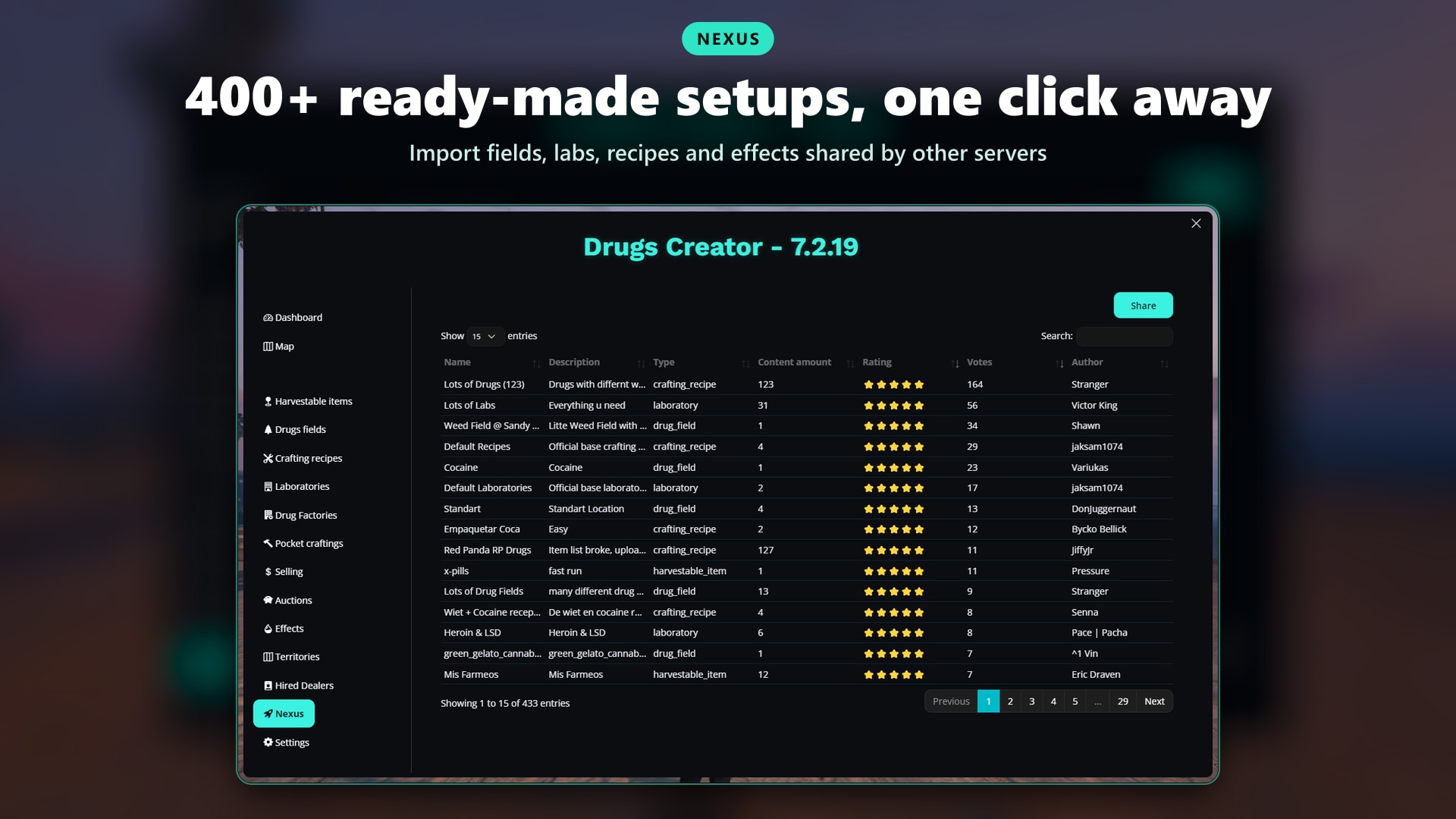
- Up and running in minutes with Nexus. Import ready-made fields, recipes, labs, effects and factories shared by other server owners
- Know what's working. A built-in dashboard shows revenue, top drugs, best selling methods and dealer performance, so you can balance your economy with numbers instead of guesses
🛒 Get Drugs Creator Now!
🏭 Drug Factories
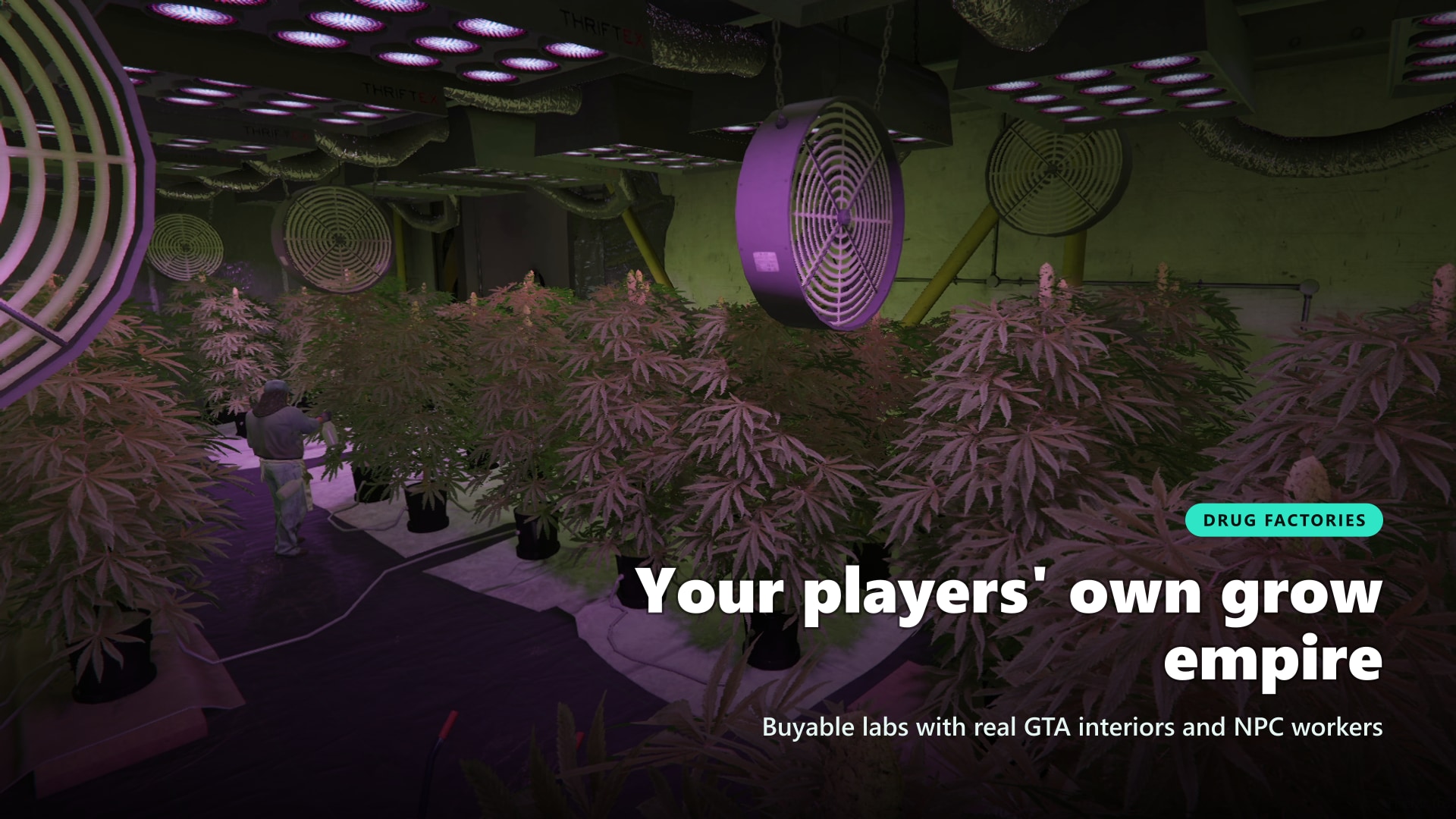
Give your players a business worth saving up for. Players buy a meth or coke factory, work the stations themselves, then hire NPC workers who keep producing even while they're offline.
More on Drug Factories
- Real GTA Interiors: Meth and coke labs with the original animated work scenes (cutting, pressing, mixing, pouring)
- Production Routes: Define every step, its inputs, outputs and duration
- NPC Workers: Hire a worker for each station and upgrade them to produce faster
- Offline Production: Production is saved and keeps going while the owner is offline or after a restart
- Private Instances: Every factory has its own instance, with a stash for raw materials and products
- Visitors & Partners: Visitors ring the bell, the owner lets them in or adds trusted players to a whitelist
- Resale: Owners can sell the factory back for a refund percentage you choose
⚔️ Territories & Turf Wars
Turn every sale into a fight for the map. Gangs and jobs earn points by selling drugs inside a territory, and whoever leads owns it, with real benefits worth defending.
More on Territories
- Draw Your Own Zones: Draw territories on a satellite map in game, 6 ready-made zones included
- Points From Sales and Kills: Selling earns points, kills can too (attack, defense or both)
- Owner Bonuses: Higher sell prices and fewer police alerts in your own turf
- Rival Alerts: Selling in enemy turf can alert the gang that owns it
- Hot Zones: Rotating zones with boosted bonuses and points, so the map never settles
- Decay & Resets: Points decay over time and can reset automatically, giving new gangs a real chance
- Turf-Locked Content: Make fields, labs and harvest points usable only by the territory owner
- Map Visibility: Show territories to everyone, only to factions, or to factions and police
📱 Hired Dealers & Trap Phone
Own a territory? Put dealers on your corners. AI dealers sell your product while you do other things, and you run them all from a trap phone.
More on Hired Dealers
- Dealer Types: Rookie, standard and veteran dealers, each with their own cost, cut and skill
- Real Risk: Heat builds up with every sale, dealers can get arrested or robbed
- Meetups: Call a dealer from the phone to restock them and collect your earnings in person
- Trap Phone: Manage dealers, read live notifications, check territories and hot zones, start corner selling
- Feeds the Turf War: Dealer sales earn territory points, losing the turf shuts them down
🎬 Drug Effects Timeline Editor
Design a high like you'd edit a video. Drop effects on a timeline, choose when they start and how long they last, and preview the result live on your own character.
More on the Effects Editor
- Live Preview: Test every drug on yourself before players get it
- Hallucinations: A police car full of clowns circling you, a ghost that follows you, flying trip images, 3D images orbiting the player
- Custom Images & Music: Drop your own images and audio in a folder and use them in effects
- Smart Stacking: Taking more extends the effect, stronger drugs replace weaker ones, intensity builds up with safe caps
- Puff Mode: Hold a joint, bottle, pipe or bong, take puffs one at a time and share them with nearby players
🌐 Nexus: Ready-Made Content
Skip the blank page. Browse content made by other server owners, import it in a few clicks and tweak it to fit your server.
- Import & Share: Harvest points, fields, recipes, labs, effects, factories and territories
- Item Mapping: Imported content is mapped to your own item names during import
- Ratings: See what other servers liked before you import it
🗺️ Admin Panel, Map & Dashboard
Everything is set up in game, from one panel. No config files to edit, no restarts to test a change.
- Live Map: Satellite map with every field, lab, factory, dealer and territory, click any marker to edit it
- Dashboard: Revenue, harvested and crafted totals, sales by method, top drugs, dealer performance, filtered by day range
- Duplicate & Teleport: Clone any setup in one click and teleport to it to test
🌍 Supported Languages
Make your server accessible worldwide. Adding new languages is a breeze.
See All Supported Languages
- 🇬🇧 English
- 🇮🇹 Italian
- 🇩🇪 German
- 🇮🇷 Persian
- 🇳🇱 Dutch
- 🇫🇷 French
- 🇪🇸 Spanish
- 🇵🇹 Portuguese
- 🇨🇿 Czech
- 🇨🇳 Chinese
- 🇭🇺 Hungarian
- 🇯🇵 Japanese
🍃 Premade drugs
Create, craft, and sell drugs with unparalleled ease. Say goodbye to bugs and hello to immersive gameplay.
More on Drug Mechanics
- Harvestable Points: Numerous locations for gathering default drug ingredients
- Premade Drugs: Cannabis, Alternative Cannabis, Opium, Cocaine, Lean, Meth, Ecstasy, LSD
- Crafting Labs: Two default labs for streamlined drug production
📍 Harvestable Points / Ingredients
Maximize gameplay depth with customizable harvesting mechanics. Set up unique harvestable points and tailor them to fit your server's narrative.
More on Harvestable Points / Ingredients
- Unlimited Harvesting Points: Add as many as you want, no restrictions
- Item Versatility: Any item can be part of a recipe
- Custom Map Blips: Unique identifiers for each harvestable point
- Harvest Quantity Control: Set minimum and maximum amounts for each harvestable point
- Adjustable Harvest Time: Each point can have its own harvest time
- Multiple Spots per Point: One harvest point can cover several locations
- AFK Farming: Optionally let players keep harvesting without pressing the key again
- Access Control: Restrict any point to specific jobs and grades, gangs, or the owner of the territory
🌱 Drugs Fields
Spawn and manage dynamic drug fields for immersive experiences. Real-time synchronization ensures every player sees the same field state.
More on Drugs Fields
- Unlimited Drugs Fields: Create as many as you want
- Object Model Flexibility: Use any model object (e.g., plants, flowers)
- Spawn Quantity Control: Define maximum number of objects that can spawn per field
- Custom Map Blips: Unique map markers for drug fields
- Item Rarity: Control rarity by setting different chances for items in a field
- Player Sync: Objects are synchronized, so when one player harvests, others see the change
- Item Quantity Control: Set minimum and maximum quantities for each item
- Required Tools: Require an item to harvest (like scissors), optionally consumed
- Access Control: Restrict fields to jobs, gangs, or the owner of the territory
🛠️ Crafting Recipes
Empower players with intricate crafting recipes. Enable both normal and perfect crafting rewards for added gameplay layers.
More on Crafting Recipes
- Unlimited Crafting Recipes: Create as many as you need
- Item Versatility: Use any item, including pre-existing server items
- Dual Reward System: Normal and perfect crafting rewards
- Multi-Item Rewards: Both reward types can contain multiple items and quantities
- Recipe Customization: Add as many ingredients as you want, set their min, max, and perfect quantities
- Tool Retention: Choose ingredients that won't be consumed in the crafting process
- Custom Crafting Time: Each recipe can have its own crafting time
🧪 Laboratories
Transform your server with customizable crafting laboratories. Adapt labs for specialized crafting or enact dramatic consequences for crafting errors.
More on Laboratories
- Unlimited Laboratories: Add as many as you want
- Recipe Specialization: Each lab can have its own set of recipes
- Custom Map Blips: Unique map markers for each lab
- Recipe Reusability: Integrate crafting recipes easily
- Consequence Mechanisms: Fires and explosions can occur for wrong recipes (optional)
- Police Alert: Wrong recipes can alert the police (optional)
- Security: Recipes are protected from cache decrypters
- Access Control: Limit lab access to jobs, gangs, or the owner of the territory
- Guess or Simple Mode: Players find the right mix themselves, or pick from a recipe list if you prefer it simple
- Lab Props: Place a prop in the world for each lab with an in-game placement tool
🚀 Pocket Craftings
Enable on-the-go crafting for players. Perfect for quick items like joints.
🛒 Selling
Dynamic drug selling mechanics that keep players engaged. Flexibility to sell in various ways and situations.
More on Selling
- 6 Selling Methods: Planes, boats, street NPCs, corner selling, narcos and pushers
- Any Reward: Pay in cash, bank, dirty money, any item or weapon, even marked bills with a value
- Turf Bonus: Territory owners sell at higher prices in their own zone
- Dynamic Locations: Sell while driving on the Pacific Ocean (configurable)
- Police Notifications: Cops get alerted when drugs are being sold (configurable)
- Bulk Sales: Sell in large quantities to narcos
- Dealer Interactions: Sell to drug dealers
- Police Requirement: Set minimum police presence for selling
- Price Reduction: Incentivize sales when more cops are online
✈️ Plane Sell
Sophisticated aerial drug selling features for added gameplay depth.
More on Plane Sell
- Enable/Disable: Control plane selling via menu
- Police Requirement: Set minimum police presence for aerial sales
- Altitude Control: Set minimum height for selling
- Time Control: Set duration required for a sale
- Police Alerts: Option to alert police (configurable)
- Location Options: Use whole ocean or specific coordinates for selling
- Payment Methods: Choose where money gets deposited
- Product Control: Specify which drugs can be sold via plane
⛵ Boat Sell
Navigate the high seas of profitability with boat selling options.
More on Boat Sell
- Enable/Disable: Toggle boat selling in menu
- Police Requirement: Set minimum police for boat sales
- Time Control: Set duration for sales
- Police Alerts: Optional police notifications
- Location Options: Use whole ocean or specific radius
- Payment Methods: Choose payment type
- Product Control: Select drugs for boat selling
🚶♂️ NPC Sell
Engage with NPC for diverse selling scenarios. Risk and reward at every corner.
More on NPC Sell
- Enable/Disable: Toggle NPC selling in menu
- Police Requirement: Minimum police needed
- Time Control: Set sale duration
- Quantity Control: Set min/max drugs an NPC can buy
- Payment Methods: Choose where money goes
- NPC Behavior: Set probabilities for NPC reactions, including refusals and attacks
- Police Alert Chances: Control how likely police get alerted
- Special Cases: NPCs might steal, carry knives, or belong to gangs
- Sales Limits: Set maximum sales per server/script restart
- Command Option: Command available for NPC-less servers, a buyer walks up to the player
- Selling Zones: Allow NPC selling everywhere, only in territories, or in zones you draw on the map
🧍 Corner Selling
Claim a corner and let the customers come to you. Start it from the trap phone or a command, and nearby NPCs walk up to buy while you stay in the area.
- Your Spot, Your Radius: The selling area is shown on the map, leaving it ends the session
- Buy Chance: Control how often passing NPCs decide to buy
- Same Prices as NPC Selling: Uses the drugs, prices and rewards you already set up
🤵♂️ Narcos Selling
Elevate your selling game with specialized Narcos buyers.
More on Narcos Selling
- Enable/Disable: Toggle narcos in menu
- Police Requirement: Set minimum police presence
- Character Models: Customize narcos appearance
- Custom Map Blip: Unique blip for narcos
- Location Flexibility: Add infinite narcos locations
- Dynamic Behavior: Narcos change locations and demands
- Police Alert Probability: Set chances for police to be notified
- High-Reward System: Configure selling limits for exclusive high rewards
- Payment Methods: Choose where money is received
👥 Pushers (Drug Dealers)
Time-sensitive and location-based drug dealers to enhance player engagement.
More on Pushers
- Enable/Disable: Toggle pushers in menu
- Police Requirement: Minimum police needed for sales
- Character Models: Customize pusher appearance
- Custom Map Blip: Unique blip for each pusher
- Infinite Pushers: Add as many pushers as you want
- Time-Limited Availability: Pushers appear during specific real-life hours
- Product List: Control drug types each pusher will buy
- Quantity Control: Limit how much of each drug can be sold
- Police Alert Chances: Control likelihood of alerting police
🏦 Auctions
Flex your wealth and compete in auctions! Choose the items you want, and let players battle it out to claim them as the highest bidder
More on Auctions
- Customizable Rules - Set minimum participants, bid increments, and time between rounds for intense bidding wars ⚖️
- Police Alert System 🚨 - Configure when law enforcement gets notified, adding tension and risk to every auction
- Multiplier & Randomization - Adjust item values dynamically to create an unpredictable black market 💰
- Locations & Items Management - Easily add secret auction spots and rare contraband to sell
- Strategic Timing - Control countdowns and pre-auction warnings to keep players on edge ⏳
🌀 Drugs Effects
Immerse players with diverse drug consumption options and impactful effects.
More on Drugs Effects
- Multiple Ways to Consume: Smoking, pills, drinks, needles, snorting, crack pipe or bong, each with its own animation
- Required Items: Need a lighter to smoke? Require any item, optionally consumed
- Versatile Effects: Attach many effects to any drug
- Old Drugs Support: Apply effects to pre-existing drugs
🌈 Effects
From visual tweaks to character buffs, choose from a range of compelling effects.
More on Effects
- Hunger, Thirst & Stress - Give/Remove effects to create more immersive items
- Visuals - Altered colors, shaking effects, trip images and hallucinations
- Mobility - 14 walk styles, faster sprint, enhanced swim, ragdoll
- Audio - Music and heartbeat sounds, including your own audio files
- Health & Armor - Heal options, armor boosts
- Stamina - Infinite stamina during active effects
- Fall Damage - Easy fall
- Old Effects Removal - Remove pre-existing effects
📋 Discord Logs
Streamline admin work with detailed Discord logging options.
More on Discord Logs
- Enable/Disable: Toggle Discord logs in settings
- Channel Flexibility: Different channels for each action
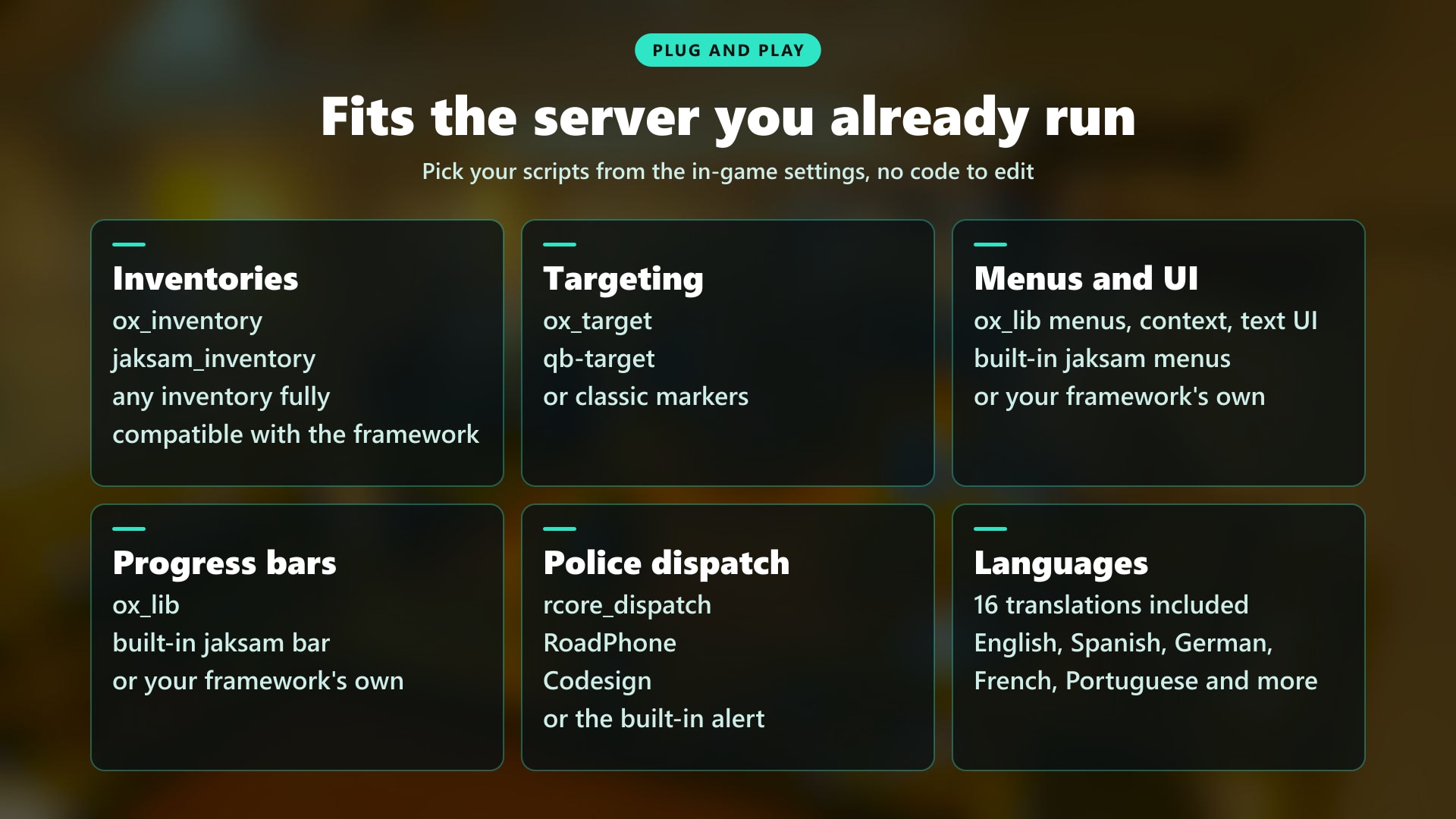
🔌 Compatibility
Works with the resources you already run. Detected automatically where possible, everything else is one setting away.
- Inventories: ox_inventory, qb-inventory, jaksam's inventory, or your framework inventory
- Targeting: ox_target and qb-target, enabled per feature, or classic markers
- Menus & UI: ox_lib menus, text UI and progress bars, or the default ones
- Police Dispatch: rcore, RoadPhone and codesign, or the built-in alerts
- Developers: Exports and events for territories, sales, harvests and crafts to connect your own scripts
🛠️ Installation
Installing a script has never been so easy!
How to Install
- Download the script
- Extract to resources
- Add
ensure drugs_creatorin server.cfg
Requirements
Requirements for ESX Version:
- es_extended
Requirements for QBCore Version:
- qb-core
Requirements for Both Versions:
- onesync
- ox_lib
- esx_menu_default / menu_default
- bob74_ipl (only for Drug Factories)
🛒 Build Your Drug Empire Today
📚 Documentation
You can find the script documentation here
ℹ️ Information
Drugs Creator uses the official FiveM escrow system, so people without access to your account won’t be able to steal your script!
💬 What customers say about
🗣️ What our customers say
Missions Creator: Keep Players Engaged Like Never Before
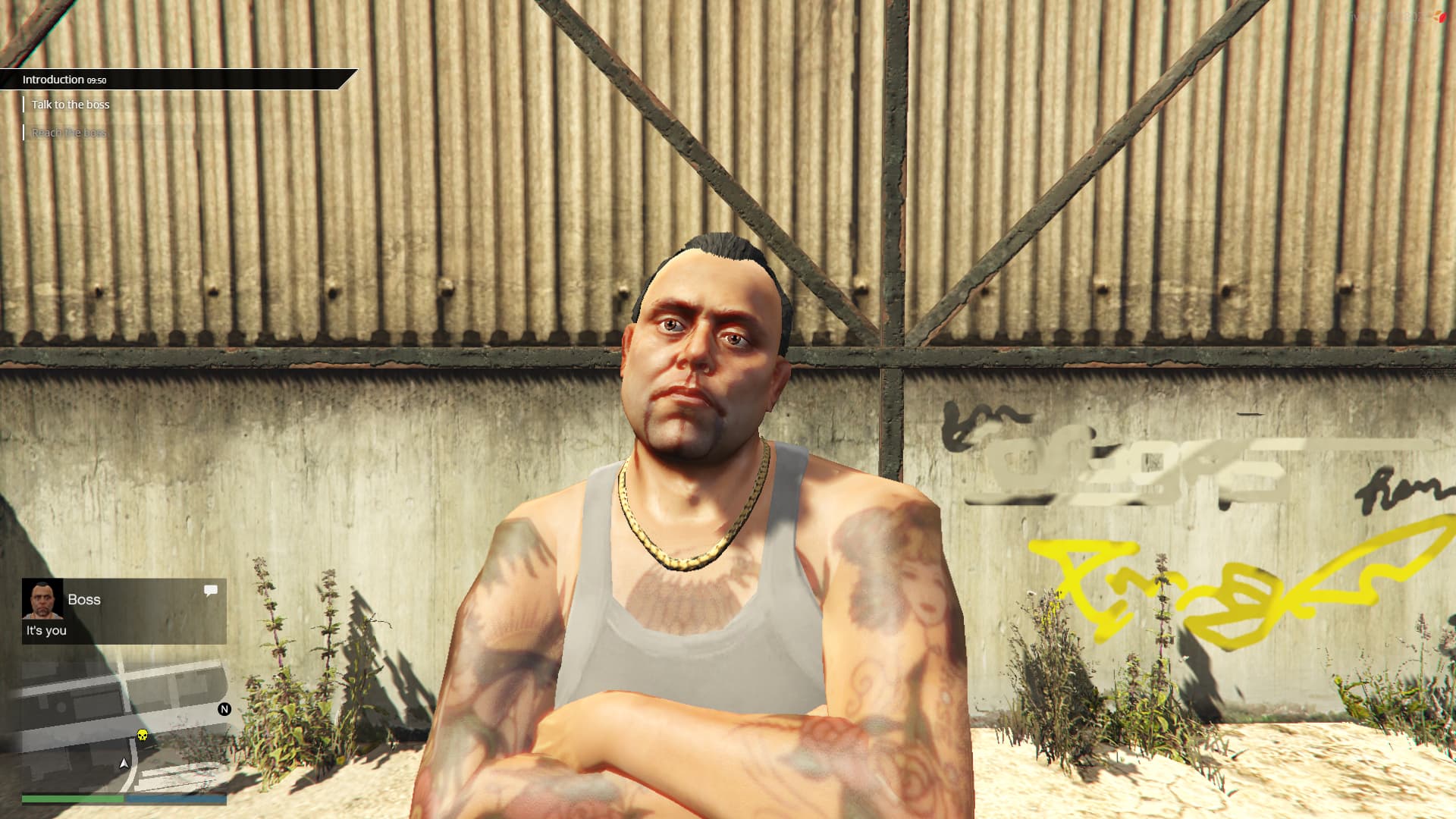
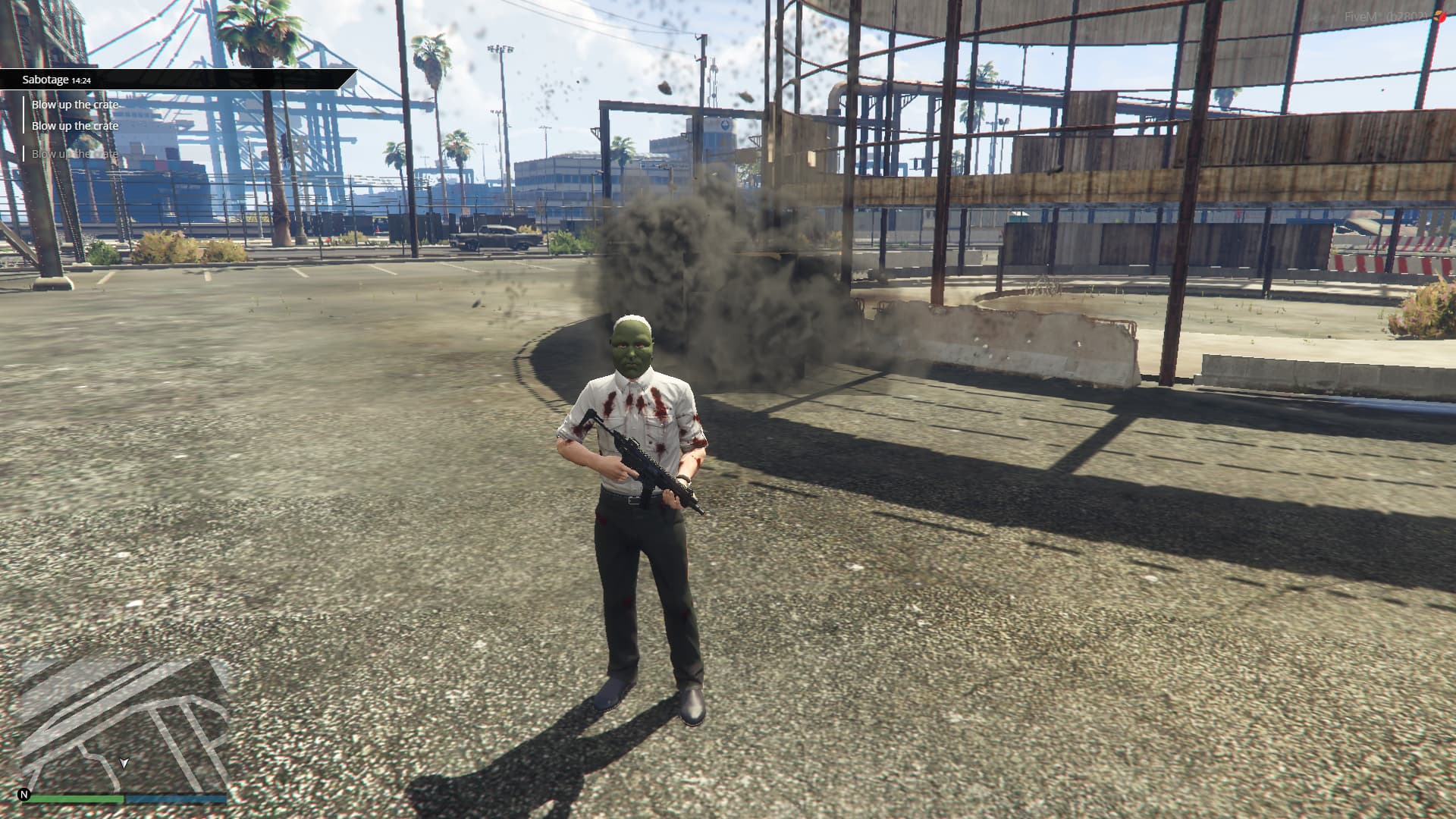
Are your players getting bored and leaving your server for more exciting places? Providing fresh and engaging content all the time can be tough. Missions Creator is the solution that turns your server into an endless world of adventure, without writing any code
Cinematic Video Click to watch the script CINEMATIC!
Showcase Video Click to watch the script SHOWCASE!


Why Missions Creator Is Essential for Your Server?
- Stop Losing Players: Keep your community active and growing with endless missions
- Create Content Instantly: Make new missions quickly through an easy in-game menu
- Stand Out from Others: Offer unique, custom experiences that no other server has
- Stay Ahead of the Competition: Ensure your server remains the top choice for players
- Increase your player base: New people will be attracted by your server
🛒 Get Missions Creator Now!
🎮 Release Unlimited Missions
Imagine having the power to create any mission you can think of, instantly bringing new life to your server
- Multiplayer Missions: Engage players with cooperative challenges
- Dynamic Storylines: Link missions together, requiring one to be completed before the next unlocks
- Endless Replayability: Decide if missions can be played once or over and over
🎮 Advanced Tasks and Actions at Your Fingertips
Don't let technical limits stop your creativity. With Missions Creator, you have access to many tasks and actions:
Tasks
- Go to Locations: Direct players to specific spots
- Vehicle Interactions: Have players enter or deliver vehicles
- Item Collection: Task players with picking up or delivering items
- Combat Challenges: Set objectives to eliminate or protect NPCs
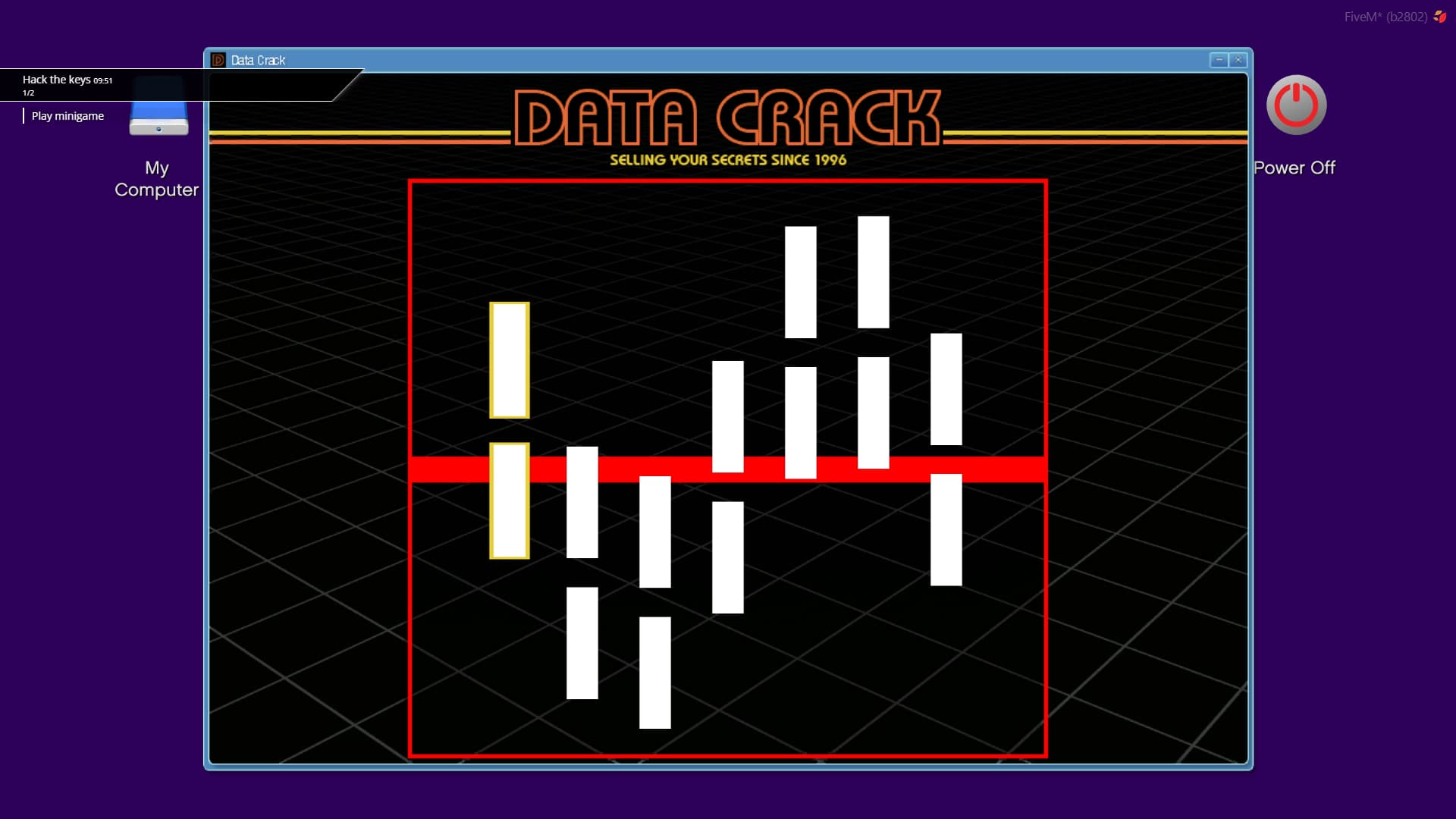
- Mini-Games Integration: Add hacking, puzzles, and more
- Survival Scenarios: Spawn waves of enemies or vehicle attacks
Actions
- Manage Entities: Spawn or delete NPCs, vehicles, and objects easily
- Trigger Events: Seamlessly integrate with other scripts for more possibilities
- Rewards System: Automatically give items or bonuses when missions are completed
- Control Environment: Lock/unlock doors, send messages, and alert in-game factions like the police
📊 Get Valuable Insights with Player Feedback
Understand what your players love and what needs changes
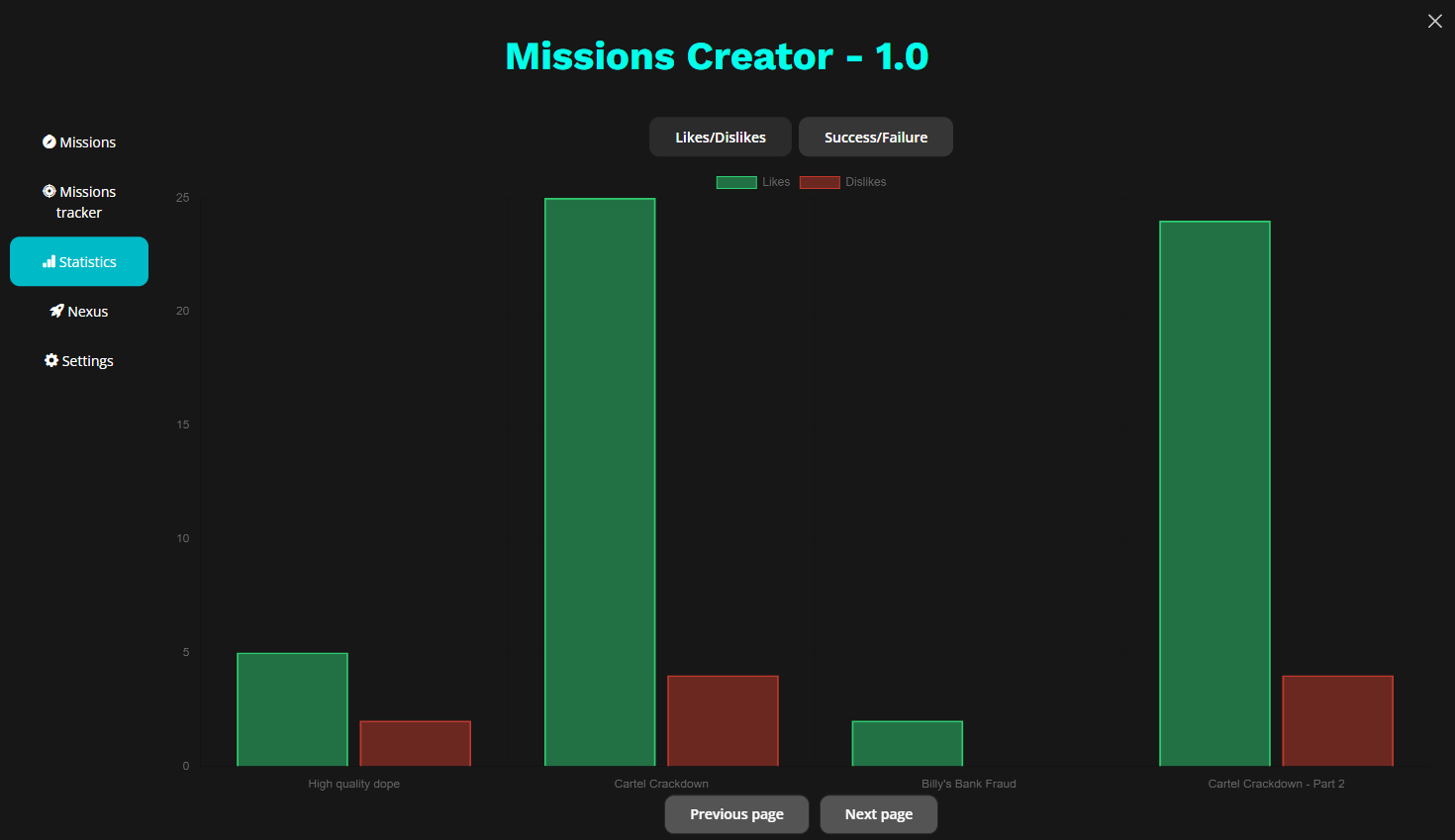
- Player Ratings: Let players rate missions, giving you direct feedback
- Mission Statistics: Check completion rates to adjust difficulty and engagement
📡 Join the Nexus Community
Why build alone when you can work with a community of server owners?
- Share Missions Globally: Upload your creations for others to enjoy
- Download Ready-Made Missions: Instantly expand your content with community missions
⚙️ Resmon
When the script is idle, it uses 0.00ms
During missions, especially when close to visive elements (like markers), it goes 0.04ms
⚡ Keep Your Server Fresh
Don't let your server become old. With Missions Creator, you can continuously provide new content that keeps old players and attracts new players!
Enhance your server today, you have the tools to keep your players entertained and your server at max capacity!
Your players are ready for new adventures, are you?
💬 What customers say about
🗣️ What our customers say
Reduce your workload as an admin with Dealerships Creator, the best solution for vehicle shops for your server to easily create infinite dealerships without coding knowledge!
Showcase Video Click to watch the script in action here!




💡 Why Choose Dealerships Creator?
- ⚡ Quick Setup - Drag and drop installation process, no hassle
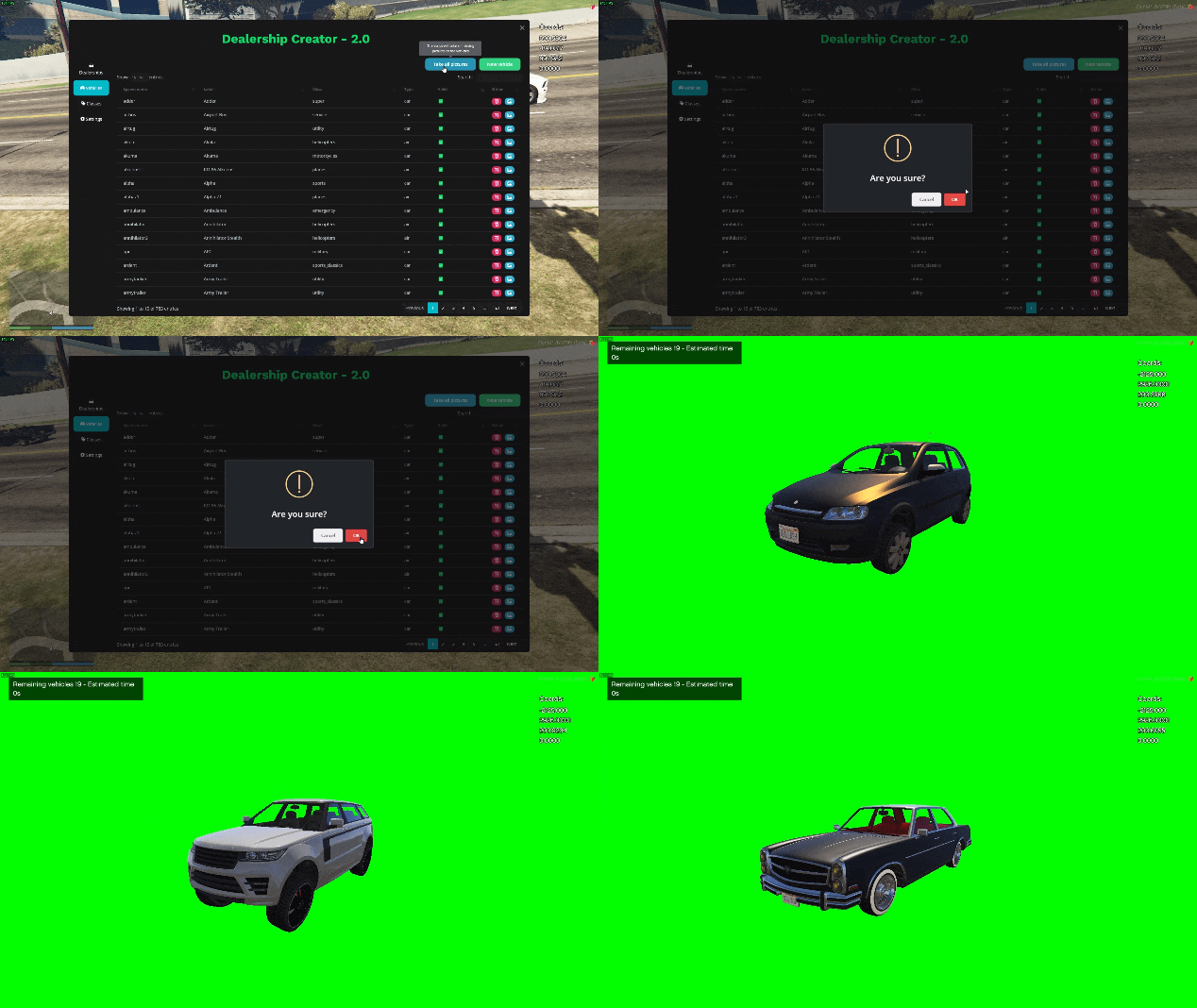
- 📸 Transparent Vehicle Image Creation - Generate transparent vehicle images in seconds!
- 🛠️ In-Game Vehicle Addition - Add your custom modded vehicles directly in-game without external editing
- 🏪 Automated Dealerships - Your players can purchase vehicles on their own
- 💼 Player-Managed Dealerships - Allow your players to purchase entire dealerships and develop their RP business
- 🚀 Extremely Easy to Use - Save your precious time as an admin to work on your community, rather than spending hours developing
🌟 Features
- Amazing UI (special thanks to @Rohdiamant)
- Supports your modded vehicles - Adding them is extremely easy!
- Create infinite dealerships - Vehicle shops without limits
- Supports cars, bikes, boats, helicopters, planes - Everything!!!
- Adds tons of RP - More immersion for your players
- Vehicle Statistics - Compare stats globally or within the same vehicle class
- Transparent Vehicle Image Creation - Generate transparent vehicle images in seconds!
- Speed Benchmark: 9 seconds for 20 vanilla cars, ~10 minutes for 700 vanilla cars
- In-Game Vehicle Addition - Add modded vehicles easily and quickly directly in-game!
- In-Game Class Addition - Customize classes directly in-game
🤖 Automated Dealerships
- Easily choose the allowed vehicles and their prices
- Choose the coordinates of the dealership without effort
- You can decide where the showroom will be
- You can choose to restrict the use with licenses or jobs
- You can enable that a society will receive a percentage of the sale each time a player purchases a vehicle
- You can allow players to pay with society money
- You can allow your players to do loans to pay for their vehicles
- You can enable the automatic resell of vehicles at a certain percentage
- Players can do test drives
💼 Player Dealerships
- You can setup the generic options of the dealership
- You can choose which vehicles are allowed in the dealership
- You can choose where the vehicles will be displayed (so employees can showcase the vehicles they have in the stock to other players)
- Persistent 'displayed vehicles' after server restart
- You can enable loans
- You can enable test drives
- You can choose if a society will receive part of the money (so you can automatically implement tax for vehicles sold)
- You can choose how many minutes before the vehicle ordered by the employees will arrive
- The manager of the dealership will be able to choose at what price the vehicles can be sold
- Employees can do a custom discount to players to incentivize the vehicle sell
🛠️ Installation
Installing a script has never been so easy!
How to Install
- Download the script
- Extract to resources
- Add
ensure dealerships_creatorin server.cfg
Requirements
For ESX Version:
- es_extended
For QBCore Version:
- qb-core
For Both Versions:
- onesync
💬 What customers say about
🗣️ What our customers say
🚪 Doors Creator [QBCore]
Hello, everyone! 😄
I'm glad to share Doors Creator, a script that transforms the way you manage doors in your server. It's fast, user-friendly, and packed with features that make door management an enjoyable activity, rather than the usual boring and annoying work.
Showcase Video Click to watch the script in action here!

🚪 Why Doors Creator is your Best Choice?
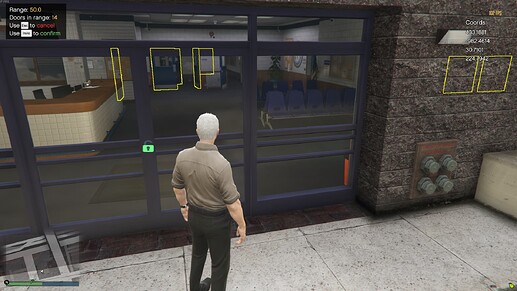
- Rapid Door Management: Quickly create and customize doors in just a few clicks
- Advanced Customization: Tailor doors with unique access controls, security codes, and auto-closing features
- Quick to begin with: Easily import doors from QB Doorlock and OX Doorlock
- Efficient Bulk Editing: Quickly modify rules for multiple doors, saving valuable time
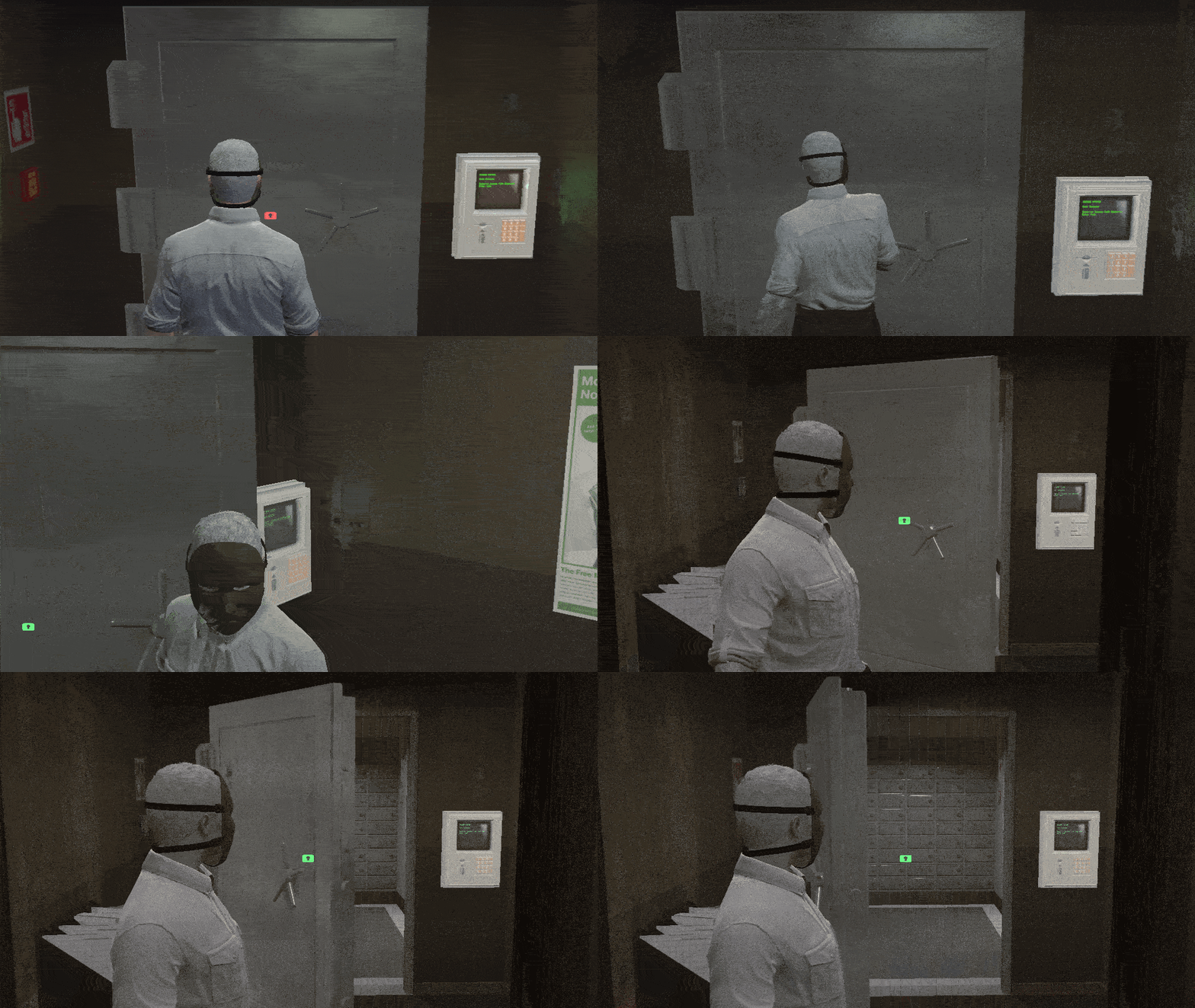
- Innovative Vault Door Mechanics: Realistic, automated door movements with adjustable speeds and custom angles
- Comprehensive Control: Extensive customization options including sound effects, remote unlocking, and lockpick options
- User-Friendly Admin Commands: Simple /togglelock command for admins to control door access, or you can even lock them remotely directly in the menu
Doors Creator is not only a tool, it's a gift you'll do to your server!
🛠️ Effortless Door Management
Quickly create and customize doors with just a few clicks. It's super fast and intuitive
Doors Features
- Simple Door Creation: Create doors instantly with a user-friendly interface
- Door Naming: Easily identify doors by giving them unique names
- Multiple Selections: Manage double doors or groups of doors effortlessly
- Gates Support: Not just doors, manage gates too!
- Default State Setting: Choose whether doors start locked or unlocked
- Doors sounds: Customize the doors with the lock and unlock sound you prefer!
- Remote unlock: Through the admin menu, you'll be able to lock and unlock all doors, wherever you are 🤯
🔧 Customizable Door Features
Easily customize each door to meet your specific needs and scenarios
Advanced Customizations
- Access Control: Set doors to require specific jobs, ranks, or item for access
- Security Codes: Enhance security with PIN or password requirements
- Personalized Access: Assign doors to specific players for private access
- Auto-Closing: Doors can automatically relock after a set time
- Building Rules Integration: Link doors to building rules to control all doors faster
🔄 Seamless Integration and Sharing
Share and import entire buildings full of doors in seconds. Import existing doors from QB Doorlock and OX Doorlock with ease
Integration and Sharing Features
- Quick Import: Easily import doors from QB Doorlock and OX Doorlock
- Fast Building Setup: Share and import buildings with pre-configured doors quickly thanks to Nexus feature
⚙️ Advanced Options for Enhanced Control
Get more control over your doors with these advanced features
Extra Options
- Gang Permissions: For QBCore, manage door access based on gang permissions
- Lockpick Alert: Set up alerts for when doors are lockpicked
🏢 Buildings - Organize and Manage Doors Efficiently
Easily categorize and manage doors within your server buildings.
Building Features
- Categories of Doors: Think of buildings as categories for organizing doors
- Unlimited Buildings: Create as many buildings as you need
- Quick Rule Editing: Modify the rules for multiple doors in seconds
- Building Rules: Define rules like allowed jobs and required items once for all doors in a building
- Bulk Editing: Change rules for multiple doors at once, saving time and effort
💰 Vault Doors - Advanced Door Mechanics
Transform doors with automated opening/closing features, ideal for scenarios like bank vaults
Vault Door Features
- Automated Movement: Doors open/close exactly as a vault should do
- Adjustable Speed: Control how fast the doors open or close
- Custom Angles: Adapt the doors to fit any angle requirement
- Flexible Settings: Use ratio or heading for precise control
- Easy Heading Adjustment: A simple button to find the perfect heading for your doors
✨ Other Features - Enhanced Door Customization and Control
Customize your server's doors with a range of additional customizable features
Additional Features
- Lock Animation Control: Enable/disable and edit door lock animations
- Icon Customization: Change the size, image, and color of the lock icon
- Doors Status Memory: Choose whether doors remember their status (locked/unlocked) after server restarts
- Lockpicking Options: Set specific items to allow players to lockpick doors
- Door-Specific Lockpickability: Decide if each door can be lockpicked
- Admin Command: /togglelock command for admins to bypass door locks
- Targeting compatibility: Works with QB Target and OX Target
🛠️ Installation
How to Install
- Download the script
- Extract to resources
- Add 'ensure doors_creator' in server.cfg
Requirements
- Requirements for ESX Version:
- es_extended
- Requirements for QBCore Version:
- qb-core
- Requirements for Both Versions:
- A database and a script to connect to it (Example oxmysql or mysql-async)
- Lockpick script by baguscodestudio
📚 Documentation
You can find the script documentation here
ℹ️ Information
Doors Creator uses the official FiveM escrow system, so people without access to your account won't be able to steal your script!
Discover a new level of convenience and control in your server with Doors Creator!
💬 What customers say about
🗣️ What our customers say
Robberies Creator
This script will allow server owners to easily and quickly create heist in any map they want, through an easy in-game menu. There are also many other features listed below
Showcase Video Click to watch the script in action here!



Documentation
You can find the script documentation here
🌟 Languages (easily translatable)
- English
- German / Deutsch
- Italian / Italiano
- French / Français
- Spanish / Español
- Polish / Polski
🤖 Heists
- You can create infinite heists in few minutes
- Each heist you create can have a different minimum police number
- You can setup a different timeout time that must pass before a heist can be done again
- You can choose a time after the heist will be reset, deleting its objects
- Each heist can have a time limit, limiting the minutes the players have to rob everything (useful especially in big maps heists)
- You can add infinite "stages" in a heist. Each "stage" will have "steps", and when all steps of a stage will be completed, the next stage will begin.
- All steps can be "optional", making them not required to be completed before starting the next "stage"
- The heists are synced, allowing multiple players to do the heist together, cooperating to get the rewards you'll decide
🔒 Heists - Steps
The stages in the heist have multiple different steps which you can configure
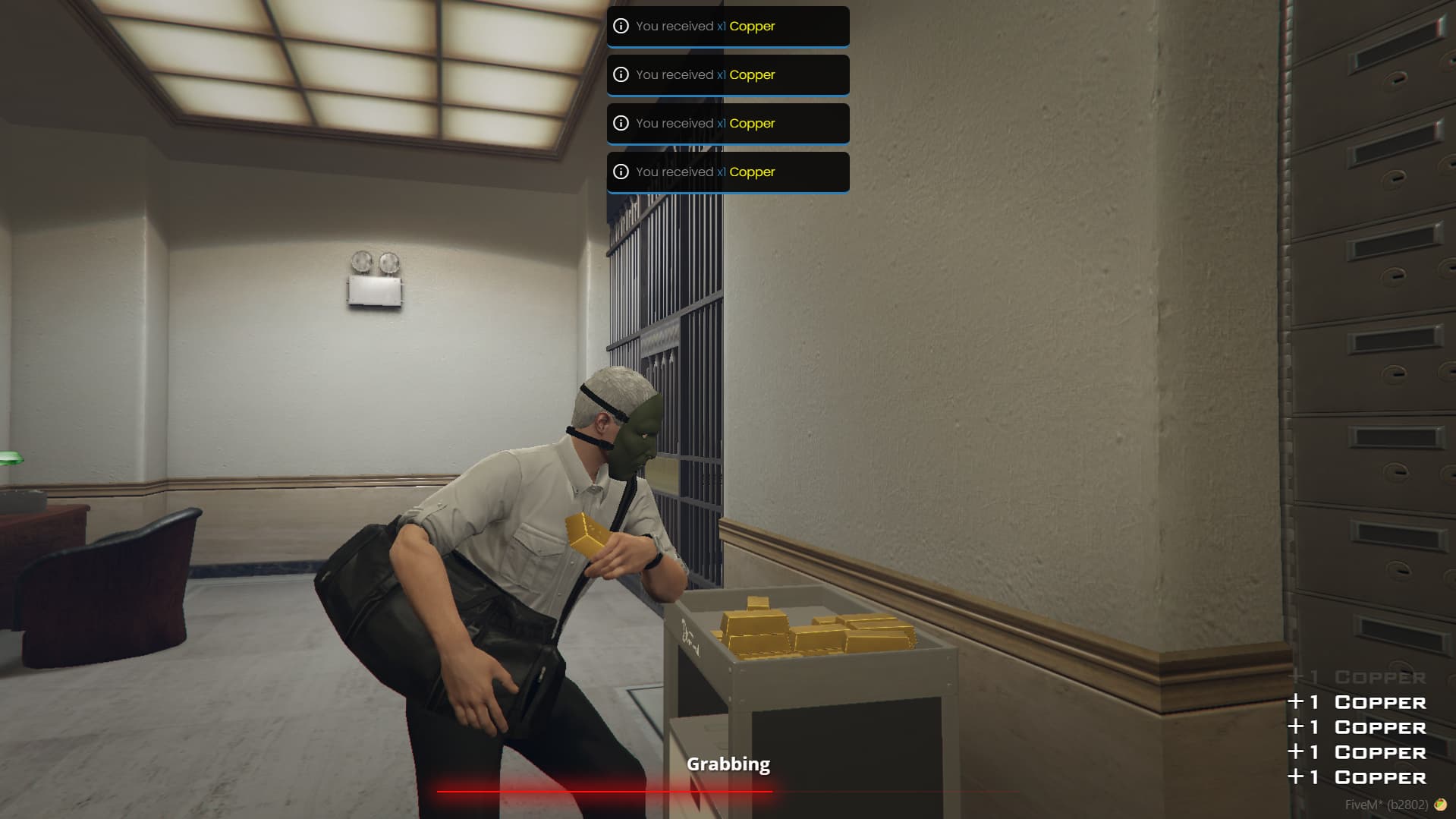
- Robbable objects- You can add unlimited robbable trolleys, which can give any object you want, these are the trolleys:
- Cash
- Gold
- Diamonds
- Safes - You can add unlimited safes, which can have as many items/weapons/accounts you want inside them. You can also choose the difficulty of cracking the safe, giving to players more challenge. Each safe can also require an item to be lockpicked, and it can be invisible to allow you using existing safes in MLOs or anywhere you like.
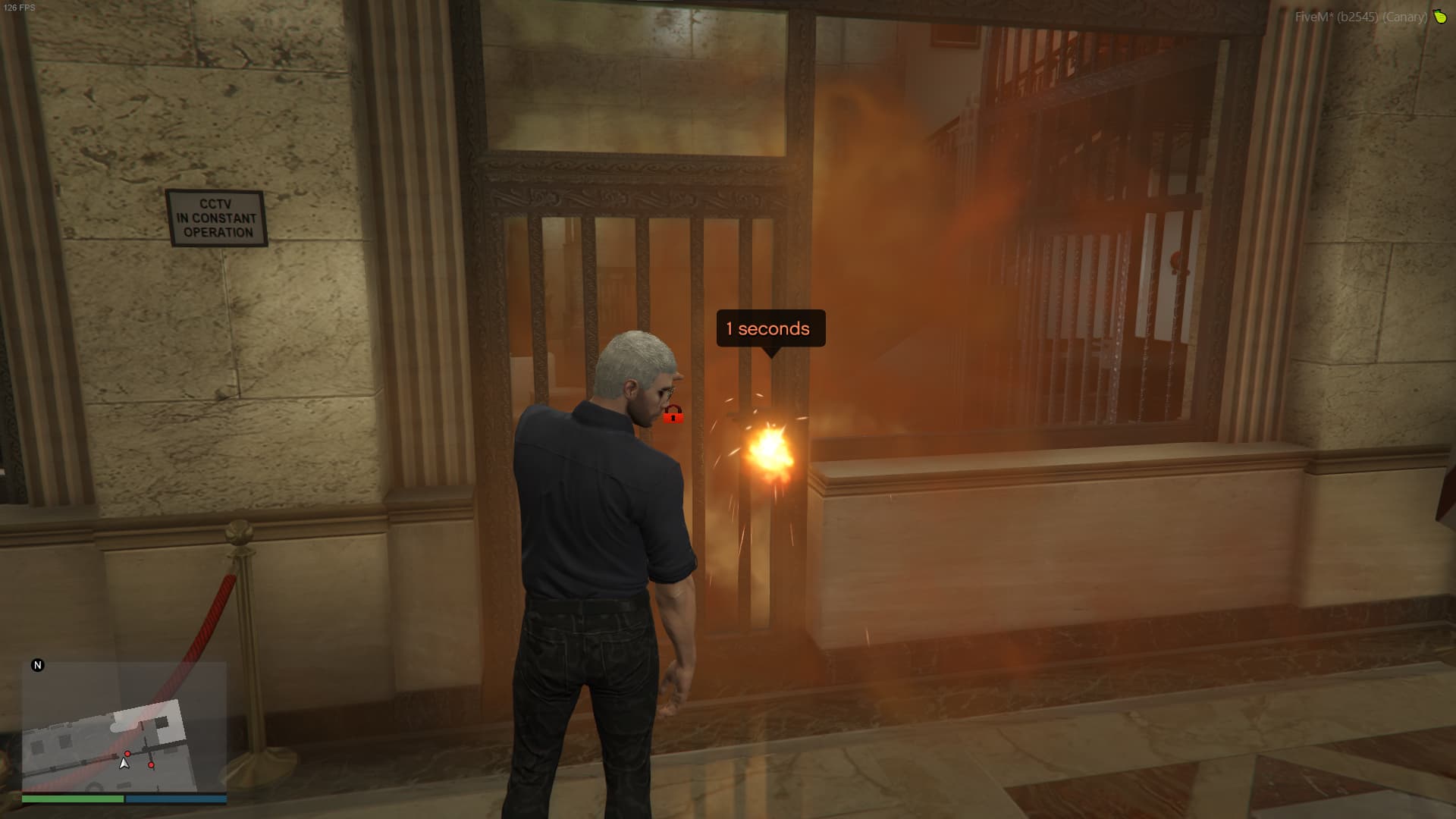
- Thermal charges - You can add thermal charges, which will melt the door lock opening it, usually this can be good together with an alarm, making a "non silent" way to do the heist. You can decide the duration required to melt the door
- Hackable panel - You can add hackable panels, allowing the players to do an hacking minigame to open a door. This can be a good way to create a "silent" path to do an heist. You can decide to have an alarm together with this, and it can require an item. Also, it is possible to make the hackable panel invisible, allowing to use existing MLOs objects.
- Lockpickable door - You can add lockpickable doors, which will use a lockpicking minigame to open the door, it can require an item and it can also trigger alarms if you want
- Lethal gas - You can add lethal gas points, which will start after X seconds (you decide) the stage they are in has started. You can decide the duration of the lethal gas, and the damage it deals. It's also possible to choose the color of it. There is a special item which you can use,
gas_mask, which will allow players to not take damage from the gas - Painting - You can add unlimited paintings, robbers will be able to cut the painting and steal it. There are many paintings objects you can choose
- Guards - You can add as many guards as you wish, deciding their weapons, their skins and how much difficult it will be to defeat them. The guards won't attack police members
Note: the steps thermal charge, lockpickable door and hackable panel requires Doors Creator script, without it you'll be able to use all other features without issues
Note 2: Guards and lethal gas steps can't be used in the first stage of an heist
🚨 Heists - Alarms
- You can setup the alarms, choosing the alarm coords, duration and the alarm type. Alarm Types:
- Police and alarm bell
- Police only
- Alarm bell only
- The "steps" which can have alarms are:
- Safe
- Lockpickable door
- Hackable panel
- Thermal charge
🕵️ NPC Mugging
- You can choose if enabling or not the NPC mugging
- You can choose if players will be able to force NPCs to follow them. Since the NPCs can follow the player, they can be used as "hostages" if your server allows it
- You can decide how many seconds they will be required to mug an NPC
- You can decide how many minutes can pass before the NPC with hands up will automatically run away
- You can easily choose the items/money/weapons can give when robbed, choosing different probabilities
- You can choose how many cops must be online in order to be able to mug the NPCs
- You can choose the probabilities the police will be alerted when a NPC is mugged
- It's possible to choose a cooldown between each NPC mug, so players won't be able to mug 30 npcs in 1 minute
- You can decide a maximum of NPCs following a player simultaneously
🚛 Cargo Robbery
- You can create as many cargo robberies as you want
- Each cargo robbery can have a different blip
- You can decide the vehicle model for each cargo robbery
- You can decide the driver ped for each cargo robbery
- You can decide a limit speed that the cargo robbery will use
- It's possible to make the wheels of the vehicle bulletproof
- It's possible to decide the seconds required to drill the cargo
- You can decide how many items will be given as reward, they can be money, items and weapons
- The cargo robberies have 2 different driving types:
- Stops - The driver will drive through all the coordinates you decide, and he can stop for X minutes you decide after reaching each one
- Drive randomly - You'll have to decide the starting position of the vehicle, and it will drive randomly around the map for X minutes you decide
- If the truck doesn't have bulletproof wheels, when a player destroys the wheels, the truck will stop, allowing the player to rob it without having to kill the driver (useful for RP purposes)
- You can decide if the drill is required or not to do cargo robberies
🚚 Cargo robbery - plannings
- You can create plans with the cargo robberies you created
- You can decide the minimum police online to start a plan
- The plans can be started in 3 ways:
- Now - It will start the cargo robbery instantly
- Date - It will start the cargo robbery in a date and time you'll define, allowing you to plan future cargo robberies
- Interval - A cargo robbery will start each X minutes you'll decide
🔧 Other
- It's possible to decide the duration of the
gas_maskand the cloth ID it will use - There are Discord logs
📋 Requirements
- ESX or QBCore depending on what version you use
- Cracking safe script (Credits to VHall1)
- Lockpicking script (Credits to baguscodestudio)
- Doors Creator only for doors related stuff, all other features can be used without it
📈 Resmon
When idle: 0.00ms
With 13 cargo driving around at the same time: 0.01ms
🛠️ Installation
The installation is extremely easy, check here
❓ How to add ACE permission?
You should place this in server.cfg, and editing it with your license
add_ace group.admin robberies_creator allow # Add permission to group
# Can also be identifier.steam:steamid
add_principal identifier.license:1260e6efd3271584d7ed05n45cbf41575252acbc group.admin # Add player to the group
If you didn't add the permission, the robberiescreator command will show you exactly what you need to copy paste in server.cfg, with your license included!
Information
The script uses the FiveM asset escrow system
💬 What customers say about
🗣️ What our customers say
Farming Creator
This script will allow server owners to easily and quickly create different types of farming spots, anywhere they prefer, through an easy in-game menu. There are also many other features listed below
Showcase Video Click to watch the script in action here!

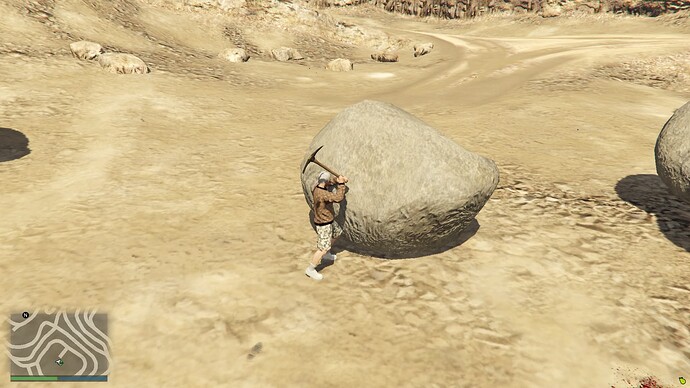
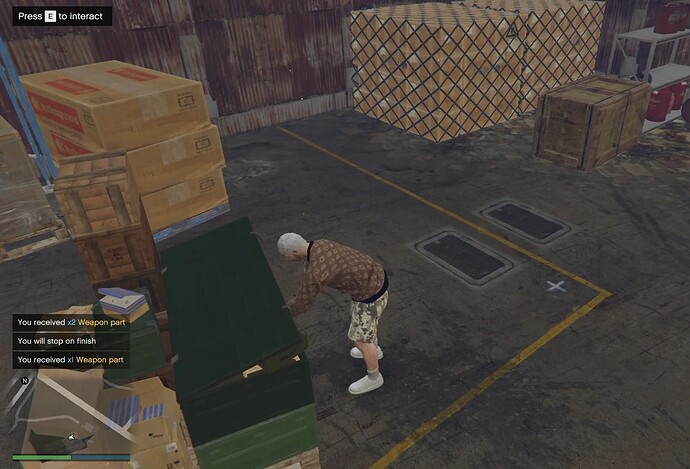


🌱 Seeds
Seeds feature will allow players to plant seeds everywhere in the map, allowing them to make the plant to grow
- You can easily create unlimited seeds which players will be able to plant anywhere in the map
- You can decide the maximum steepness for each seed (the max angle of inclination)
- You can decide how much space the seed must have above itself in order to be planted
- You can decide the minimum distance between each plant
- It’s possible to set which ground materials (grass, sand, etc.) are allowed for the seed you are creating
- Each ground material can change the time required for the plant to grow, for example it can take half of the time or double of the time
- It’s possible to customise the planting animation
- You can use any item as seed
- It’s possible to choose the minimum amount of police online in order to plant the seed
- You can add unlimited stages to the plant, each stage can have its own animation and its own required/reward items
- There is a easy command which will allow you to find out the ground material you are on, and also the
stepness of the current location (
/groundmaterial) - Anyone can burn the plants
🌾 Fields
Fields feature allows admins to decide areas where objects will spawn, allowing players to harvest them
- It’s possible to create unlimited fields
- Each field can spawn an object you decide
- It’s possible to configure the maximum amount of objects which will spawn at the same time in a field
- It’s possible to decide the radius of the area
- You can choose the object model that will spawn
- You can choose the animations you prefer for each field
- It’s possible to decide a minimum police online required in order to harvest
- It’s possible to choose which jobs/ranks are allowed to harvest in a field
- You can either decide if the location of the objects that will spawn is automatic or manual
- It’s possible to add unlimited required/reward items to each field
🚜 Farms
Farms will allow administrators to create easy interaction points with certain options, to give reward items to players
- It’s possible to easily create unlimited farms
- It’s possible to customise the animations
- It’s possible to add an object that will spawn and remain in the farm coordinates
- You can decide the allowed jobs which can use the farm
- You can decide the minimum amount of police required
- It’s possible to decide the real time when the farm spot will be active (Example from 2:00 to 7:00)
- It’s possible to force the player to use a generic vehicle
- It’s possible to require a specific vehicle
- You can add unlimited required/reward items
🛠️ Workbenches
Workbenches feature will allow admins to create spots where players will be able to work on multiple craftings. The workbench will show the required items and quantities
- It’s possible to create unlimited workbenches
- It’s possible to customise the animations
- It’s possible to add an object in the workbench spot
- It’s possible to decide a minimum police required to use the workbench
- It’s possible to decide the allowed jobs/ranks
- You can create unlimited craftings in each workbench
- You can use a custom label for each crafting, or you can leave it empty, in that case the workbench will show the label and the amount of the reward items
- For each crafting it’s possible to add unlimited required/reward items
⚒️ Foundries
Foundries feature will allow admins to create secret formulas, that will improve your server RP, forcing players to know the formula, learning it through RP
- It’s possible to make the foundry to explode in case someone uses a wrong formula
- It’s possible to alert the police when the player uses a wrong formula
- It’s possible to require a minimum amount of police online
- It’s possible to add an object in the foundry coordinates
- You can choose the allowed jobs you prefer
- You can create and use unlimited formulas in each foundry
- It’s possible to decide if players will “learn” the formula after they use it, this means that after 1 time the player used a formula, he will be able to quickly re use it, without inserting each item manually again
- Each formula can have its own animations
- The formulas can also have a “probability of failure”, if you enable it, the formula craft can fail even if the ingredients are correct
- Each formula can produce smoke, and you can decide the color
Other
- Discord logs
📊 Resmon
When idle:
When close to something to interact with
When asked to interact (very close to something)
🛠️ Installation
The installation is extremely easy, check here
How to add ACE permission?
You should place this in server.cfg, and editing it with your license
add_ace group.admin farming_creator allow # Add permission to group

# Can also be identifier.steam:steamid
add_principal identifier.license:1260e6efd3271584d7ed05n45cbf41575252acbc group.admin # Add player to the group
If you didn’t add the permission, the farmingcreator command will show you exactly what you need to copy paste in server.cfg, with your license included!
Requirements
- ESX or QBCore depending on what version you use
Information
The script uses the FiveM asset escrow system
💬 What customers say about
🗣️ What our customers say
Vehicles keys
Showcase Video Click to watch the script in action here!
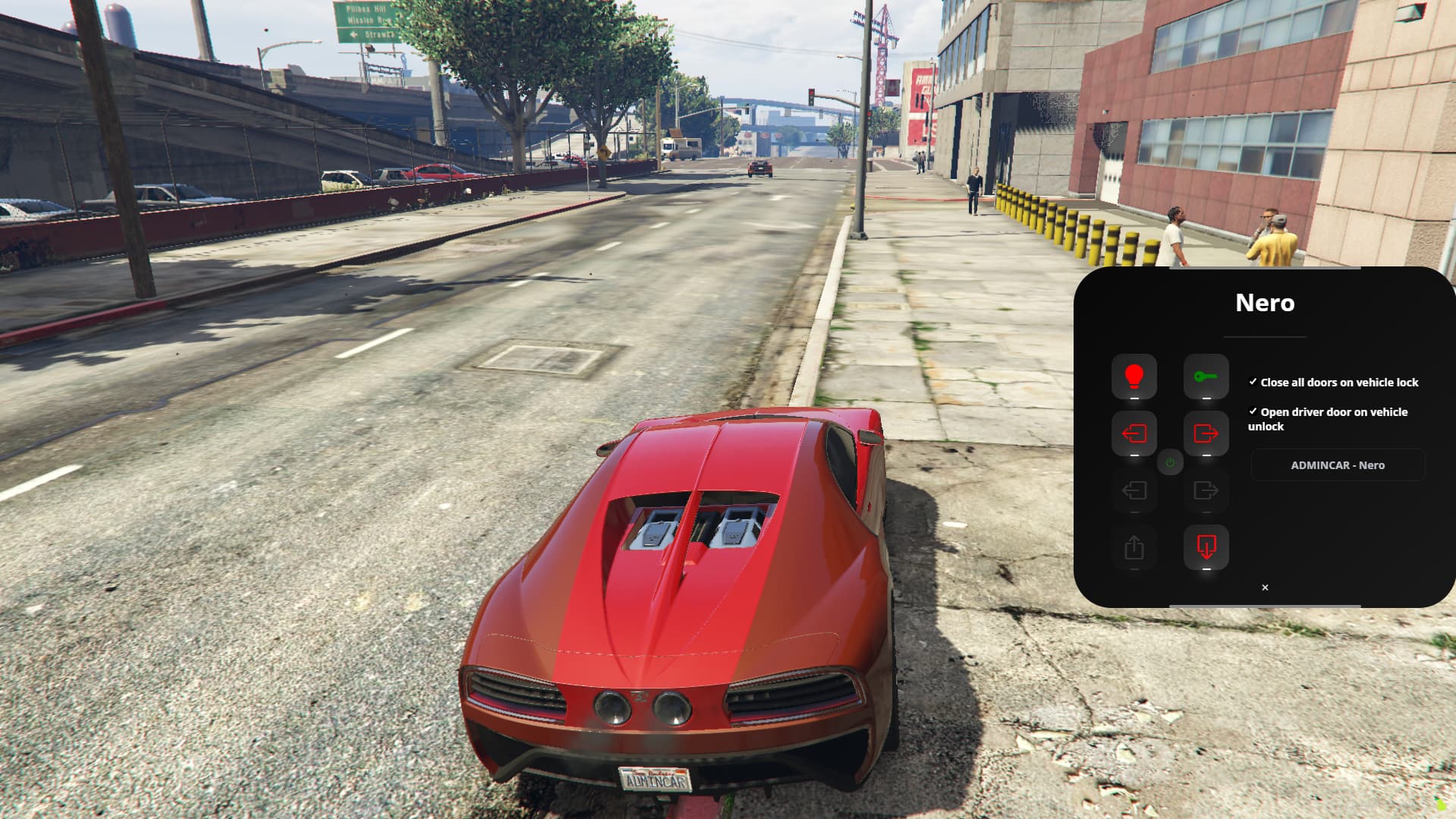
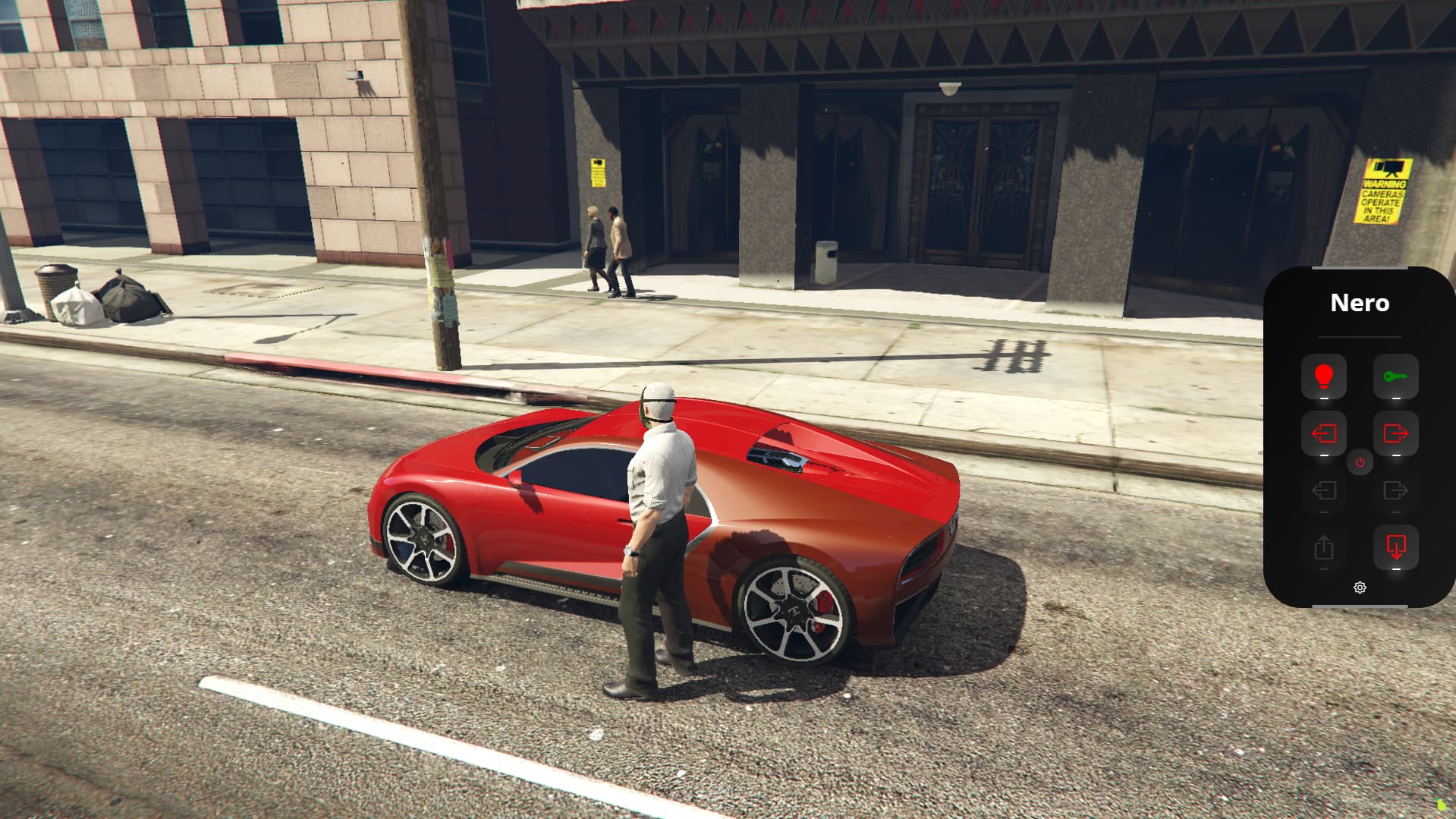
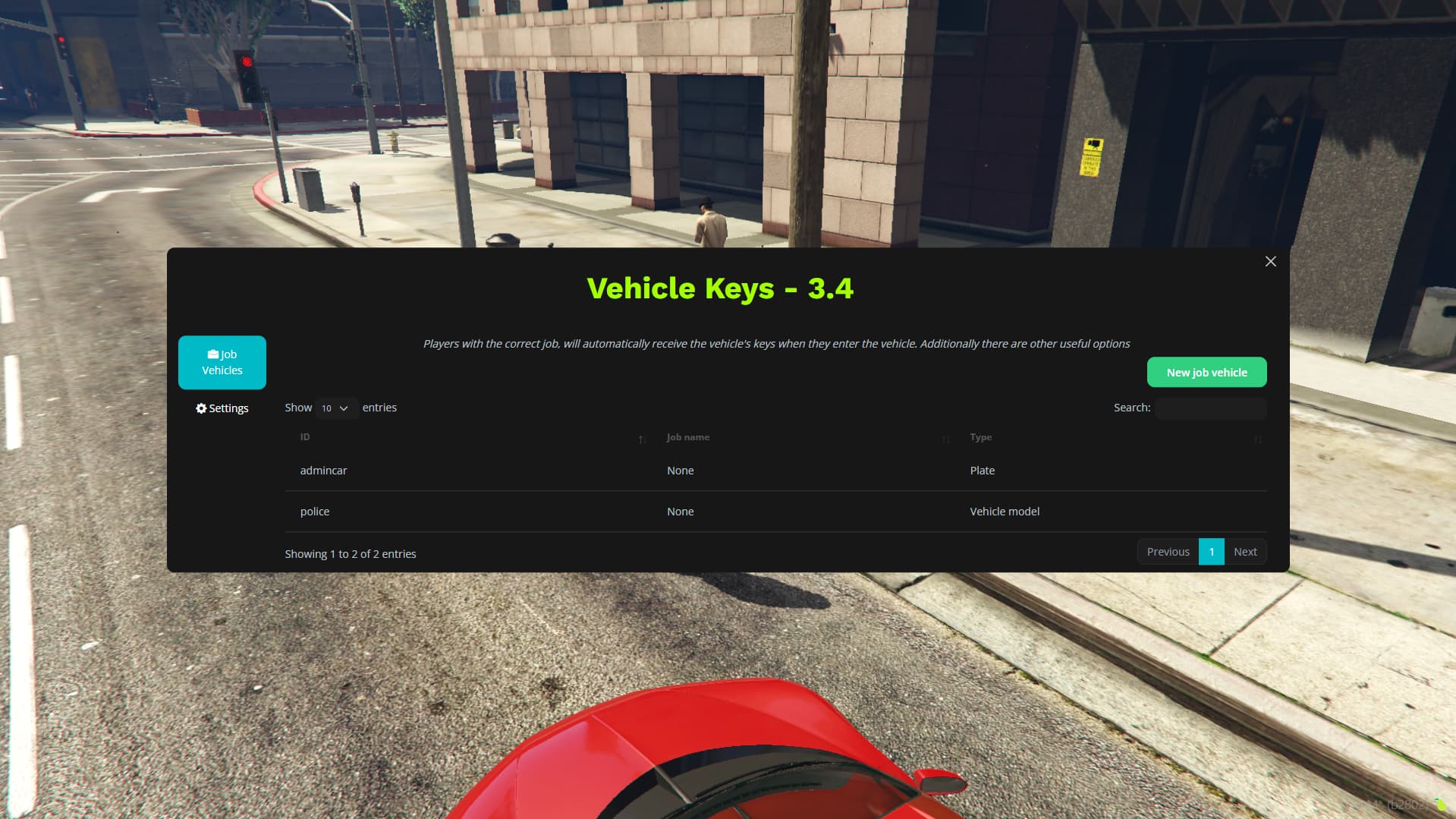
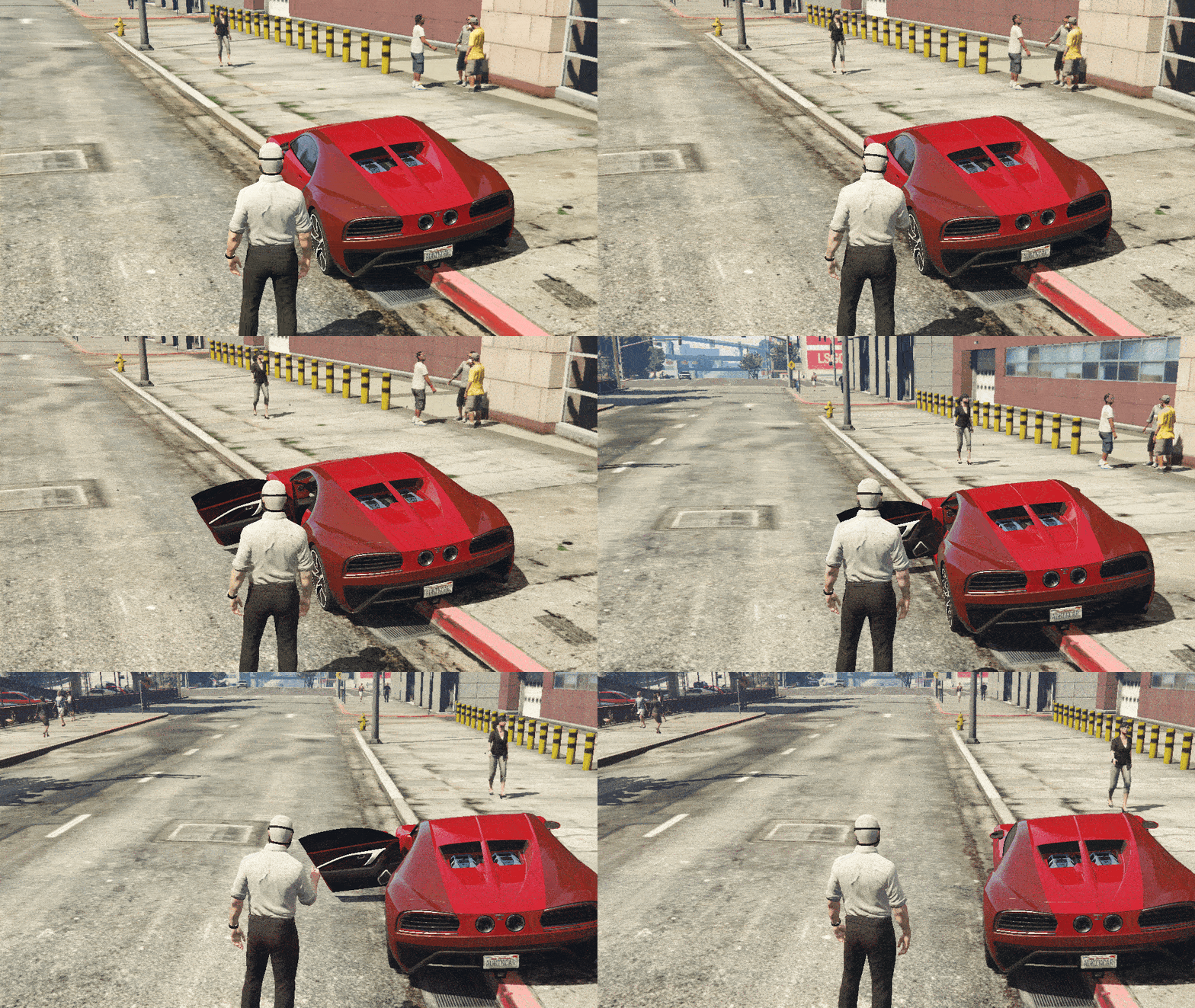
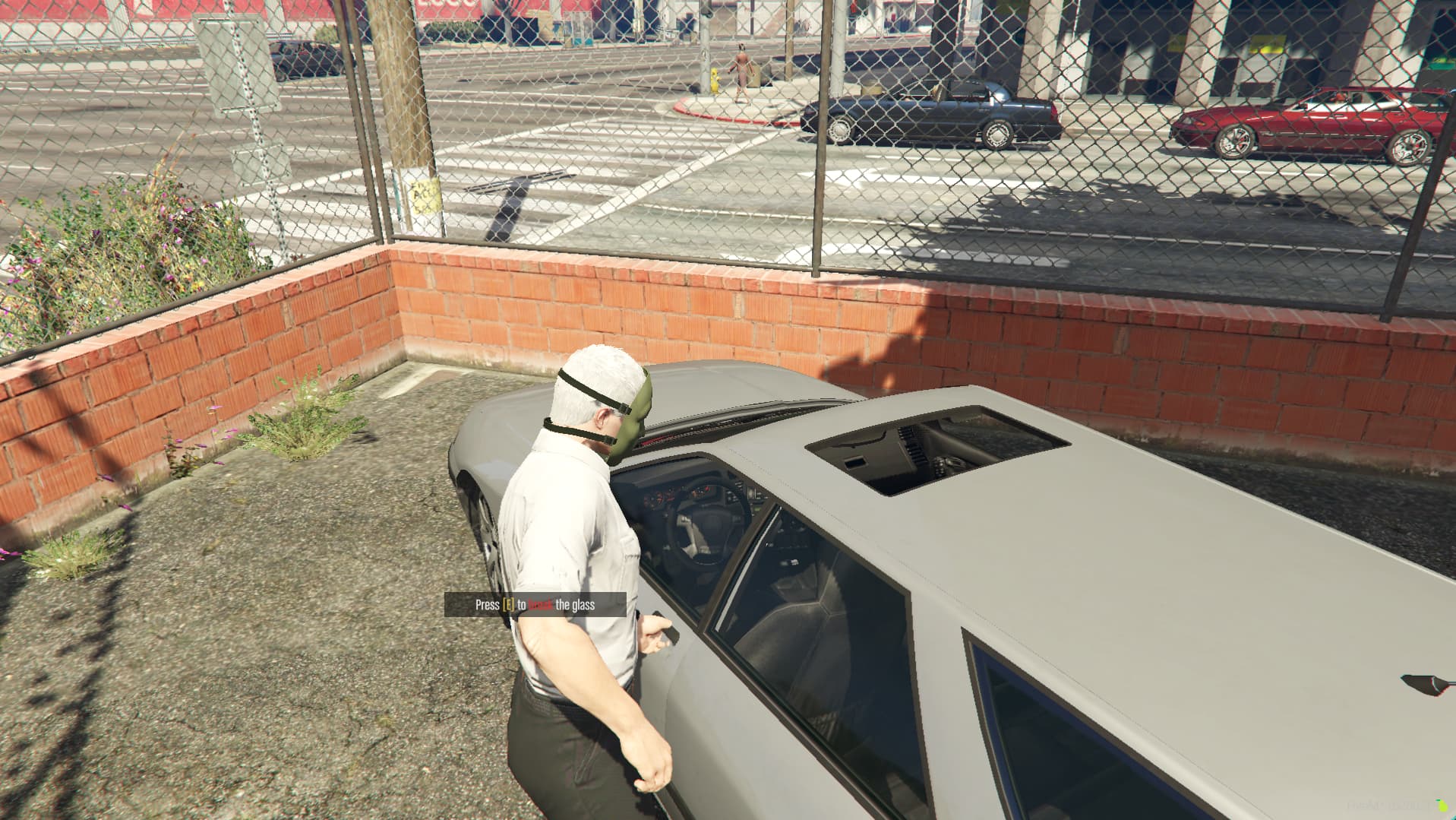

🌍 Current included languages (easy translatable)
- English
- German
- French
- Spanish
- Italian
- Portuguese
- Polish
🔒 Generic
- Lock/Unlock owned vehicles by pressing U hotkey (can be edited)
- Nice UI to remotely control the vehicle doors, the engine and the lock status (more informations below)
- The remotely controlled vehicle can be chosen in the menu, so you can use the remote control for multiple vehicles
- Players can decide if all the doors of the vehicle will be physically closed when the vehicle is locked or not (admins can disable this feature)
- Players can decide if the driver door of the vehicle will automatically open when he unlocks the vehicle (admins can disable this feature)
- in-game UI admins menu with features described below
- The player won’t automatically break the locked vehicles window (for example parked NPCs vehicles), now he will be able to do it manually by pressing “E” when a prompt asks him if he really wants to do it, avoiding issues in RP situations
- When players are trying to open a locked vehicle and the owner of it unlocks it, they won’t destroy the vehicle window as it was happening for certain car lock scripts
- If a player doesn’t have the keys of a vehicle, to be able to power the engine on he will need to hotwire it
- If the driving player of a vehicle doesn’t have the keys of the vehicle, when leaving the vehicle he won’t turn off the engine, so he won’t have to hotwire it again
- Players can install alarm on their owned vehicles (more informations below)
- Players can sell their vehicles to each other through a contract
🎮 Remote control
- Nice UI (special thanks to @Rohdiamant)
- Easily openable by double clicking the hotkey to toggle the vehicle lock (default is U)
- The current state of the vehicle lights will be shown
- The vehicle can be locked/unlocked (also have hotkey to do that)
- The doors of the vehicle can be opened/closed separately
- The trunk can be opened/closed
- The hood can be opened/closed
- Can power on and power off the vehicle’s engine
- There is a setting tab where the player can customize his preferences about the automatic doors opening/closure features
- In the settings there is a list containing the available vehicles the player can choose and control
- When a door is physically closed, the icon will be red, and when the door will be phyisically opened, the icon will be green, allowing the player to know if a door is opened or not from far distance
🛠️ Admin menu
- in-game UI menu openable with /vehicleskeys command
- The admins can define job vehicles plates, so all players with a defined job/grade will automatically have the keys of a vehicle with the specificed plate (for example “POLICE” plate for cops)
- The admins can define job vehicle models, so all players with a defined job/grade will automatically have the keys of a vehicle model (for example you can set that all members of “ballas” job have the keys of ghetto vehicles)
- The admins can decide if a job vehicle (both for plates and models) are restricted to job members only, so if someone doesn’t have the correct job, he will automatically leave the vehicle (for example you can restrict military vehicles)
🔒 Car lock
- Animation editable from the admins menu
- Vehicles can be unlocked/locked both from UI and in a faster way by using the hotkey (default is U, can be changed)
- Annoying issue that used to happen with older car lock scripts where players destroy the vehicle window, doesn’t happen, please check the demonstration
⚡ Hotwire
- Unowned vehicles will need to be hotwired to power the engine on
- Hotwire can be enabled/disabled in the admins menu
- Hotwire animation can be edited in the admins menu
- Hotwiring time can be edited in the admins menu
🚨 Alarms
- Alarms as usable items, players can use them close to their car to install them easily
- The time to install the alarms can be edited in admins menu
- 4 different alarms levels/types:
- Level 1 alarm: This alarm will start the acoustic alarm of the vehicle, the duration of it can be defined in admins menu
- Level 2 alarm: This alarm will notify the owner of the vehicle that his vehicle is being stolen, telling him the location of the vehicle when the alarm started
- Level 3 alarm: This alarm will tell to the vehicle owner the location of its vehicle for the duration admins decide, so this is an radar alarm
- Level 4 alarm: This alarm will work as the level 3 alarm, but alerting also the police
- You can add the alarms items anywhere you prefer to (for example in shops)
🔑 Cars keys list
- The vehicles keys menu list can be opened with the default hotkey
,(the comma) - The player can give the owned car keys to the closest player
- The player can throw the temporary keys he doesn’t want to use anymore
- The player can switch the vehicle lock, so players who have received a copy of the key won’t be able anymore to lock/unlock the car
🔓 Lockpick
- Allows to open locked vehicle, this differs from destroying the vehicle window because with a lockpick, the alarm will start only after the vehicle is hotwired
- Can choose the item name in admins menu
- Can choose if losing the item or not
🔥 Engine hotkey
- The engine can be turned off or on quickly with an hotkey (default is G, editable from admins menu)
🛠️ Jobs Creator integration
The script already has integration for Jobs Creator script, so it won't need any manual integration
📚 Documentation
You can find the script documentation here
⚙️ Resmon
Client side while idle

Server side while idle

📥 Installation
- Download the script.
- Extract wherever you want into your resources.
- Add
ensure vehicles_keysin your server.cfg
ℹ️ Information
The script uses the FiveM asset escrow system
🔧 Requirements
- ESX or QBCore depending on the version you choose
- A database and a script like mysql-async or oxmysql
- baseevents script (default from FiveM resources, you probably already have this)
- Onesync enabled
- menu_default (is in installation tutorial)
💬 What customers say about
🗣️ What our customers say
Shops Creator
This script will allow server owners to easily and quickly create admin shops and player owned shops in any map they want, through an easy in-game menu. There is a beautiful UI that also players will see when interacting with the shops. There are also many other features listed below
Showcase Video Click to watch the script in action here!
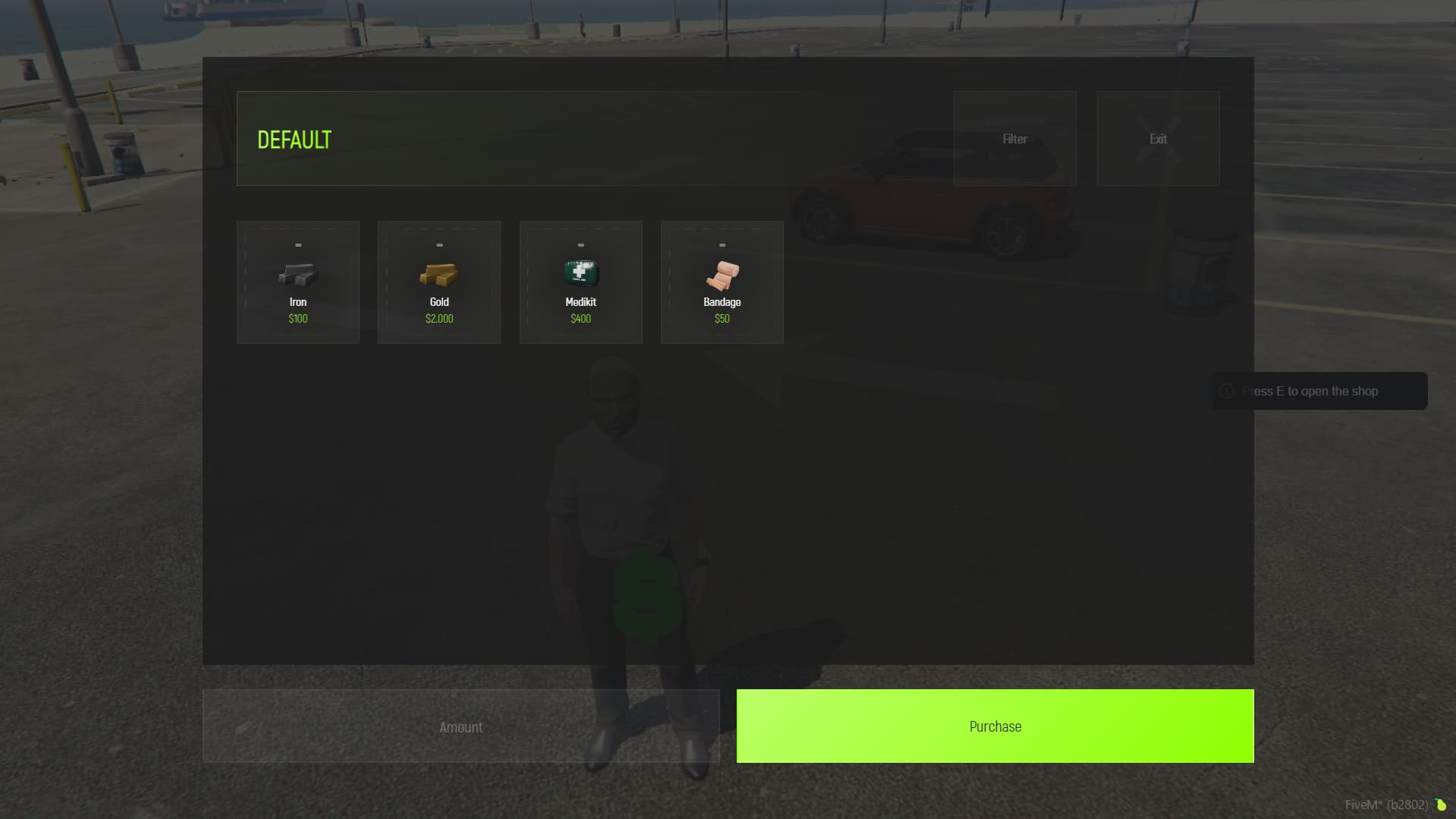
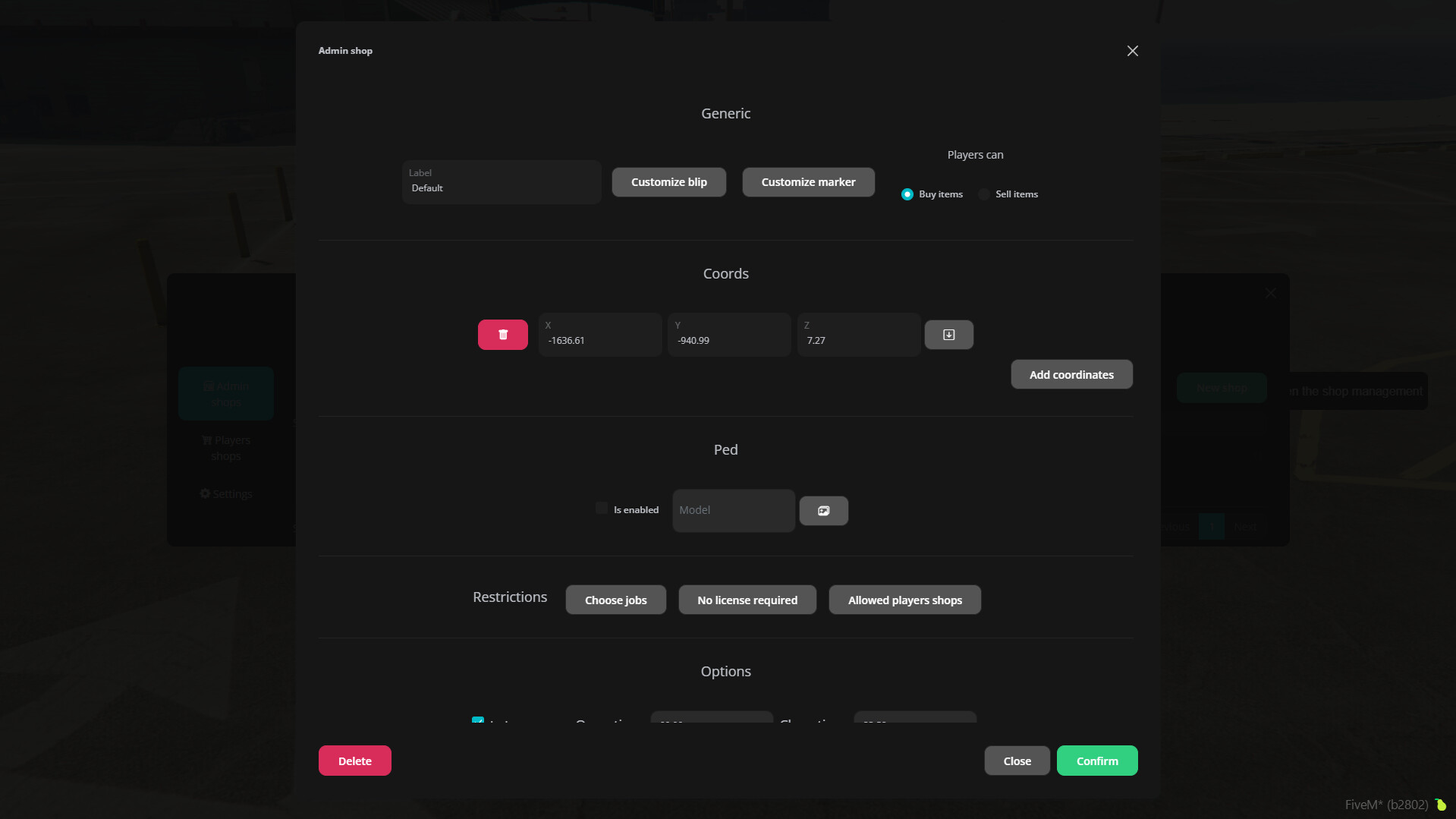
🔥 Why Shops Creator?
- Easy to Install: Minimal setup time, drag and drop installation
- Create New Shops in Minutes: No more wasted hours
- Your players will love you: A player can mange his own store? Amazing!
- Versatile: Compatible with both ESX and QBCore
- Multi-Lingual: Choose the language that fits your server. Adding new languages is simple
🌐 Supported Languages
Make your server globally friendly. Easy language addition.
See All Supported Languages
- English
- German / Deutsch
- Italian / Italiano
- Spanish / Español
- Polish / Polski
- Dutch / Nederlands
🛡️ Admin Shops
Automated shops, where players can sell and buy items
- Easily create unlimited amount of shops
- You can decide if players can sell or buy items from the shop
- You can choose the allowed jobs and grades to access the shop
- You can choose the time when the shop is opened/closed (for example you can make the shop opened only in the morning)
- You can add unlimited items/weapons to the shop, with a minimum and maximum price for each one
- Each object can use a different account (cash, dirty money, etc.)
- You can decide after how many minutes the prices of all objects will be updated (between their minimum and maximum prices). This allows you to have a dynamic market
- For shops that sell items to players, you can set that when a player buys something from the shop, the money will be deposited in societies accounts, useful for example in import/export job (example, 50% of money goes to police and 50% goes to FBI)
- For shops that sell items to players, you can set that when paying, the player will use society money instead of his own ones. This can be useful for example in the police job armory
- For shops that buy items from players, you can set that a specific society will pay the player, and when the society doesn’t have money, the player can’t sell (for example import export that will automatically pay people who sells iron)
🛒 Players owned shops - Admin side
You can setup player's owned shops in many ways
- You can create unlimited player owned shops
- You can decide the price for each shop
- You can choose the resell percentage
- You can decide if the shop owner has the permission to change the shop name
- You can choose what doors the shop owner will automatically be able to lock/unlock
- You can decide if the shop is able to: Buy items, sell items or both
- You can specify the shop coordinates (where the players can buy items) and the management coordinates (where employees can handle the shop)
- You can decide if the shop is allowed to manage or not items
- You can decide if the shop is allowed to manage or not weapons
- You can limit the objects that the shop can handle, for example you can specify a whitelist (so players can only handle those objects), or a blacklist (so players can handle every object except those ones)
🛒 Players owned shops - Management side
Look at what shops' owners can do!
- Owner of the shop has permission to do everything
- Each employee can have different permissions (adding objects on sale, withdrawing money, depositing, etc.)
- It’s possible to add objects on sale, specifying the price for each one
- It’s possible to add objects on “to buy list”, so players will be able to sell objects to the shop, and the shop will receive the objects in its storage
- It’s possible to directly deposit items in the shop storage (to put them on sale later for example)
- It’s possible to update the price of on sale objects
- It’s possible to remove objects from sale
- It’s possible to easily add stocks to the objects on sale
- You can **remove objects from “to buy list”
- You can update the wanted quantity of objects of “to buy list”
- You can withdraw objects from storage
- You can add on sale from storage
- It’s possible to toggle the shop status (opened/closed)
- The owner can hire new employees and manage the permissions of hired people
- It’s possible to deposit/withdraw money in the shop
💰 Players owned shops - Robbery
Player's shops can even be robbed!
- Players can rob owned shops stored money
- You can choose if the reward type it’s a percentage or a fixed value of the stored money
- You can choose the reward account
- You can choose a robbery cooldown time so players can’t rob the same store over and over
- The robbery cooldown it’s saved also after server restart
🔍 Other
- You can use “filters” to show only items in specific categories you can create (food only, weapons only, etc.)
- Discord logs for all actions
📄 Documentation
You can find the script documentation here
⚡ Resmon
When idle

When close to shop

⚙️ Installation
The installation is extremely easy (basically just drag and drop), you can check the READ_ME.txt file for it
⚙️ Requirements
- ESX or QBCore depending on the version you use
- Cracking safe script (Credits to VHall1 ) used in shops robberies
- Doors Creator only for doors related stuff, all other features can be used without it
💬 What customers say about
🗣️ What our customers say
Blips Creator
✔️ ESX ✔️ QBCore ✔️ Custom Framework
This script allows players to create their own blips, and allows administrators to easily create global blips
Showcase Video Click to watch the script in action here!

🔥 Why Blips Creator?
- Easy to Install: Minimal setup time, drag and drop installation
- Create New Blips in Minutes: No more wasted hours
- Your players will love you: A player can create and share his own personal blips (can be disabled)!
- Custom sprites: Replacing default blips icons has never been easier, you can do it in less than a minute!
🌟 Features
Blips Creator capability is insane!
- Players can create, edit and delete their own blips very easily
- Blips can be placed in the map without knowing any coordinates, or if you prefer, you can use coordinates too
- Players can share their blips with anyone
- Administrators can create, edit and delete global blips, which will be seen by all players
- All blips can be hidden by the players, so if they prefer not seeing a blip that can be done easily
- More than 500 icons can be used for the blips
- All the blips can have a custom color
- Blips can be shown in main map, minimap or both
- Blips can be duplicated easily, so you can create multiple copies of a blip but in different locations
- Standalone
🌟 Blips types
You choose what you want!
- Coordinates Blip - The player can choose the blip icon from hundreds of icons
- Radius Blip - This blip will be a circle with radius defined by the player
- Area Blip - This blip will be an area with customizable width and height
⚙️ Installation
Amazingly easy to install!
- Download the script
- Extract wherever you want into your resources
- Add SQL file to database
- Add ensure blips_creator in your server.cfg
⚙️ Installation
The script uses the official FiveM escrow system
💬 What customers say about
🗣️ What our customers say
Trackers Creator
This script will allow admins to easily create trackers to allow players with specified jobs and/or items to see each other in the map. Additionally players can have private trackers where they can specify the frequency
Showcase Video Click to watch the script in action here!
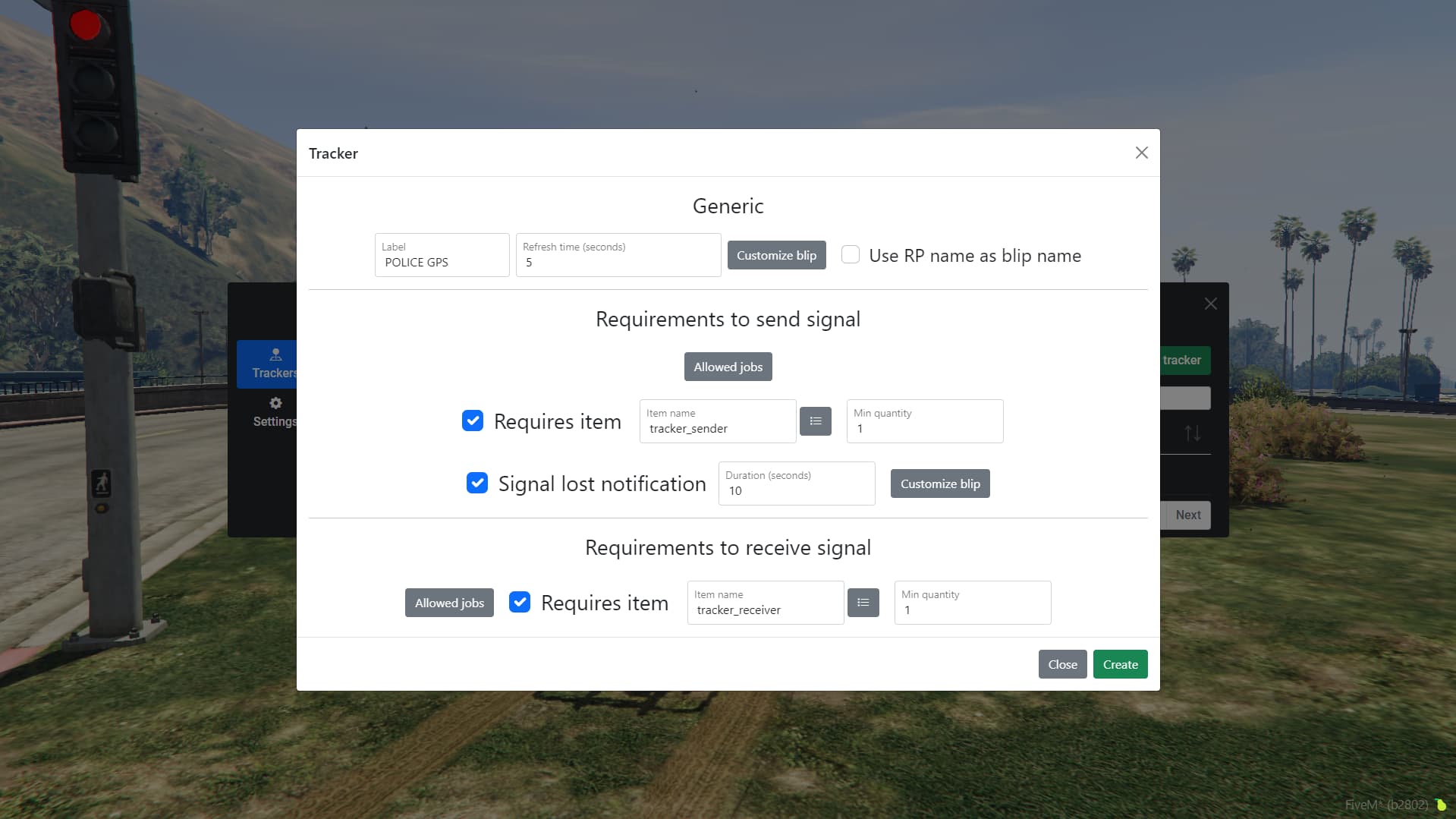
🔥 Why Trackers Creator?
- Easy to Install: Minimal setup time, drag and drop installation
- Create New Trackers in Minutes: No more wasted hours
- Add realism in your server: Jobs will be able to have their own GPS
- No metagaming: Setup an item for the GPS, and when removed the player will disappear from the map
🌐 Supported Languages
Make your server globally friendly. Easy language addition.
See All Supported Languages
- English
- German / Deutsch
- French / Français
- Spanish / Español
- Italian / Italiano
- Hungarian / Magyar
🗺️ Trackers
You can have many trackers for each job. You choose!
Having separate requirements in send/receive signal, allows you to create special trackers, for example a tracker where all the cops sends the signal, but only the police chief receives it
- Admins can create unlimited amount of trackers
- Each tracker can have its own refresh time
- Each tracker can have its own blip customization
- You can decide to use the players RP name as the blip name
- You can decide what job/rank the player must have to send the signal
- Trackers which requires a job can have a panic button which allows the colleagues to receive a notification for help
- You can decide what item the player must have to send the signal
- You can enable a notification in case the player loses the required item, alerting all the colleagues
- You can customize the signal lost notification blip
- You can decide what job/rank the player must have to receive the signal
- You can decide what item the player must have to receive the signal
🚨 Panic button
Panic button will allow people in danger to alert their colleagues easily
- You can enable/disable the hotkey (default “j”)
- You can decide if activating the panic button will emit a sound or not
- You can customize the duration and the blip
🔒 Private trackers
Private trackers are a useful feature which players without any particular job can use
- You can enable/disable the feature
- You can use RP names of the players as blip name
- You can customize the blip
- You can decide which item will be usable to choose and set the frequency
- All players in the same frequency will see each other, useful for friends
- Players last frequency will be saved even after rejoin
💬 Discord logs
Private trackers are a useful feature which players without any particular job can use
- Logs for panic button activation
- Logs for signal lost
- Logs when players sets a new private frequency
⚙️ Installation
The installation is extremely easy, check here
📝 Information
- The script uses the FiveM asset escrow system
- Due the nature of the script which refreshes the players blips server side, the script can be quite resource consuming depending on how you configure it, check here to improve the performance
💬 What customers say about
🗣️ What our customers say
Easy Allowlist & Queue
✔️ ESX ✔️ QBCore ✔️ Custom Framework
This script will make extremely easy to whitelist players, create queue priorities and reserved slots very easy from an in-game menu. This also works connected to discord roles
Showcase Video Click to watch the script in action here!

🔥 Why Easy Allowlist?
- Easy to Install: Minimal setup time, drag and drop installation
- Easily whitelist your players: No time wasted
- Queue priority: Admins or premium players first!
- Reserved slots: Admins will always have space to join
✅ Allowlist
- Can be enabled/disabled
- Players who aren’t in the allowlist will have the possibility to send the allowlist request
- Server admins can easily accept the player allowlist directly from the in-game menu
- Can use as main identifier Steam / Rockstar license / Discord
- Can use a Discord role you decide to allow players to get in the server
- When an admin accepts a player allowlist request, if the main identifier used is Discord, it will automatically give the allowlisted role on Discord to the player
- When an admin removes a player from the allowlist, if the main identifier used is Discord, it will automatically remove the allowlisted role on Discord from the player
- New users can easily join your Discord server through the “Join Discord Server” button
⌛ Queue
- When a player connects, if the server is full he will be placed in a queue so he can be informed on his queue current position and the time elapsed
- Queue can have different priorities (will be explained later)
- Queue can have reserved slots (will be explained later)
- If a player crashes when playing, he will be able to join the queue with a higher priority (you can decide how many minutes the player has to reconnect and what priority to add to him)
- You can set a minimum time before players can join after the server starts, so your server can load properly
⌛ Queue priority
- Players with a higher queue priority will connect before other players in case there is a free slot
- You can easily create a queue priority for a specific player (Example: server owner)
- You can easily create a queue priority for a Discord role, so all players with that role on Discord will have the role priority as well (Example: admins)
- Different priorities will be summed, to allow the player to have an higher priority in case he deserve an higher priority. Example:
- Player specific priority = 10
- Discord role “Admin” priority = 20
- Discord role “Police” priority = 5
Final player queue priority: 10 + 20 + 5 = 35
- You can edit the previously created player/roles priorities
- You can delete the prieviously created priorities
🔐 Reserved Slots
- You can create reserved slots, to ensure that specific players / roles will always able to connect
- You can easily create a reserved slot for a specific player
- You can easily create a reserved slot for a Discord role (defining how many slots will be reserved for that slot)
- You can edit reserved slots previously created
- You can delete reserved slots previously created
- If a player is in different roles that have a reserved slots, the role with more free spaces will be used
🎉 Discord Features
- You can enable the discord features to make your job easier
- You’ll be able to use the allowlist role
- Allowlist role will be automatically gave/removed
- You’ll be able to use reserved slots based on Discord roles
- You’ll be able to use queue priority based on Discord roles
⚙️ Installation
- Download the script.
- Extract wherever you want into your resources.
- Add ensure easy_allowlist in your server.cfg
- Enable discord features (easy tutorial)
⚙️ How to allowlist myself?
You can simply send the allowlist request, and to accept it from server console by using the command add_allowlist YourRequestId
📝 Information?
The script uses the official FiveM escrow system